
By the tiswa editorial team, from the official sources listed at the end of this guide. How we write our guides
Say a student walks into the registration office at Hafr Al Batin and says she wants to change section. The first question back is whether she has filled in the form. That is when she learns that every request has its own piece of paper. This guide introduces the forms the deanship publishes and when each one is needed.
Which registration forms does Hafr Al Batin University publish?
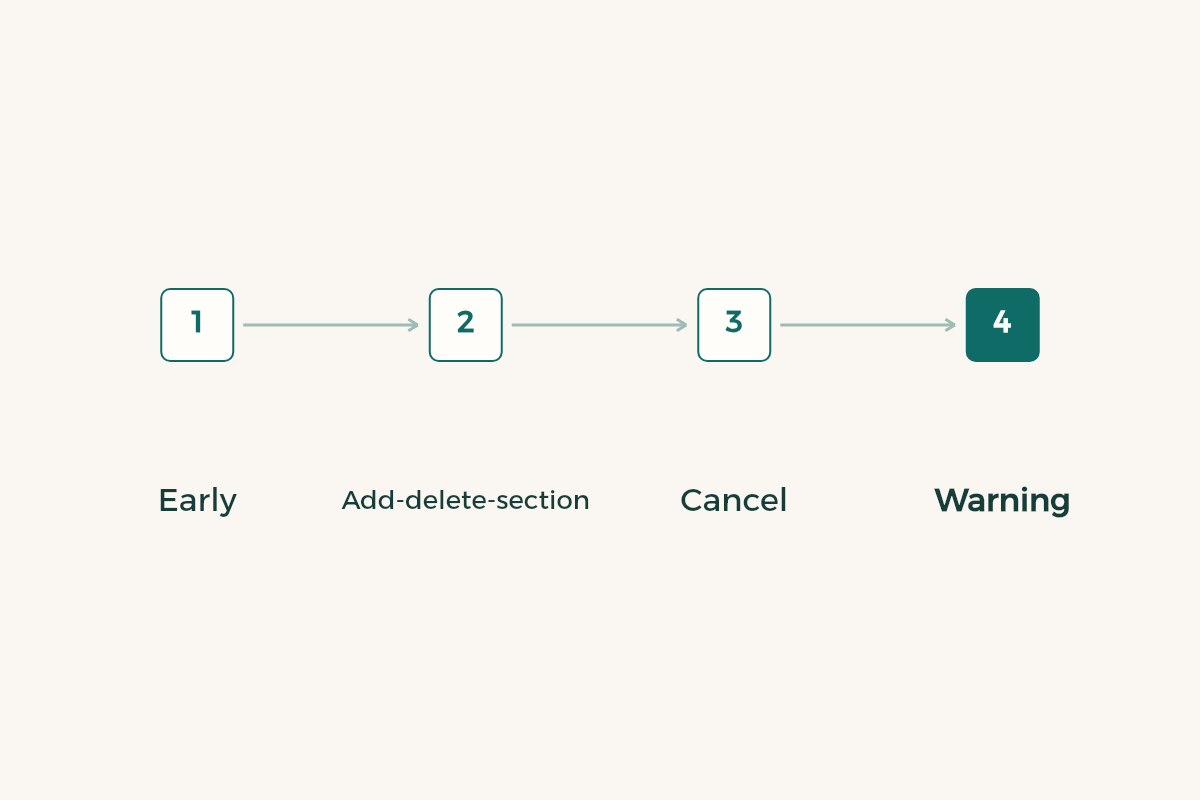
The Deanship of Admission and Registration page has a forms section, and the course-related forms are each marked “valid”: the early registration form, a form to add a course, delete a course or change a section, a form to cancel a course or section, and a mid-semester warning form.1 Other forms cover transfer to another university, a graduation announcement and a student academic appeal.1
| Need | Published form | When to think of it |
|---|---|---|
| Reserve courses before the term | Early registration form | Before the normal registration opens |
| Change your timetable | Add a course, delete a course, change section | Early in the term, inside the announced period |
| End a section | Cancel a course or section | When you decide not to continue it |
| A warning about your performance | Mid-semester warning form | When your department tells you about it |
| Move to another university | Transfer form | After reading the transfer guide |
This is a reading of what the deanship page shows, and forms get updated. The one marked valid is current when you read it, so download it from the site and not from a picture a friend sent.
How do you sign in and prepare your request?
The university points to a Microsoft 365 account for its mail and productivity apps, and links to a password reset page, a login page and a service directory.2 Microsoft also publishes a password reset page for work and school accounts.3 If you forget the password, start there before writing to anyone.
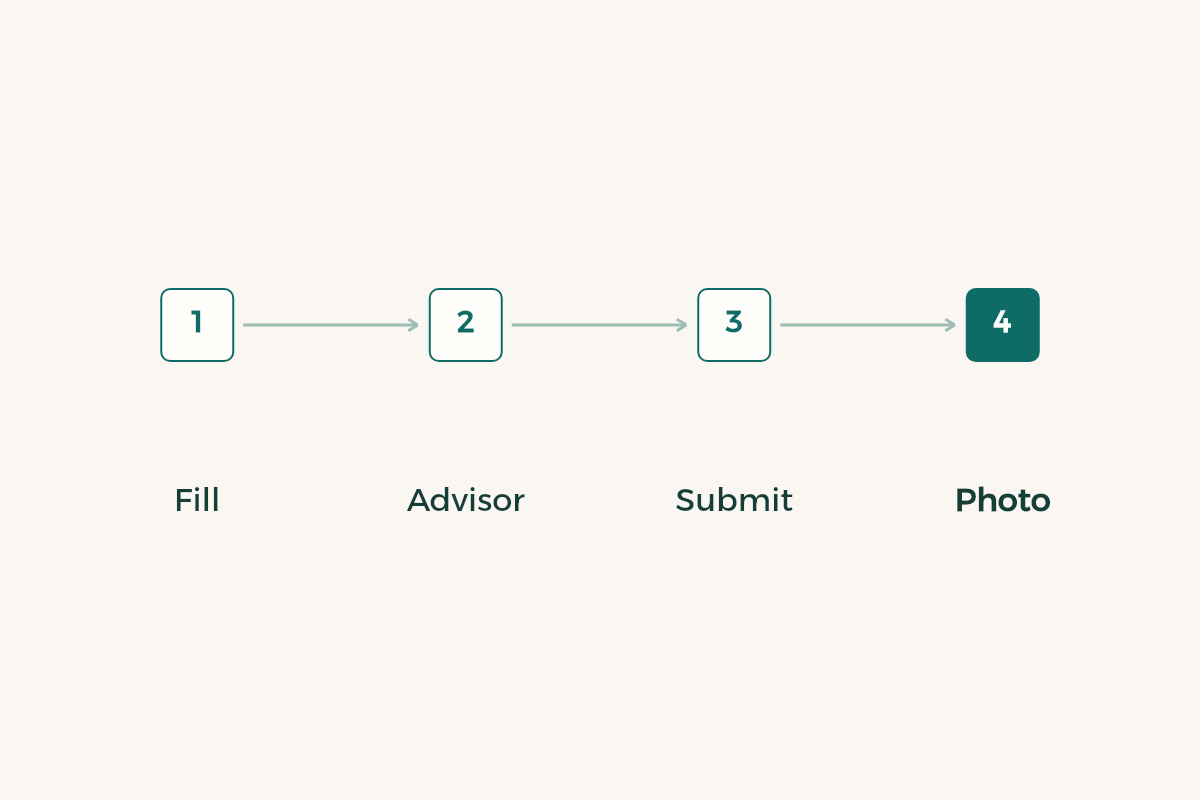
- Open the deanship page
Find the forms section and choose the form that matches your need. Look for the “valid” mark.
- Read the whole form
It tells you what to supply: student number, course code, section number and the reason.
- See your advisor
Show them the change. They may tell you a different course fits better or the section you want is full.
- Submit by the announced route
Ask your department or the deanship where forms are handed in. Do not assume.
- Keep a copy
Photograph the signed form. It is your proof if the request gets lost.
These steps describe the general method. Your department and the deanship decide how forms are submitted in your case.
When does add and drop open at Hafr Al Batin University?
The deanship page we checked shows no fixed date for add and drop, because the university sets the period each semester. Ask the deanship or your department, and open the deanship page at the start of term to see whether there is a notice. Do not rely on a date from an earlier semester.
If your decision is a withdrawal from the semester rather than a timetable tweak, read the guide to semester withdrawal before you hand over any paper. And if you are thinking of moving your file to another university, the transfer guide can save you a credit-recognition mistake.
What does a mid-semester warning mean?
The deanship publishes a form named “mid-semester warning”, and the name suggests a notice to a student about a struggling course before the term ends.1 The page says nothing more, so ask your department what follows in your case. If a warning reaches you, act in the same week: see the lecturer, review what you missed, and read the guide to academic probation.
For practical recovery follow the steps in raising your GPA, and if you need a course to make up the term, the summer semester guide may help.
What mistakes keep happening with registration forms at Hafr Al Batin?
The first is downloading a form from a chat. The one you received may be old, and the deanship page marks the current forms “valid”. The second is leaving a box empty: the section number, the course code or the reason. An incomplete form comes back a week later, and that week may be all that was left of the add and drop period.
The third is handing in the paper and forgetting to follow up. Ask after two days whether the request went into the system and open your schedule to see if it changed. If it did not, take the copy you photographed to your department. The fourth is writing a vague reason such as “special circumstances”. Whoever reviews the request needs a reason they can understand, so write two plain lines about what happened.
At a university with several colleges spread across a region, time is lost when you do not know where to hand a form in. Ask student affairs in your college once, early in the term, and write down the answer: the office, the floor and the person. On the crowded day you will know where to go.