By the tiswa editorial team, from the official sources listed at the end of this guide. How we write our guides
The night registration opens, a student posts in the cohort group that the link has changed, and three people answer with three different links. One leads to the university portal. The other two come from nowhere in particular. The scene is illustrative, yet it repeats at every university, and the first rule of Taibah University course registration is plain: enter from the university website itself, read the date from the calendar published there, and ignore what circulates in chats.
How do you register for courses at Taibah University?
The university describes the Academic System Portal for Students as an electronic system that helps students complete academic transactions. Its listed services include adding and dropping courses, viewing the academic schedule, printing reports, and checking grades, attendance and absences.1 The Deanship of Admission and Registration provides it free. Students sign in with a university number and password and need a university account and an internet connection. For a screen-by-screen walk through, the page points to a portal guide attached to it, so open that guide before the window and read it once without pressure.
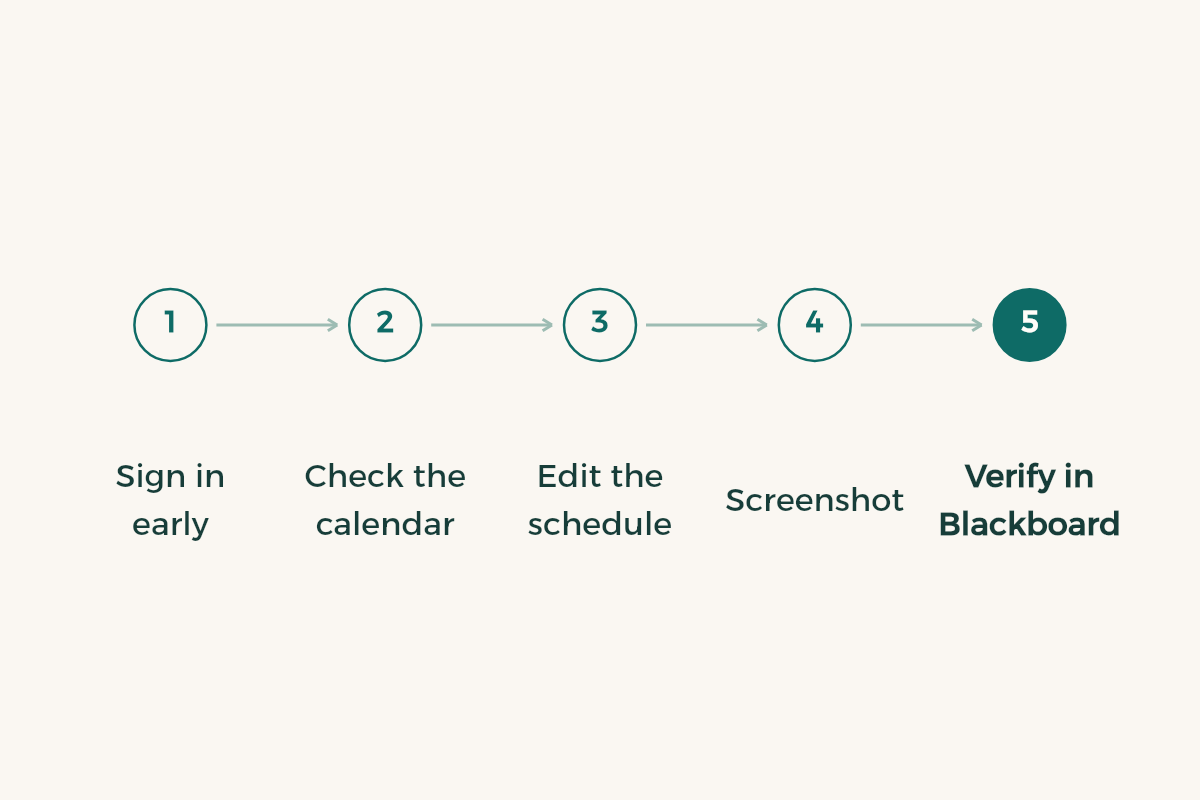
- Open the university site yourself
Type the address in the browser or enter through the official student services page. Do not tap a link that arrived in a message.
- Test your sign-in early
Enter your university number and password a week before. If it fails, contact support before the rush.
- Check the academic calendar
Find the add/drop window for your semester and set a phone reminder for the day before.
- Edit your schedule in the portal
Add courses from your study plan, drop the ones that do not fit, then reopen the schedule.
- Screenshot the result
Keep an image of the schedule after your changes. It is your reference if a dispute appears later.
Where do you find the add and drop dates?
In the academic calendar the university publishes under its admission and study section. The portal page itself says students must meet the academic deadlines set by that calendar, which makes the calendar the only source for dates.2 That is why this guide names no day and no week. The calendar changes from semester to semester, and what held last term may not hold now. Open it at the start of the term, copy the dates that concern you into your phone, and never take them second-hand. Our guide to the Taibah academic calendar shows how to read it.
How do you prepare your course plan before registration opens?
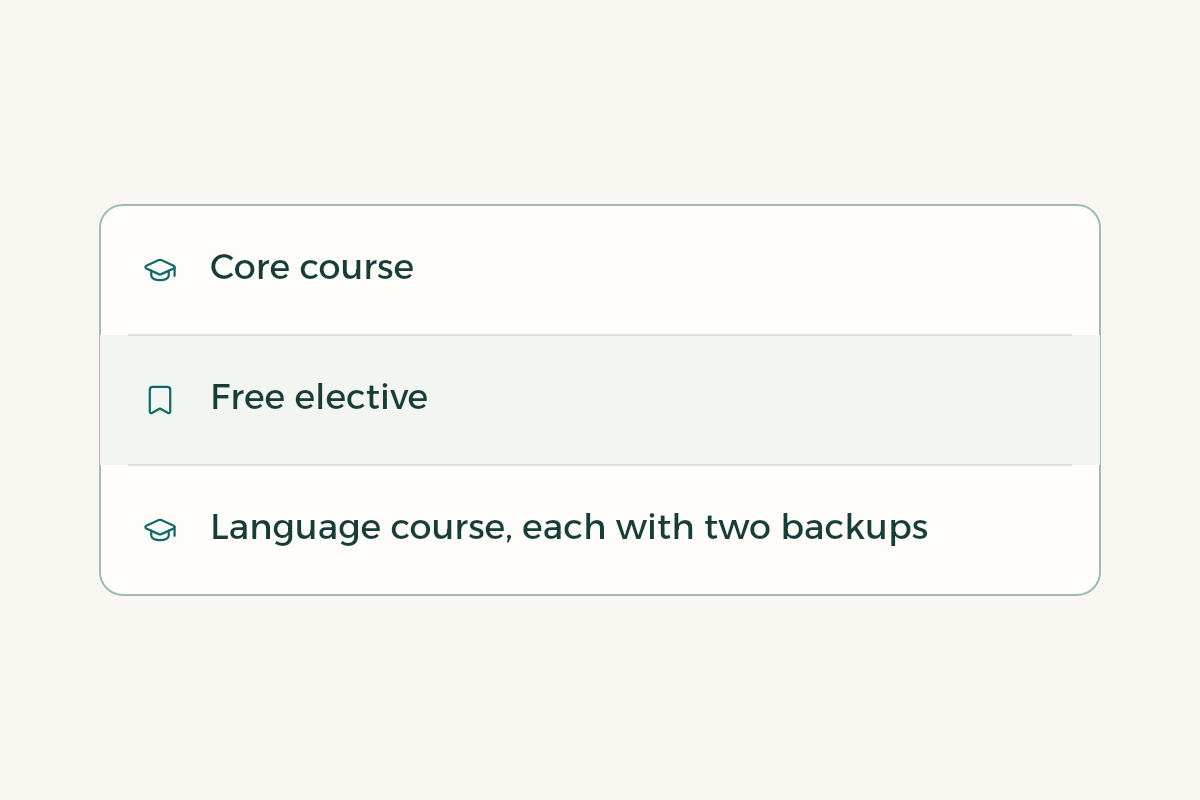
Start from your study plan, because it tells you what you are allowed to take. List the courses you want this term, write each prerequisite next to it, and add two alternatives per course. The table below shows the method, and its course names are examples only.
| Course (example) | Prerequisite | First backup | Second backup |
|---|---|---|---|
| Core course in your department | Passed last term | Another section of the same course | An elective from the plan |
| Free elective | None | A different free elective | Same elective at another time |
| Language course | Depends on your level | An evening section if offered | A later term if the plan allows |
Before you commit, count your hours against the credit hour system and see what a heavy term does to your average with the GPA calculator guide. Show the draft to your advisor too. The way to reach them is in the guide to Taibah academic advising.
Is add/drop the same as withdrawing from a course?
No, and mixing them up costs people. Add/drop edits your schedule inside the window the calendar sets. Withdrawing from a course or a semester is a separate procedure with its own regulation and its own effect on enrolment and average. The portal page does not explain those rules. It points to the calendar, so read the study and examination regulation before you decide. If the window is closing and you doubt one course, ask your advisor today, not tomorrow. Our general guide to add and drop explains the idea as it works across Saudi universities.
What if you cannot sign in to the portal?
Start with the simple checks: retype the number and password, try another browser, and confirm the connection is stable. If the fault stays, the official page lists helpdesk@taibahu.edu.sa for technical support and says that a student who cannot get a service electronically can call the unified call centre.1 Put your university number, the service name and the error text in the message, and attach a screenshot. A precise message gets solved faster than one saying the site is down. Never hand your password to anyone, even a friend offering help, since the official page asks students to keep their account confidential.
One more habit pays off. After editing, compare the schedule with what you intended, then check in the first week that the courses appear in Blackboard. If a course is missing, or an unrequested one appears, write to your department or the deanship that same week instead of waiting for exams.
How do you keep a new term affordable?
Every term brings a need for a device, software or supplies. Your student card opens many offers, and the student discounts in Saudi Arabia page gathers them, so look there before buying, not after.