
By the tiswa editorial team, from the official sources listed at the end of this guide. How we write our guides
Picture a computing student in Hail who withdraws from a course in week nine believing she is deleting it, and finds a withdrawal grade where the course used to be. The system would not have failed. She would have taken a different action from the one she meant, because adding or dropping, withdrawing and excusing are three separate things in the calendar. The scene is imagined, but the mistake is easy to make, and this guide sorts out the differences.
Where do you find University of Hail registration dates?
The Deanship of Admission and Registration at the University of Hail posts an announcement on the university site for each semester; the latest was titled “Electronic registration dates for the first semester” of the 1448 AH year.2 The page carries the text and an attached image holding the schedule, so open the image if the dates do not show in the text. University services sit behind the unified login published on the site, and Blackboard is the e-learning platform.
The academic calendar has its own page on the same site. It divides each term into start, end, breaks and exam periods, and lists dates for deferral, withdrawal and excuse.1 When news conflicts, this page is the reference.
What is the difference between add/drop, deferral, withdrawal and excuse?
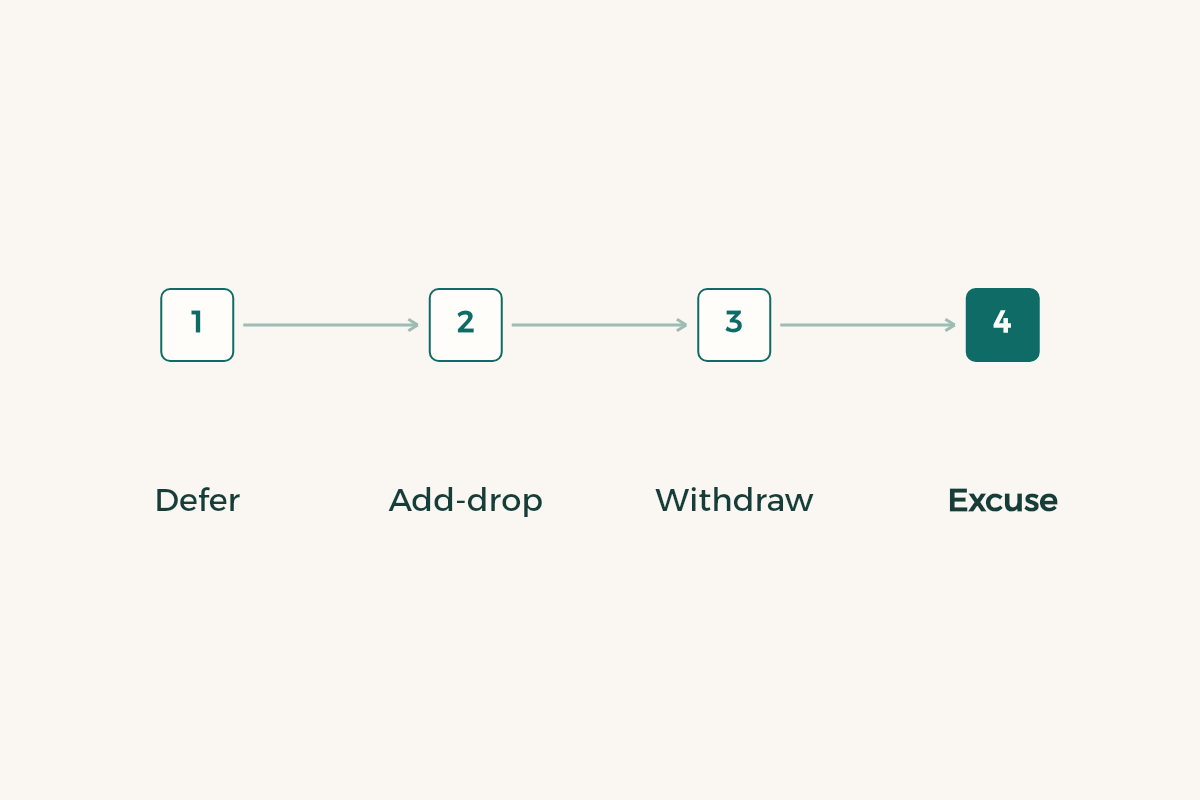
The Hail calendar names three procedures. Deferring the semester has a start date and a last day. Withdrawing from one or more courses with a withdrawal grade has its own start and last day. Excusing the whole semester with a withdrawal grade has a separate window.1 The withdrawal window and the excuse window do not match in the calendar, so do not assume one last day for everything.
| Action | Scope | Where to find its date |
|---|---|---|
| Deferral | The whole semester, before it starts | Academic calendar: deferral item |
| Course withdrawal | One or more courses, semester continues | Calendar: withdrawal from a course |
| Semester excuse | The whole semester after it starts | Calendar: excuse item |
| Add and drop | Timetable changes early in the term | Deanship announcement and calendar |

There are no dates in the table because they change each term. Read them from the two pages and put them in your phone.
How do you prepare for University of Hail course registration?
Saudi universities share one principle: the courses you see depend on your level, plan and prerequisites, and what you add is bound by the minimum and maximum credit hours in your university’s regulation.3 So do not hunt for a course outside your plan, and do not plan a load whose limits you have not read.
- Open the deanship announcement
Find the newest one for your semester. If the schedule is an image, open it full size and write the numbers down.
- Decide what you study
List your courses from the degree plan and mark those with a prerequisite.
- Read the credit-hour limits
Look in the study regulation for your minimum and maximum, especially if your GPA is low or it is your last semester.
- Consult your advisor
Show them your list. If you do not know who it is, ask the head of department.
- Register, then open the calendar
Afterwards put the last day to withdraw from a course and the last day to excuse the semester in your phone.
This method is general. The specifics for your university are in its regulation and calendar.
When does add and drop open at the University of Hail?
The period is announced on the university site at the start of the semester, in the deanship notice or the calendar. If you cannot find it, ask the deanship through the official contact page. Treat anything forwarded in a message as unconfirmed until you find the university’s page.
Do not postpone a decision on a hard course until after the first test. Ask early: can I finish this course with my current hours? If the answer is no, read the guide to semester withdrawal and check what withdrawing does to your GPA and your graduation date.
What if your academic standing is in danger?
If your cumulative GPA is low, the credit hours you may register can change, and the rule differs by university. Read the guide to academic probation and talk to your advisor before registering, not after. For practical improvement see how to raise your GPA.
Summer courses can be an alternative if you miss one, and our summer semester guide explains how to decide. If you are considering a move to another university, read the transfer guide before you withdraw from anything.
What mistakes keep happening with registration at the University of Hail?
The first is reading the announcement from a forwarded screenshot. The schedule in the deanship notice is an image, a screenshot can be cropped and lose the date line, so go back to the university page itself. The second is confusing the last day to withdraw from a course with the last day to excuse the semester. Each period has its own lines in the calendar, and one does not cover the other.
The third is thinking about withdrawal only after the first test result. In many terms the withdrawal window closes before every mid-term result is out, and then your only option is to carry on. So set an early decision date for yourself: two or three weeks into the term, ask honestly whether you are keeping up with the course.
The fourth is staying silent. If you hit a login problem or a section does not appear, write to the deanship or your department the same day with details: your student number, the course and what you saw. In Hail, as elsewhere, an office works first for the person who sends a clear and complete request.