By the tiswa editorial team, from the official sources listed at the end of this guide. How we write our guides
A student in Buraydah told his advisor he wanted to “excuse himself” from a course in week six. He thought the two words meant the same. The advisor answered with a question: from the course or from the semester? He did not know his university’s calendar has three procedures with three names. The case is illustrative, but mixing up the words costs students a course or a semester, and Qassim’s calendar is one that separates them clearly.
Where is the Qassim University academic calendar?
The university publishes the calendar on its own page of the website titled Academic Calendar, with a calendar for undergraduate study and another for graduate programmes.1 The main page gathers your online services, including the MyQU unified sign-in and the e-learning system.2 The calendar page itself sometimes carries notes about a postponed semester or academic year, so read the top of the page before you read the table.
What is the difference between course withdrawal, semester excuse and leaving Qassim University?
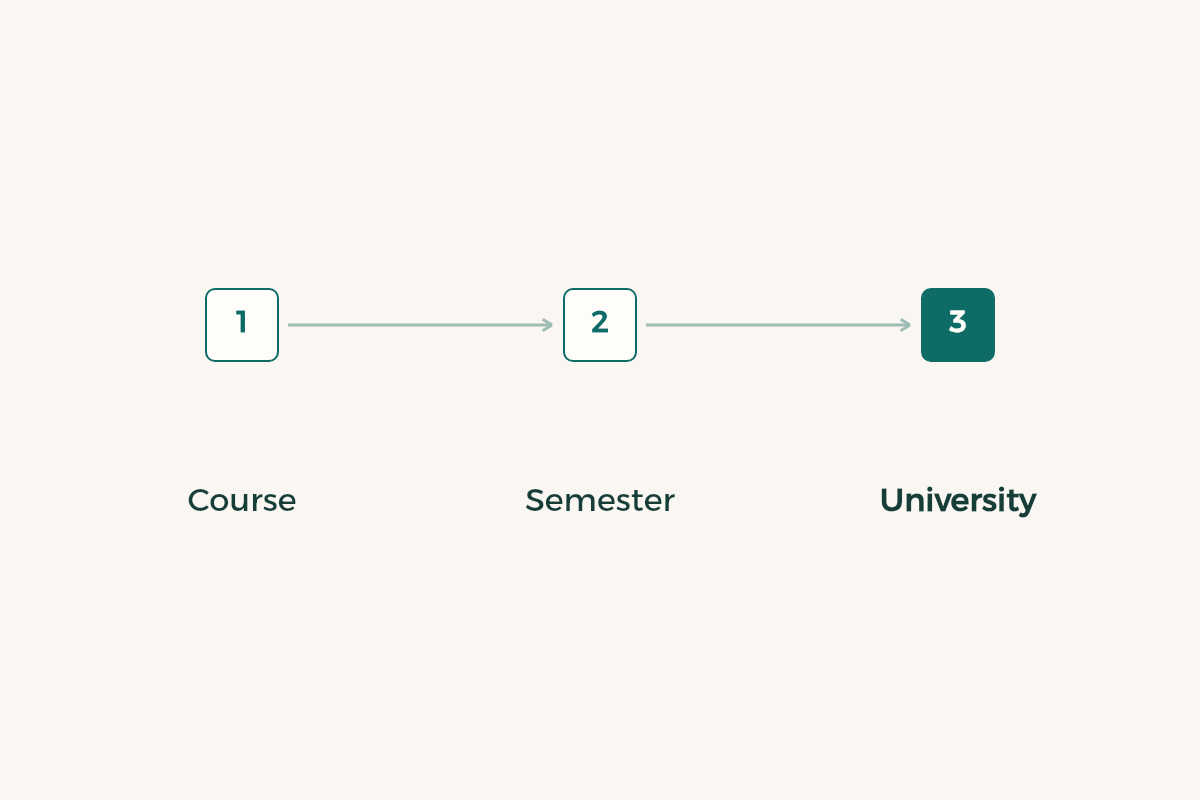
The calendar shows these as separate items. Withdrawal from a course is a semester-system item about one named course. The excuse is described on the page as withdrawing from the semester without a grade, so it touches your whole term, not one course. Withdrawal from the university is a third item and means leaving the institution. Graduate programmes have an item called dropping the semester, and the annual system has its own items, so do not read them if you are on the semester system.
| Name in the calendar | What it affects | Question before you ask |
|---|---|---|
| Withdrawal from a course | One course in the term | Will I stay above my plan’s minimum hours? |
| Semester excuse | The whole semester, no grade | Can I afford an empty term on my record? |
| Withdrawal from the university | Your place at the university | Do I want to leave, or just a lighter term? |
| Graduate semester drop | A semester in a graduate programme | Does my programme allow it? |
| Transfer | Moving within or into the university | Is my paperwork done before the window ends? |
The table explains what the items mean. It is not a rule and it has no dates. Read each item in the official page, and ask your advisor about whatever stays unclear.
How do you turn the Qassim calendar items into phone reminders?
- Open the calendar page and read the top
There may be a note about a postponed term.
- Decide which system you follow
Semester system or annual system; each has its own items.
- Pick the items that concern you
Start of study, course withdrawal, semester excuse and the start of exams.
- Copy each date with the item name
Note in the entry that you took it from the calendar page.
- Set the alert two days ahead
Even a simple request needs an advisor or a reply from your college.
- Sign in through MyQU and check your registration
Compare registered courses with those you attend.
- Reopen the page mid-semester
To see whether anything was postponed or amended.
Should you withdraw from the course or excuse yourself from the semester?
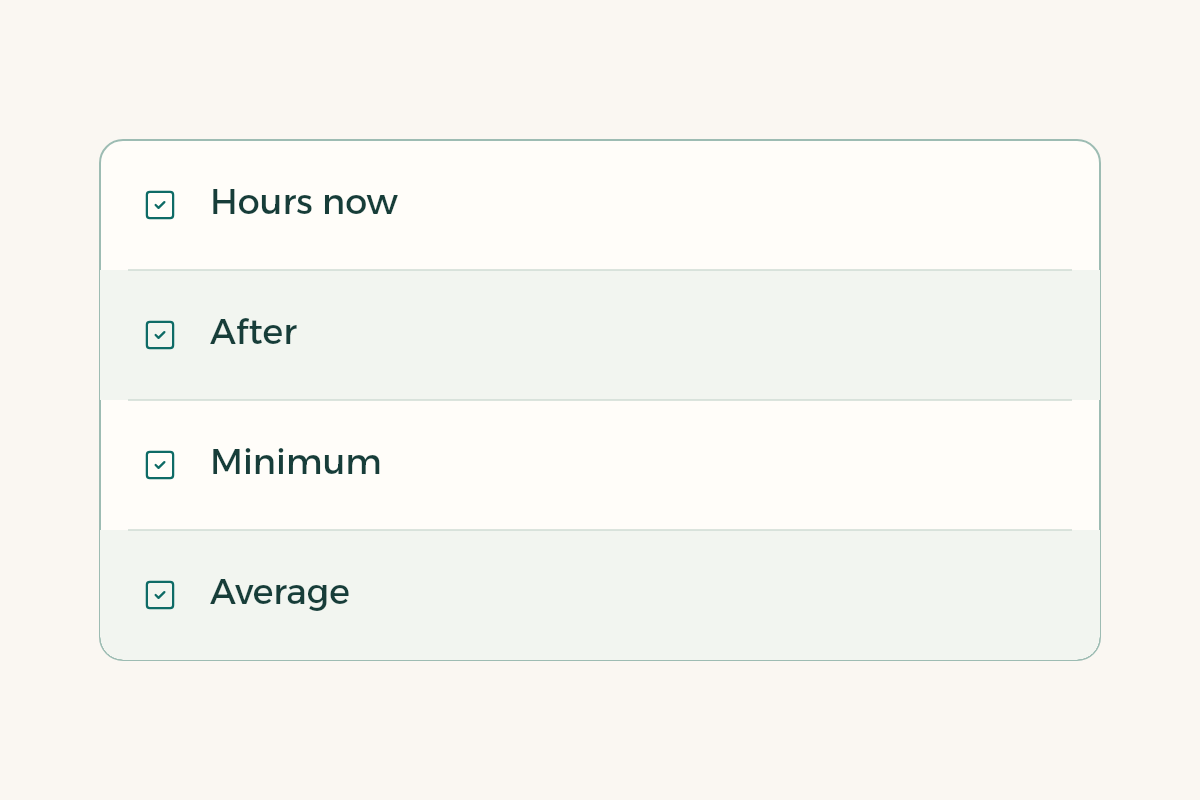
That is a decision for you and your advisor; the calendar does not make it. Write four numbers on a sheet: your hours now, your hours after the course withdrawal, your plan’s minimum, and your average today. If your hours would fall below the minimum, you are looking at the semester excuse or something else, and you need to ask before writing anything. To compare the actions read the guides to drop and add and semester withdrawal, and for the effect on your average see GPA calculation.
Watch prerequisites too: a course you leave today may lock a course next semester. Open your plan and check before you file the request; the guide to reading your degree plan shows how to see it at a glance.
When do final exams start in the university calendar?
The calendar shows when the final exam period starts, and your college issues your course timetable later. Do not wait for it. Count two weeks back from the start of the period; that is day zero for revision. The guide to final exam revision shows how to split the two weeks across your courses, and the guide to midterm exams covers what comes before.
If you come from Unaizah, Al-Rass, Riyadh or anywhere outside Buraydah, put the holidays in your calendar and book travel only after you know the last teaching day from the official page. In the week before the period, sign in and confirm that every course you attend is registered in your name. A course missing from your record is not fixed by an apology after the exam, and the commonest mistake is to find that out on exam day.
What if the university postpones the semester or amends the calendar?
The official page records the postponement, so rely on it alone. If news reaches you in a chat, open the page and verify it, then reset all your alerts, since a postponed start moves other dates with it. Send classmates the link, not a picture. The Ministry of Education oversees higher education in the Kingdom, but your dates are set by your university.3 If circumstances force a request after a window closes, write to your advisor early with proof. For a summer term read the summer semester guide, because its items differ from a regular semester.
One last illustrative case: a student copied the withdrawal date in week one, a later semester start was then postponed, and the dates on her phone drifted from the page. She now opens the page every two weeks and matches it against her phone. One minute is enough to avoid that.