By the tiswa editorial team, from the official sources listed at the end of this guide. How we write our guides
The night before a mid-term, a student in Al-Ahsa searched for the withdrawal date and found five different screenshots of the university calendar across three group chats. Two were from an earlier year and one had no year at all. The story is an invented example, but every cohort knows the mess it describes. King Faisal University built its own remedy: a calendar page that updates itself, filters and downloads. All you have to do is use it.
Where can you find the King Faisal University academic calendar?
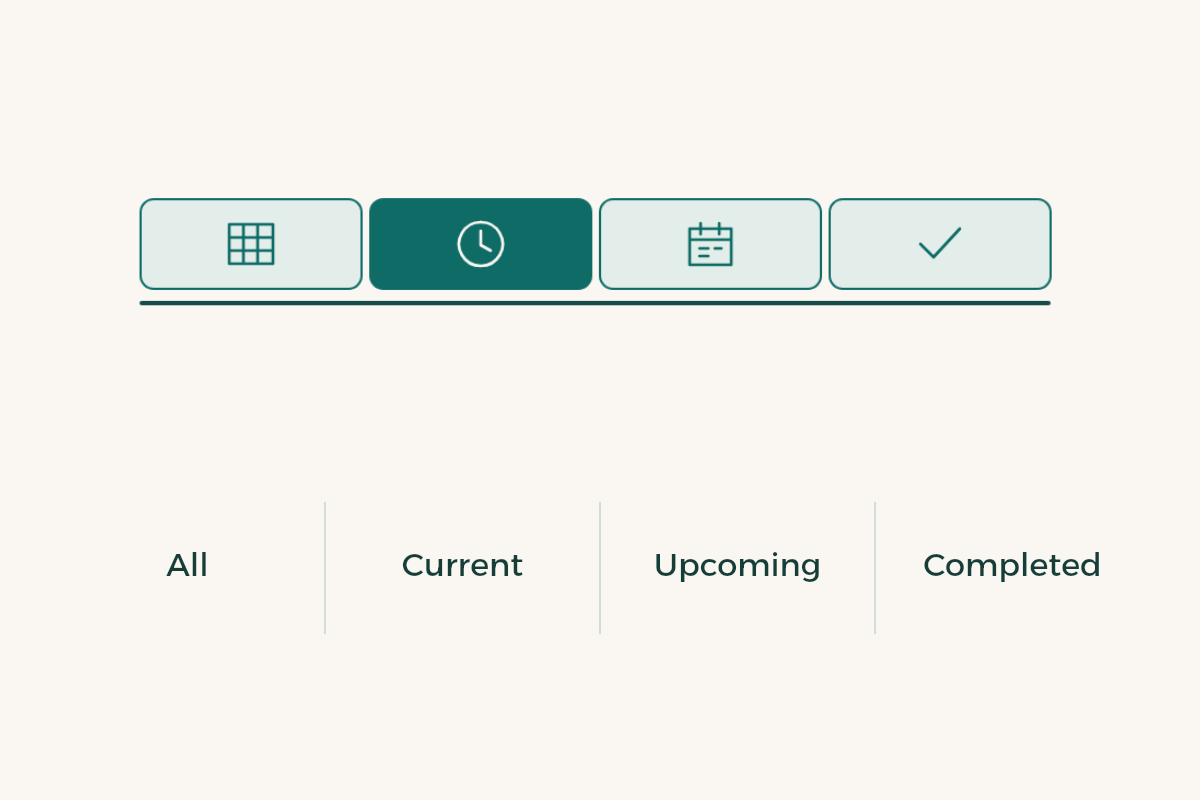
The Deanship of Admission and Registration publishes each semester’s calendar on a page titled the academic calendar, and it is not a static text.1 The page counts the term’s tasks as all, current, upcoming and completed, has buttons to filter between those types and a button to add the full calendar to a student’s phone. The page stops being a sheet you read and becomes a tool that alerts you.
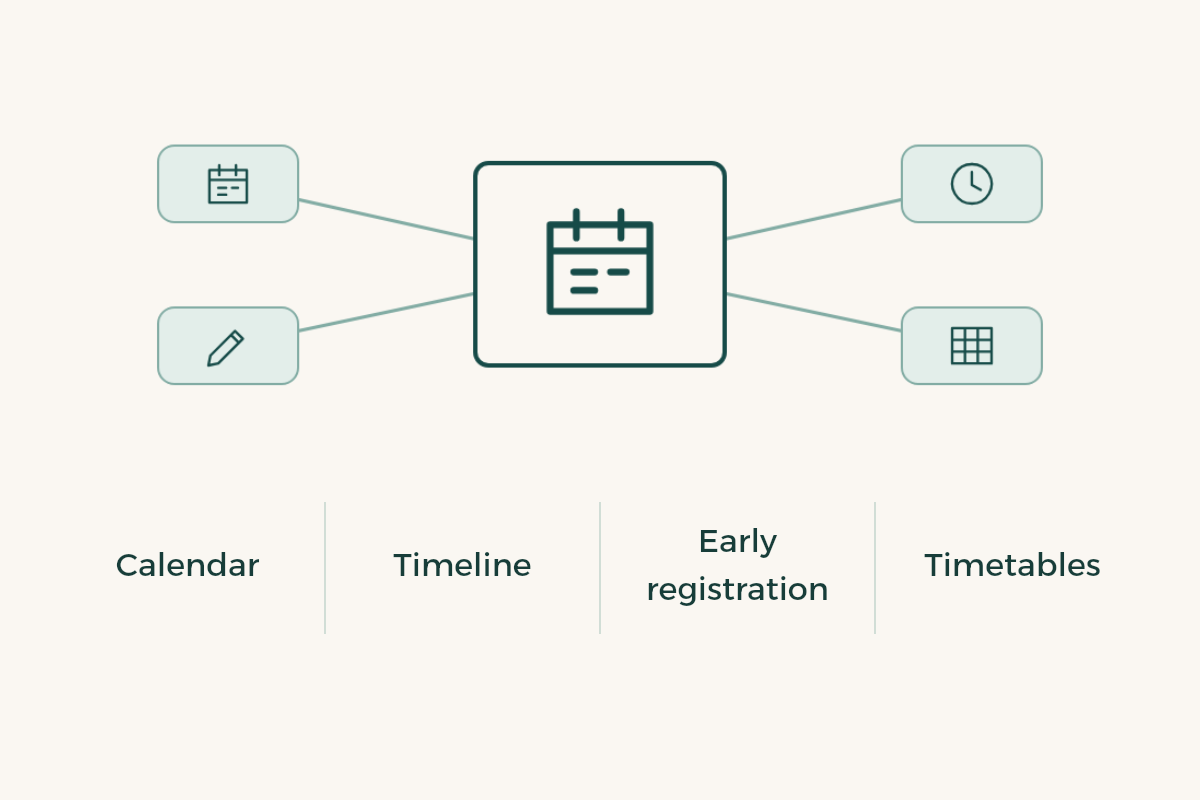
The deanship site holds other side pages too: the term timeline for the academic year, the early registration pages, the study timetables and the Blackboard courses for each semester. They support the calendar rather than replace it, and the live calendar page comes first.
How do you use the live calendar page?
- Open the current term’s page
Check the year and semester written at the top. The page of a past term stays online and misleads.
- Tap “upcoming”
It shows what has not arrived yet. This is your most useful list; read all of it once.
- Add the calendar to your phone
Use the dedicated button so dates reach your phone calendar. Do not copy them by hand.
- Scan “completed”
Skim it. If you spot an item you missed, such as early registration, ask the deanship straight away.
- Recheck after each announcement
The deanship may amend an item, and the live page changes with it.
One caution: the page shows what the deanship publishes for the term. Do not assume that an item missing from it does not exist; ask.
How many semesters does King Faisal University have in an academic year?
Sabq reported that the university council approved the move to a three-semester system for all programmes in an earlier academic year.2 That shows on the academic-year timeline page, which sets out the first, second, third and summer terms as parts of the year.1 Do not assume you study in the third because it is written on the page; your programme may run only some of them, so ask your adviser about your registration order and how many terms you must take.
| Page | What you find | When to open it |
|---|---|---|
| Academic calendar | Term items sorted as current, upcoming, completed, plus the phone button | Daily in the first two weeks |
| Academic-year timeline | The year’s terms on one page | When planning the year |
| Early registration | A page for registering before the term starts | Weeks before the term |
| Study timetables | College timetables for the term | After you register |
When does drop and add open at King Faisal University?
The deanship issues the date, and the unified regulation says each university council regulates drop and add so a student stays above the minimum study load.3 So look for it first on the live calendar page, and if it is not there write to the deanship and watch the portal. If you search for King Faisal University drop and add, read the date in light of the year on the page, because the results are mixed.
Start with a list of substitutes before the date, and add before you drop. The guide to drop and add week has the full practice.
How do you withdraw from a semester at King Faisal University?
The regulation allows withdrawal from a course or a semester on terms each university council sets, and it records a W rather than a fail.3 Read the live calendar page for a withdrawal item, ask the deanship if you cannot find it, and submit days before the last day. Withdrawing from the whole term affects your study length and registration order, so do not apply before you ask.
For the details read the guide to semester withdrawal.
Are King Faisal University final exams remote or in person?
Many students search for remote final exams at King Faisal University to learn the format of their own exam. Do not settle it from the cohort chat: the format is set by each college and course, and it shows in your timetable and on your course in Blackboard. Open both two weeks before finals and ask the instructor about anything unclear.
If your exam is remote, prepare the technical side a day ahead: a charged device, a tested connection, a quiet place. Anyone who has tried the platform beforehand avoids most of its problems. For the revision plan read final exams revision.
Which mistakes come up with the live calendar?
Some students think the page replaces the deanship, when it only shows what the deanship publishes. Others read the completed counter as work done, when it only means the item’s date has passed. A third group ignores the calendar until finals week.
A useful habit: open the page every Sunday, look at upcoming, and close it. Two minutes a week is enough.
When does the academic year start at King Faisal University?
You will find it under “upcoming” or “current”, depending on the day you open the page, which is the strength of a live calendar: you need not hunt for one item among dozens, because the list changes with the date. If you are planning a month ahead, open the academic-year timeline to see where your term falls among the terms, then open early registration to learn when to register.1
For a new student who knows none of this: do not try to understand every page in one day. Open the academic calendar first, add it to your phone, and leave the rest until its time comes. For your first week, read the guide to your first week at university.
What is the best calendar app for university students?
The best app is the one you already open every day, because a calendar you forget is useless whatever its features. When you add the university calendar to your phone’s app it appears beside the rest of your appointments, so you need no second program. To compare organising tools, read the guide to time management apps.