By the tiswa editorial team, from the official sources listed at the end of this guide. How we write our guides
GOSI registration is one of the first things that happens when you start your first job, and many graduates know nothing about it until, years later, they find a mistake in their recorded wage or start date. This guide explains in plain language who registers you with the General Organization for Social Insurance, which branches your contributions cover, and how to check your record yourself from your phone.
What GOSI is
GOSI manages the contributions of private-sector workers. It pays pensions on retirement or disability, compensates work injuries and supports people who lose their jobs. Your contribution is deducted monthly from your wage, the employer adds its share, and over your working years these contributions build your entitlements.
Who registers you
In a private-sector job, your employer registers you with GOSI and pays the monthly contributions for both of you. You do not file a registration request yourself, but you do need to check that it was done correctly. That matters because the wage recorded with GOSI is the basis on which your entitlements are later calculated.
The branches that matter to you
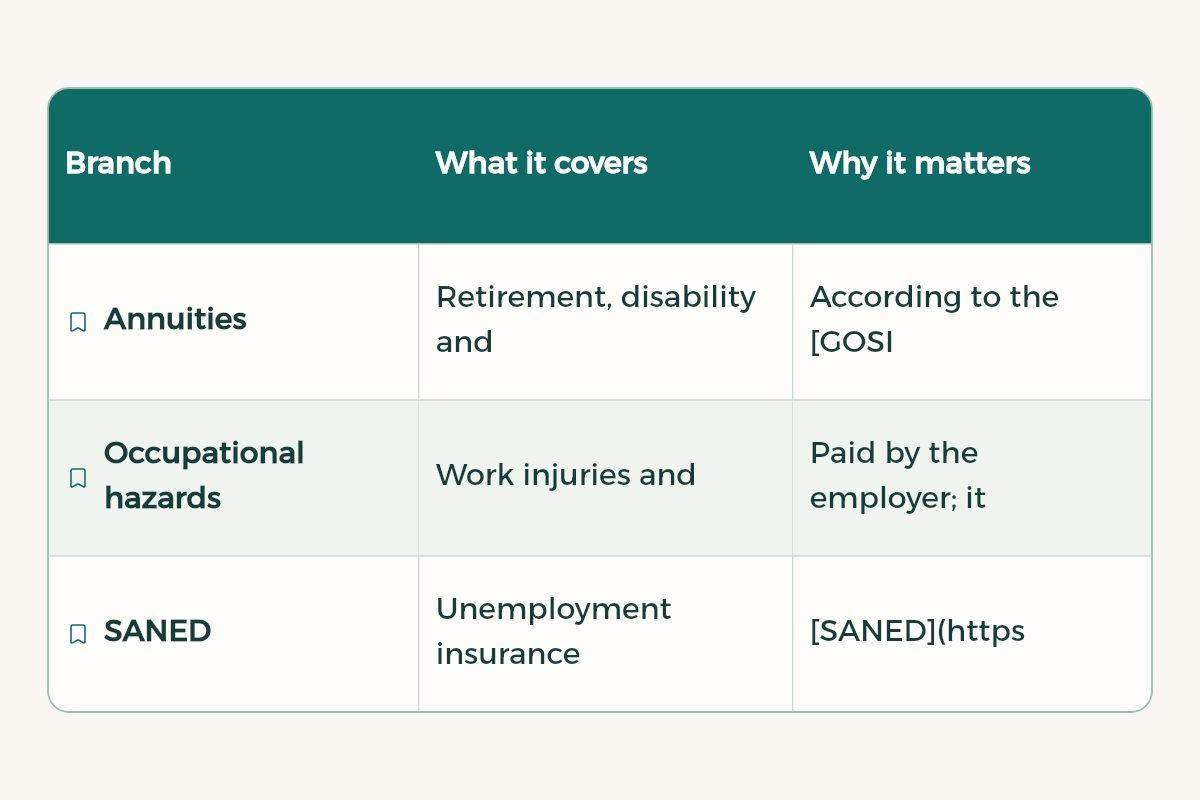
| Branch | What it covers | Why it matters |
|---|---|---|
| Annuities | Retirement, disability and death | According to the GOSI annuities page, this branch is compulsory for Saudis, with contributions shared by employer and employee |
| Occupational hazards | Work injuries and occupational diseases | Paid by the employer; it protects you if you are injured at work or on the way to it, as the law provides |
| SANED | Unemployment insurance | SANED supports a Saudi contributor who loses their job for reasons beyond their control, subject to conditions |
Contribution rates change with regulation and can differ depending on when you were first registered with GOSI. Do not rely on a figure from an old post; check the rate applied to you on your payslip or in your GOSI account.
Check your record yourself, step by step
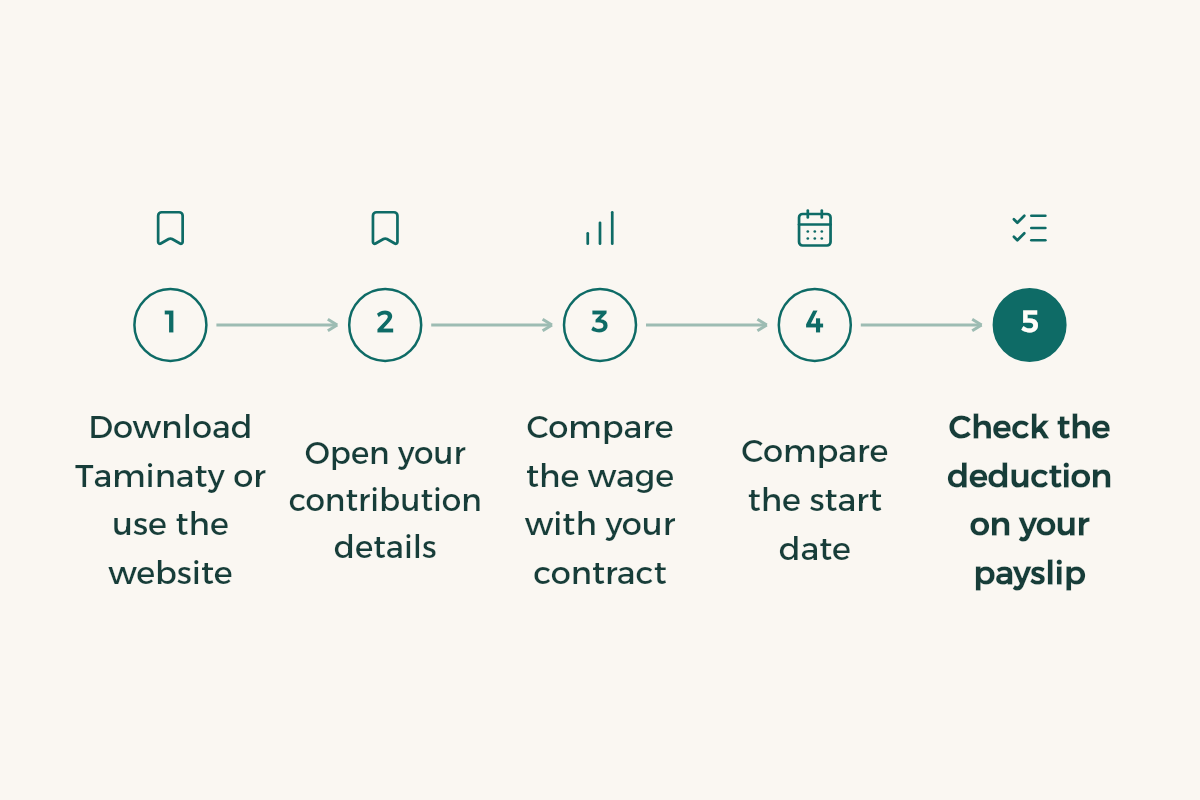
- Download Taminaty or use the website
GOSI offers the Taminaty app and e-services on its website, and you sign in with your unified account through Nafath. Account details are in Nafath and Tawakkalna for students.
- Open your contribution details
Look for the organisation name, your contribution start date and your contributory wage.
- Compare the wage with your contract
The recorded wage should match your contract documented on Qiwa. If it is lower, your future entitlements are affected.
- Compare the start date
It should match your actual first working day.
- Check the deduction on your payslip
Your share usually appears on the payslip. Make sure it is consistent with the recorded wage.
- Save a screenshot
Keep a picture of your details from time to time; it is your reference if you ever need to object.
Situations specific to students
- Co-op training: the HRSD procedural guide for the student training decision says the organisation is not required to register a co-op trainee with GOSI. Details in co-op training.
- Flexible work: one HRSD condition for flexible work is that you are not an optional GOSI participant. Read flexible work in Saudi Arabia before registering any optional contributions.
- Part-time work: if your contract is part-time, ask your employer how you will be registered, and read part-time work under the Labour Law.
- Freelancing: if you work for yourself with the freelance document, you are not an employee of an organisation; read the freelance document to understand your position.
- On-the-job training schemes such as Tamheer have their own terms, so read the Tamheer programme before applying.
Why this matters at the start of your career
Because contribution years add up. Every month recorded correctly builds your future pension, and every wage error repeats monthly and becomes harder to correct years later. A student who knows this from the first job protects themselves with one simple habit: checking the record every few months and whenever moving between jobs.
Understanding GOSI is part of understanding your whole job: the contract on Qiwa, the contributions with GOSI and the pay in your bank account. All three should match. If you have not opened a bank account yet, start with a bank account for students.
These are the lines on my first payslip from a private-sector job in Saudi Arabia:
[paste the lines without your name or ID number]

Explain each line in simple language: what it is and why it is added or deducted.
Then write 5 questions to ask HR if I do not understand a line, or if the wage differs from my contract.
Do not assume GOSI contribution rates; tell me where to check them officially.
Common mistakes
- Never checking the record, then finding an error years later.
- Accepting a recorded wage lower than your real wage in exchange for higher take-home pay. It hurts your long-term entitlements.
- Registering optional contributions without knowing how they affect flexible work or anything else.
- Sharing your login code or password with someone offering help. GOSI and official bodies never ask for it; read financial fraud in Saudi Arabia.
A small work file that saves you a lot
Most GOSI record problems only surface years later, when you need to prove a period of service or an old wage and cannot find the paper. The fix is simple: one digital folder on your phone or cloud account, where you add the following with every new job:
- A copy of the documented employment contract, as in the guide to the unified employment contract.
- Salary deposit messages or payslips, even for a few months.
- A screenshot of your contribution record after every job move or wage change.
- The end-of-service letter or experience certificate when you leave.
- The dates of any part-time work or training, with the organisation name.
Check your record after the first salary in every new job, then every few months. If the recorded wage or start date looks wrong, start with HR at your workplace and bring the proof from your folder, then use the official GOSI channels if the error is not corrected. If you work part time while studying, read the part-time work law to know your rights from the start.