By the tiswa editorial team, from the official sources listed at the end of this guide. How we write our guides
By week three of a graduation project you have forty sources: some are PDFs in your downloads folder, some are links in your phone notes, one is a book title written on paper. In the last week, while you assemble the bibliography, you find half of them have no publication year and a third have no publisher. It was not a lack of effort. You never set up a system for saving sources on day one.
What does a reference manager actually do?
It does three jobs. It stores source details (author, title, year, publisher, link) in one place. It attaches each source to its PDF or a snapshot of the page. And it writes the in-text citations and the reference list at the end of your document in the style you choose. Some tools also hold your notes on each source, and some let you share the library with teammates.
Zotero, for example, documents several ways to add a source: a browser button that recognises source details on article and catalogue pages, typing a DOI or ISBN directly, and manual entry for what is not online.1 That is a model for what to look for in any app: how many ways does it give you to add a source without typing everything yourself?
Which criteria should you use to compare reference manager apps?
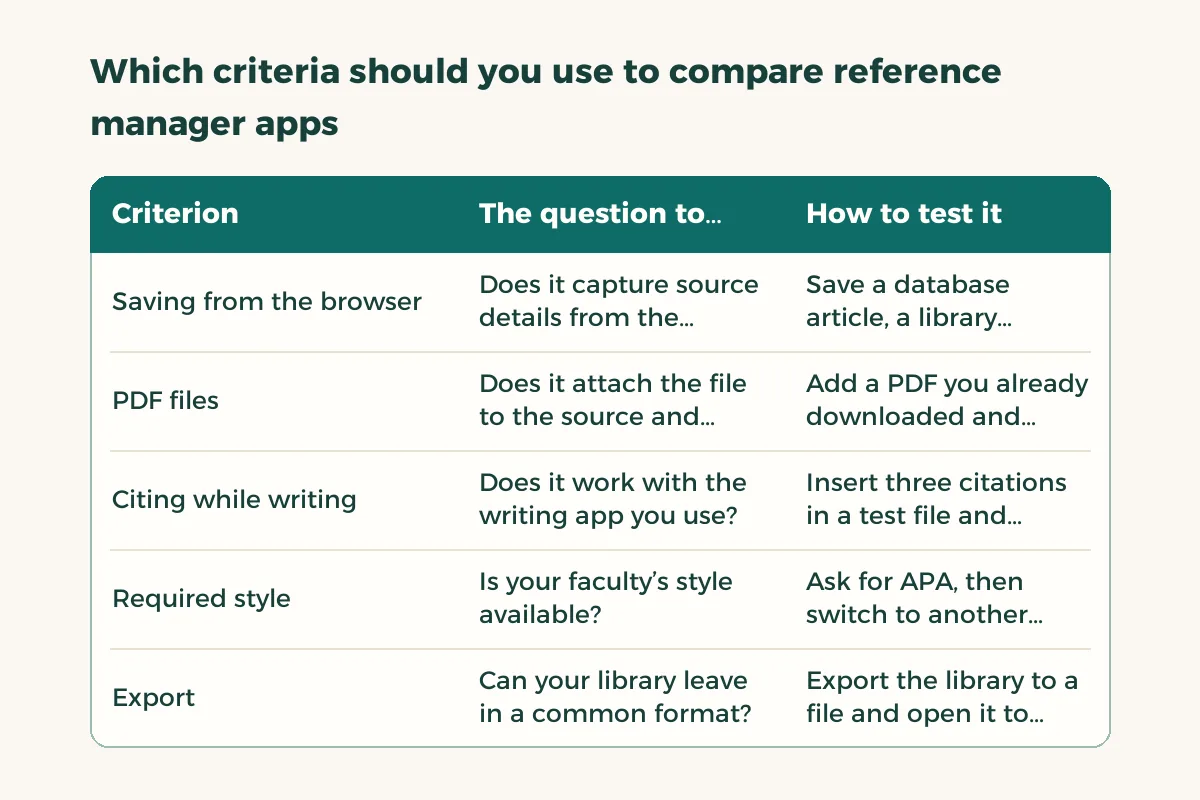
Collect two or three candidate names from classmates, your supervisor or your university library’s guide page, then compare them in this table. Add a column per app and write what you find by trying it, not what the sales page says.
| Criterion | The question to ask | How to test it |
|---|---|---|
| Saving from the browser | Does it capture source details from the page in one click? | Save a database article, a library catalogue book and a website page |
| PDF files | Does it attach the file to the source and open it from the app? | Add a PDF you already downloaded and check that author and title appear |
| Citing while writing | Does it work with the writing app you use? | Insert three citations in a test file and watch the reference list |
| Required style | Is your faculty’s style available? | Ask for APA, then switch to another style and see if everything changes |
| Export | Can your library leave in a common format? | Export the library to a file and open it to confirm it is readable |
| Group work | Can two people share one library without duplicates? | Invite a teammate, add a source from your account and see if it appears for them |
Which two criteria matter more than the rest?
The first is how easily you add sources, because that decides whether you use the tool. The second is citing inside your writing file, because that is the feature that saves hours in the last week. Zotero’s documentation says its plugins support Word, LibreOffice and Google Docs, that adding a citation updates the bibliography automatically, and that correcting an item’s details in the library can be pushed into the document with one click.2 Those three behaviours are what to check in any candidate, inside the writing app you will really use. If you write in Word, read references in Word as well.
How do you test an app in ten minutes?
- Pick five different sources
A journal article, a book, a page from an official body, a PDF you already have, and one source in Arabic. Variety exposes weak spots.
- Save each the fastest way available
Use the browser button or the standard number if it has one, and note how many seconds each took.
- Open the details of each source
Is the author written correctly? Is the year there? Does the Arabic name display without reversed letters?
- Insert two citations in a test file
Generate a reference list from them. Change the style and watch whether the whole format changes.
- Export the library
Save the export file in the project folder. If you switch apps next month, that file is your insurance.

Repeat with the second candidate and compare times and errors. The winner is the app where you made the fewest manual corrections, not the one with the most options.
Is the Cite button in Google Scholar enough instead of a full app?
Google Scholar offers a Cite button that shows a reference in common styles, along with options for importing the data into reference tools.3 That can work for a small project with ten sources, but it does not store your files, track what you have read, or link citations to your writing file. And the text it produces can contain errors, so treat it as a draft and check it against the original. The checking routine is in writing references for research.
Why does an app sometimes ruin the reference list?
Usually the cause is the data you entered, not the app. Author names in different forms, a title typed in capitals, an Arabic source entered into English-only fields. The app formats what you give it and cannot know that two spellings of a name are one person. Set aside half an hour before submission to go through the library source by source. For which style suits your course, start with the APA citation guide or ask your instructor which style your faculty uses.
What about working with project teammates?
Decide at the first meeting: one library owned by one person that the others add to, or one library each merged at the end. The first produces fewer errors, and the second produces duplicates. Also name who will review the final bibliography before anything is submitted. For organising the other files, read the graduation research paper plan.
If a teammate arrives with a folder of PDFs and no details, do not guess the reference. Open the file, search for the title in a database, save the source from its page, then attach the file. Zotero’s documentation recommends saving from the article page rather than the PDF alone because the details come back more complete.1