By the tiswa editorial team, from the official sources listed at the end of this guide. How we write our guides
It is eleven at night and the lab report is due at midnight. You delete two paragraphs to shorten it, then find the table went with them, and you have already closed the file. Nearly everyone has done this, and the cause is usually the same: the file lived alone on the desktop with no copies.
Is Office 365 free for students?
Microsoft says students and educators at eligible institutions can get Office 365 A1 free with a valid school email address.3 Eligibility depends on your university’s licence, though, so do not assume. Open your university’s IT page or ask the library which account gives students Office and how much storage comes with it. If yours does not, the student deals may take some of the cost out.
The same page warns that online services tied to the school email, OneDrive among them, stop working when you leave the institution.3 So do not keep your only copy of a graduation project inside a university account.
Where do you save the assignment so AutoSave works?
AutoSave does not work on just any file. Microsoft requires the file to be stored on OneDrive or SharePoint Online and the app to be a current version of Word, Excel or PowerPoint.1 Old doc, xls and ppt formats do not support it, and neither does a file kept only on your device.
- Sign in with the right account
Open Word and use the account your university licenses or the one you study with. Do not switch between two accounts in one semester.
- Create the document inside OneDrive
Choose OneDrive at the first save, and name the file after the course and the task, never "Document1".
- Look for the AutoSave switch
It sits in the title bar and is on by default for eligible files. If it is off, turn it on.1
- Check that sync is running
If OneDrive sync is paused, AutoSave is paused too.1

How do you restore an earlier version of your assignment?
Office records versions of your file as you work, and Microsoft notes that a new version is added about every ten minutes during a session.1 If you break something, open Version History and pick the version you want.2 Restoring does not erase the current version: it stays in the history, and the restored one becomes current.2
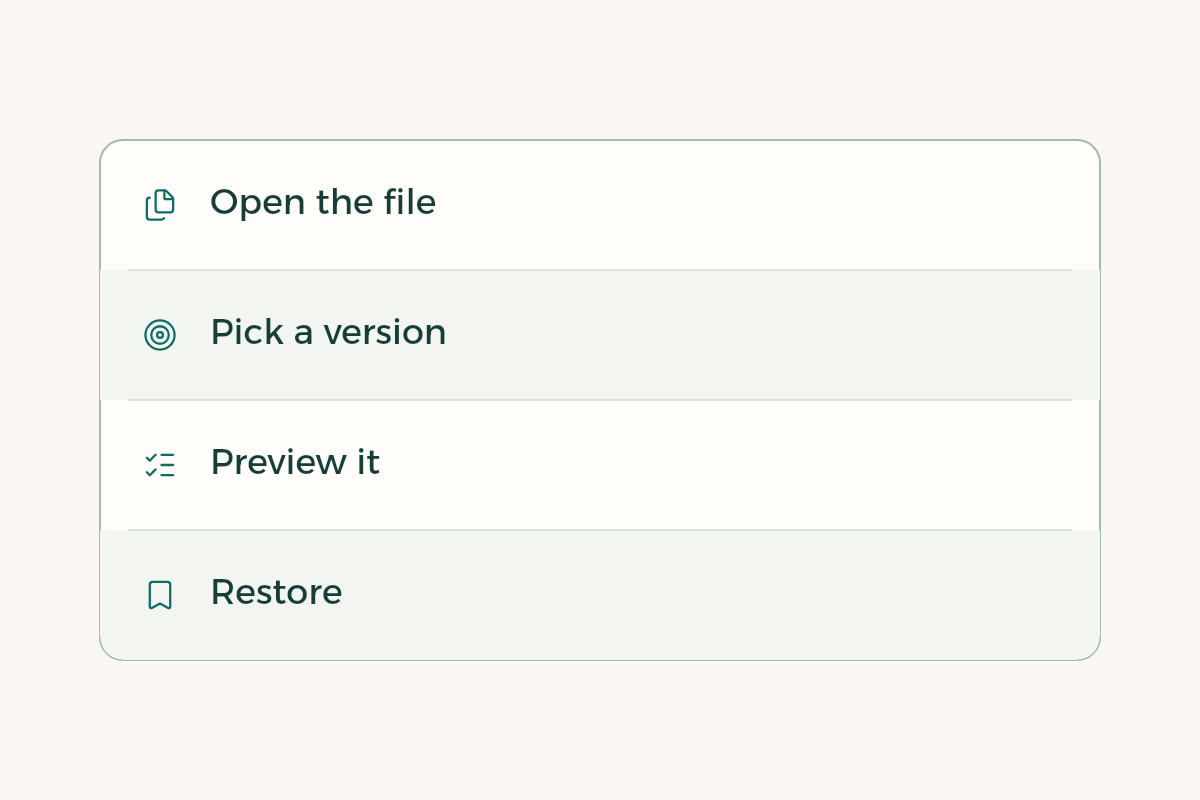
- Open the file and find the menu
In desktop Word choose File, then Info, or click the file name at the top of the window, then Version History.2
- Pick a version by its time
Open them one by one. Previewing shows the content without changing your file.
- Restore the one that has what you lost
Select Restore. If you worry about losing what you wrote after that point, copy it into a second file first.
- Use OneDrive on the web if the menu is missing
Right-click the file and choose Version history.2
How does Word version history compare with Google Docs version history?
The idea is the same: both keep a record of your changes that you can browse and return to.4 If a course uses Google Docs for group work, check its version history before blaming a teammate for a lost paragraph. Pick one tool per assignment and avoid moving the document between the two on the last day, because formatting shifts.
When should you save a copy before editing?
AutoSave stores every change at once, which means it also stores your mistake. That is why Microsoft points to Save a Copy when you want to try a big edit and keep the original untouched.1 Use it before you reorder the report, merge a teammate’s file or test the university’s formatting. Name the copy for its stage, such as "before merge".
| Situation | What to do | Note |
|---|---|---|
| You deleted a paragraph and closed the file | Version History, then Restore | Works if the file is on OneDrive2 |
| You want to try a new report structure | Save a copy, then edit the copy | The original stays as it was1 |
| AutoSave is off | Check sync and the file format | Old formats do not support it1 |
| Your university account will end after graduation | Copy key files somewhere you own | OneDrive tied to the institution stops working3 |
What does an example lab report look like from start to submission?
This is an imagined case, not a real student. Someone creates a chemistry report inside OneDrive and calls it "Chemistry, report 2". They write the introduction and method, then send the link to a lab partner who adds the results. The partner changes the table by accident, so the student opens Version History, previews yesterday’s version and restores it. Before submitting, they save a copy called "final before review" and export a PDF.
For formatting before you submit, see Word for students: contents page and page numbers, for citations see references in Word, and if more than one of you is writing, read reviewing teamwork in Word with comments.
How do sharing permissions work: editor or viewer?
Share the file from OneDrive with a link, give edit rights to people who write with you and view rights to people who only review. Microsoft notes that turning AutoSave off can make co-authoring less efficient and lead to more conflicts.1 Agree that each person writes a named section and the other reviews it, and avoid editing the same paragraph at the same moment.
If you want a different Office example, Office for students: a survey report starts from Excel instead.
What mistake keeps repeating with Office 365?
Opening an email attachment, editing it and closing. The file can end up in a temporary downloads folder and you cannot find it in the evening. Save it to OneDrive first and open it from there. Another is working under two accounts and losing track of the file. A third is ignoring the notice that says sync is paused.
If AutoSave is off for one particular file, that setting stays off when you reopen it, so turn it back on yourself.1 To change the default on Windows, use the Save options in Word.1