By the tiswa editorial team, from the official sources listed at the end of this guide. How we write our guides
In the second week of term, a student in Riyadh installed seven programs at once: three development environments, a design tool, two simulators and a container runner. Only one of them ran in the next two months, and the laptop filled up until the data structures project would not open. The story repeats every cohort, and the cure is plain: install what the course needs and put off the rest.
Which five tools does a computer science student need?
The first two years ask for less than the lists of “best programmer apps” suggest. These five cover most of what a course demands, from first programming to databases and group projects.
| Tool | What it does | When you need it |
|---|---|---|
| Code editor | Write, run and debug programs | From week one |
| Terminal | Run commands and programs, manage files | Around your second programming course |
| Git and GitHub | Keep the history of changes and work in a team | Before your first group project |
| Local database | Practise queries and design tables | With the databases course |
| Notes app | Keep explanations, repeated errors and references | From week one |

The documentation for Visual Studio Code, for instance, lists debugging, Git integration, extensions and an integrated terminal,3 so a single editor covers the first three rows. That does not make it the only choice; if your course prescribes an environment, use that one.
Why learn Git before any other program?
Git stores your project history as snapshots, and most of its operations run on your own machine without a network.1 You can try a bold change and return to the working version with one command. GitHub is a separate thing: a service that hosts your repositories and adds collaboration tools such as issues and pull requests.2 Mixing the two up is the most common beginner muddle.
Six commands will carry you through a term: create, add, commit with a message, push, pull and view the log. For the next step see the guide to GitHub for beginners and the one on version control for a capstone project.
How do you decide whether to install a new tool?
- Write down why you need it
One sentence: “I need it to hand in project X in week Y.” If the sentence comes out vague, skip the tool.
- Look for what you already own
Your editor or terminal often covers the need. Ask a classmate who took the course before you install anything.
- Read the official docs first
The quick-start page on the tool’s own site tells you whether it fits your project size and saves hours of videos of unknown accuracy.
- Try it on a small project
Two hours on a fifty-line program is enough to know whether you will stay together.
- Set a review date
After four weeks, if you have not opened it, delete it. Disk space and attention are both limited.

What can you leave out in your first year?
Beginners are sold tools that do not serve them yet: paid cloud platforms, monthly AI coding bundles, and courses that promise you will be professional in three months. Some help later, but a subscription taken early means paying before you know what you need. As for AI assistants, read your course policy before using one on coursework; some lecturers ban them and others ask you to declare the use.
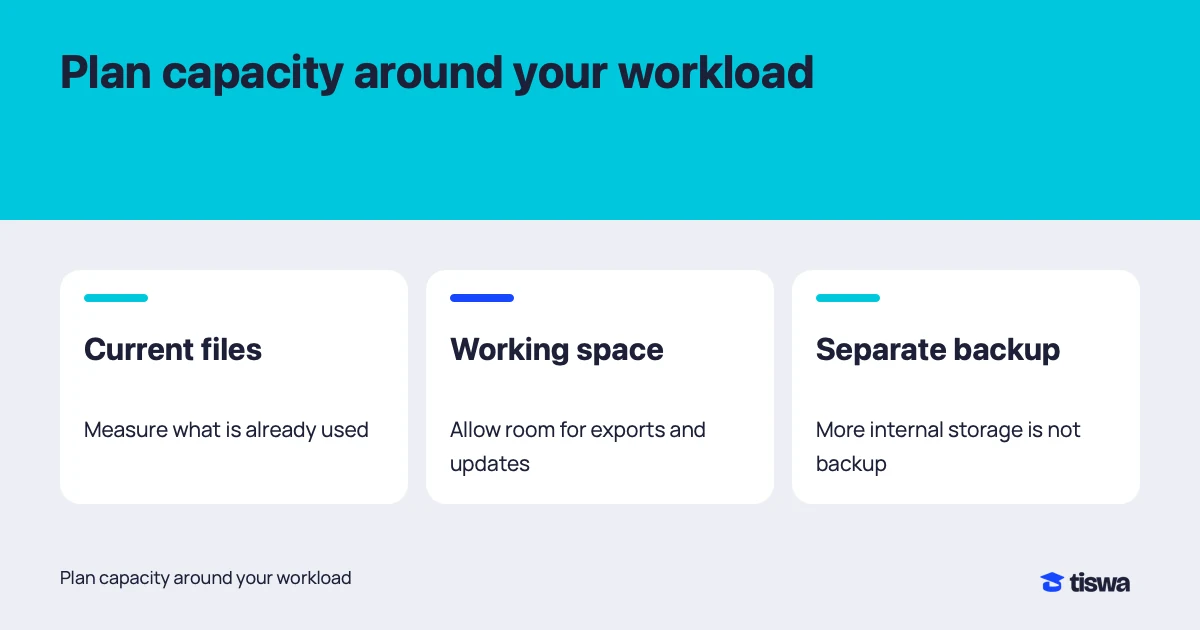
If you want certificates or courses, Saudi programmes such as Tuwaiq Academy are worth a look before you pay a commercial platform. Keep your budget for the machine itself: enough storage and a decent processor help more than any subscription, and the guide to laptop storage planning shows how to size it.
Do you need a powerful laptop for computer science?
Most first- and second-year courses run on a mid-range machine with 8 GB of memory or more. What strains a laptop is virtual machines, model training and phone emulators, and those arrive in later courses. Before you buy, ask your department for its published requirements; if you must, university labs cover the heavy jobs.
If you share a laptop with a sibling or a flatmate, a few security habits protect your projects. They are set out in the guide to shared laptop project security.
How do you keep your projects from disappearing?
Student projects get lost for dull reasons: a disk fails two days before the deadline, you forget which folder is newest, or the machine dies in the library. The tested rule is called 3-2-1: three copies, on two different media, with one outside your laptop. With Git and a daily push to GitHub, the outside copy costs you nothing.
Add one small habit. Before you close the laptop each evening, commit with a one-line message and push. Two minutes a day means your worst case costs a single day of work, not a semester. In a team of four, agree at the first meeting who pushes what and when, so changes do not collide before the demo.
And keep passwords and API keys out of the code you push. Use a settings file that is never uploaded, because a public repository with a key in it can be abused within minutes.
What mistakes do students make when choosing tools?
The first is installing three development environments for one language, so settings blur, versions clash and a week goes into repairing an environment you never write in. The second is pasting commands from a forum without reading them; one of them can change your machine’s settings. The third is leaving Git until the night before the deadline, when the repository becomes a pile of files with no history. The fourth is buying an annual plan because of a short offer, then never opening it after month one.
One fix covers all four: tie each step to a written need. And if you get it wrong, so what? Delete the tool, return the laptop to a clean state and try another. Backing out early is cheaper than defending a bad choice until the end of term.