By the tiswa editorial team, from the official sources listed at the end of this guide. How we write our guides
In the first week of architecture school in Dammam, one student arrived with a new high-spec laptop, a full set of pencils and three kinds of paper. She learned that the first design course asked for sketch paper, a scale rule, a knife and a cutting mat, and that the first project was handed in as a hand drawing. The scene is an example, and it repeats: whoever buys before reading the course pays twice.
What are the architecture student supplies for year one?
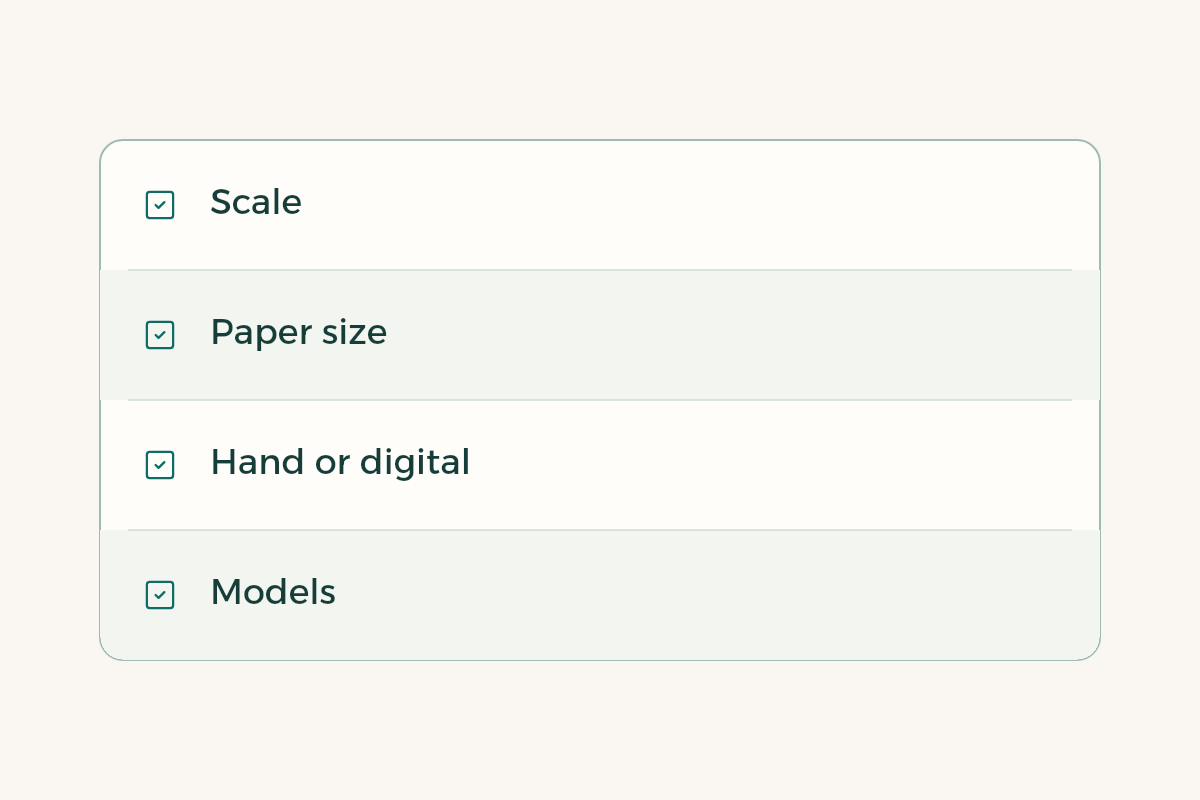
The list changes between universities and between studio instructors, so write these questions down before you buy: what drawing scale is required, what paper size, is the project handed in by hand or digitally, and will you build models? Those four answers decide most purchases. Professional bodies, including the Saudi Council of Engineers, publish information on the profession that explains why your instructors care so much about scale and precision.1
| Group | Example tools | When to buy |
|---|---|---|
| Hand drawing | Pencils in different grades, eraser, scale rule, set squares, sketch paper and tracing paper | Before the first project |
| Cutting and models | Cutting knife, cutting mat, tape, glue, foam board or card | When the instructor asks for a model |
| Storage and display | Tube or portfolio for sheets, a bag that protects work from rain | Before the first hand-in |
| Drawing software | AutoCAD, SketchUp or Rhino depending on the course | After the course names its program |
| Layout and presentation | Adobe suite or Canva for sheet layout | At the first presentation board |
| Laptop | A laptop with enough memory and battery | After testing the one you already have |
The table is a way to think, not an official list, and the program names are examples. Ask your instructor which program the course will adopt.
Do you need hand-drawing tools in an architecture major?
Yes, strongly, in year one. First design courses lean on sketching and scale because the instructor wants to see how you think before seeing how polished your digital work is. Accreditation bodies for architecture programmes, such as the National Architectural Accrediting Board in the United States, expect students to show visual communication skills in several media, and hand drawing is part of that.3
- Ask about the scale
The instructor may want 1:100 or 1:50 for a plan. Buy one scale rule that covers those ratios instead of three rules.
- Choose two papers, not five
Cheap sketch paper for ideas and tracing paper for overlays. Keep the good paper for the final hand-in.
- Buy one good pencil first
A pencil in two grades and a clean eraser are enough for project one. Try them before you buy the full set.
- Set up cutting safely
A knife with replaceable blades, a cutting mat and a metal rule. Cutting on a table ruins the table and invites a cut finger.
- Write a second list after project one
Record what you used and what you never touched. The second list is more accurate because it comes from your own weeks.

Which software does an architecture student need?
In year one you usually meet a 2D drafting program such as AutoCAD or a 3D modelling program such as SketchUp or Rhino, and building information modelling programs like Revit arrive in later years. Do not download anything until your instructor names the program and the version, because many file problems come from a version mismatch between your laptop and the lab machine.
Some vendors offer education plans for students. Autodesk publishes an education page that explains who qualifies, so read it yourself and check the terms before relying on it.2 For any program with a student price, look at the student discounts in Saudi Arabia first, then ask whether your university already provides it in its labs.
Does an architecture student need a powerful laptop?
Not in the first weeks. Test your current laptop with the drawing program you will use. If it runs a small file smoothly, delaying a purchase costs you nothing. If it struggles, ask the college for minimum specifications before you buy, then compare models. These specifications are often quoted as examples rather than rules: 16 GB of memory, SSD storage and a dedicated graphics card when you do heavy modelling and rendering.
File sizes grow fast in big projects, so plan backups from day one; the student laptop storage guide helps. If you are weighing an iPad for sketching, read the iPad for studying guide and the Apple Pencil guide to see where it helps and where it will not replace a laptop.
How should you split the budget between tools and materials?
We give no figures, because prices move and colleges differ. A staged split works: week one for hand drawing, week four for models, and after week six for software and the laptop. Borrow bulky tools such as a large cutter from teammates on a group project, and share the cost of common materials like foam board.
To prepare for the course itself, read the architecture studio guide and the architecture major guide. If you already think about your final year, the architecture graduation project brief guide connects what you learn now with what will be asked later.
One more source often overlooked is the college itself. Many architecture colleges keep drawing and model-making references in the library, and some run a model workshop from which you can borrow cutting equipment. Ask in week one, before you buy a knife, a mat and a heavy tool you will use once a term. On a learning system such as Blackboard the instructor usually posts the tool list in the course syllabus, so check the file before you visit shops in Riyadh, Jeddah or Dammam.
What mistakes do students make when buying architecture supplies?
The first is buying a full kit from a shop because of a sale and never using half of it. The second is buying a laptop before knowing the software. The third is leaving materials until the week before the hand-in, when boards sell out and prices climb. The fourth is ignoring protection for finished work, because rain in an open bag can ruin two weeks of drawing.