By the tiswa editorial team, from the official sources listed at the end of this guide. How we write our guides
The group chat contains final, final-revised and final-after-review. The most recently sent attachment is not necessarily complete: one teammate corrected references in the first file while another updated results in the second. Capstone version control starts with an agreement about where the accepted work lives and who decides that a package is ready for submission. Filenames cannot settle those decisions on their own.
How does a working file differ from a submission package?
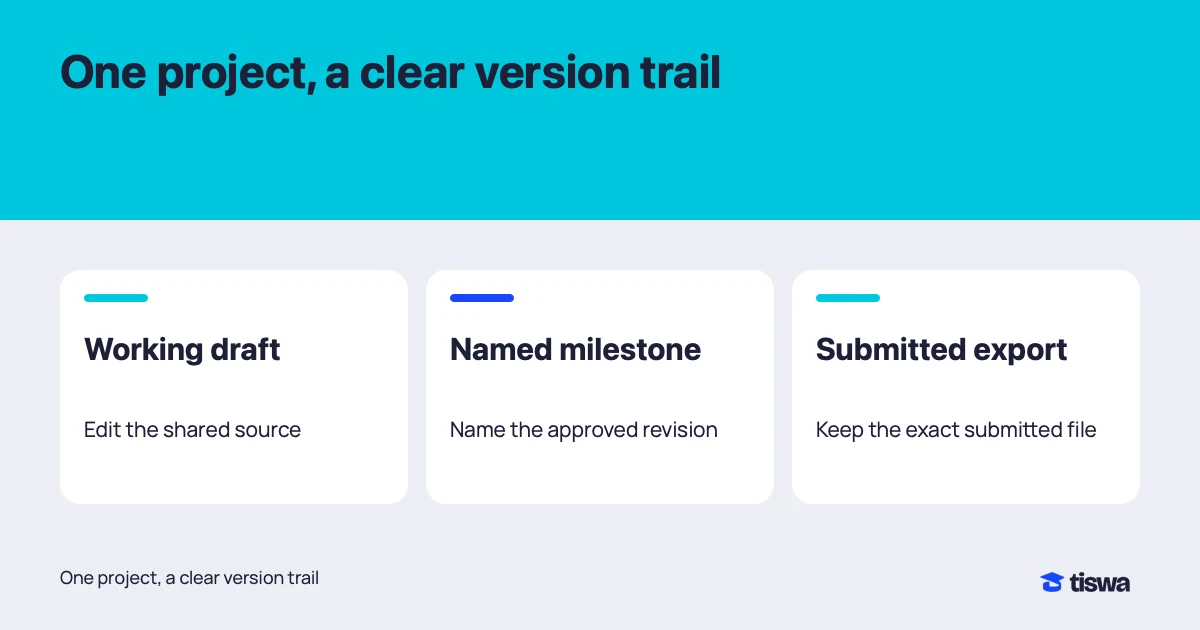
The working document changes throughout the week. A submission package records what you intended to send at a particular milestone. Put the working link, submission owner and naming rule somewhere the group actually checks. For example, report-supervisor-review-v01 and report-submission-v01 describe different purposes. These are suggested conventions, not university requirements; use the course’s required filename when one exists.
| Copy | Purpose | Who changes it |
|---|---|---|
| Working document | Combine ongoing writing and corrections | Authorised collaborators |
| Experiment | Try an alternative without disturbing the group | Person running the experiment |
| Review milestone | Record what was sent to the supervisor | Review owner after agreement |
| Submission package | Collect the exact file and appendices to upload | Submission owner |
An archive folder cannot explain why two versions differ. You need context: the supervisor changed the question, the dataset was corrected or a proposed rewrite was rejected. Add a short description at important milestones. “Revised variable definition” is more useful than “improved report.” That small note helps a teammate compare versions weeks later without reopening an entire chat history.
How does Google Docs version history differ from Drive file versions?
Native Google documents have version history for inspecting earlier work, and viewing previous versions requires editing permission. An uploaded PDF, image or other file uses a different file-version system. Identify the file type before looking for recovery controls. A shared location in Drive does not make every file behave like a Google document.12
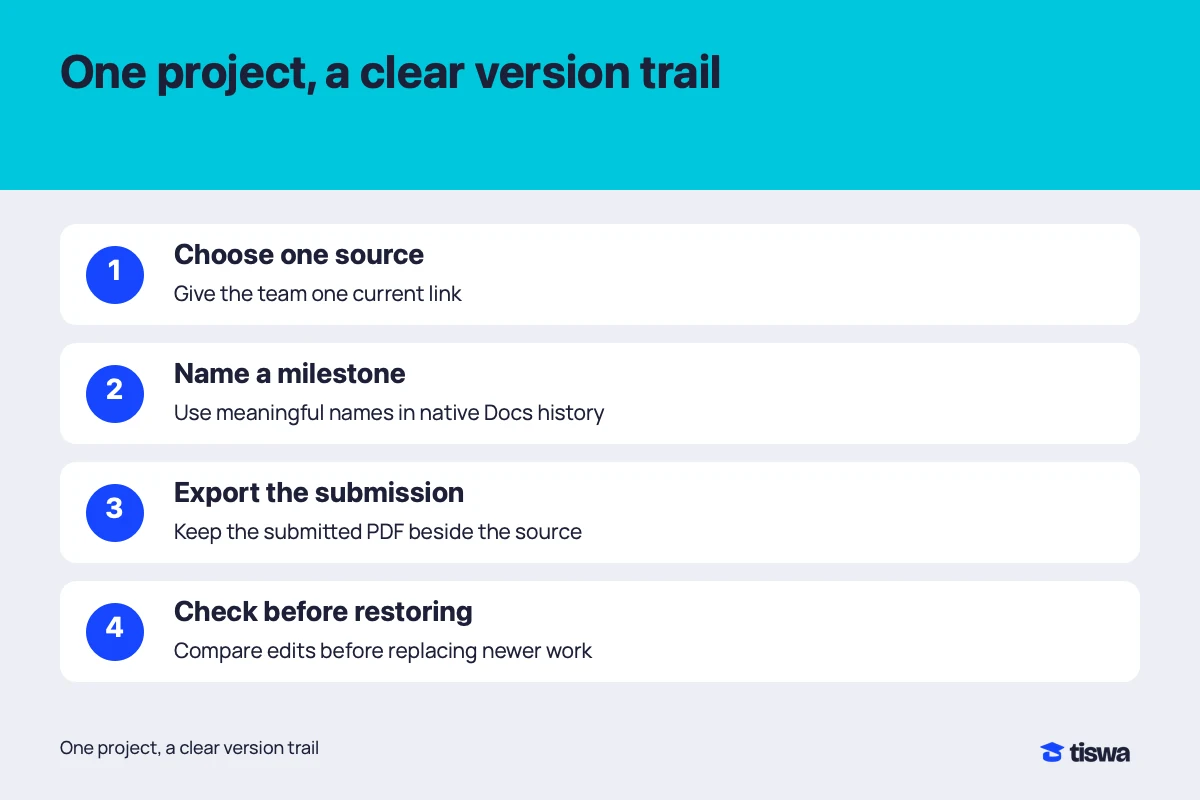
- Establish the working link
Place it where everyone agrees to look. Label it as the accepted working document rather than another attachment to inspect.
- Mark a useful milestone
After a chapter review or a supervisor submission, record a description that identifies the stage. Avoid repeatedly naming versions “updated.”
- Inspect the specific change
Use document version history to locate the missing passage and relevant edits. Recover the smallest useful piece instead of replacing the entire report.1
- Make a comparison copy
Google allows a copy of an earlier document version. Compare that with current work before deciding what to restore.1
How do you recover a missing passage with Google Docs version history?
Imagine a team of four. You agree on a data-collection paragraph on Tuesday, then notice on Wednesday that it has disappeared. Restoring Tuesday’s whole document could remove a results table added on Wednesday morning. Open the earlier version separately, identify the paragraph and check whether its deletion was intentional. Then bring back only the agreed text. The example describes a team process, not automatic conflict resolution by Drive.
For a larger problem, ask the group to pause editing and name one person to compare versions. Preserve the current state before a broad change. After combining work, ask the results author to check the table and the methods author to check the paragraph. Recovery can restore bytes; the people responsible still need to decide whether the recovered content is correct.
How should you name files without breaking links?
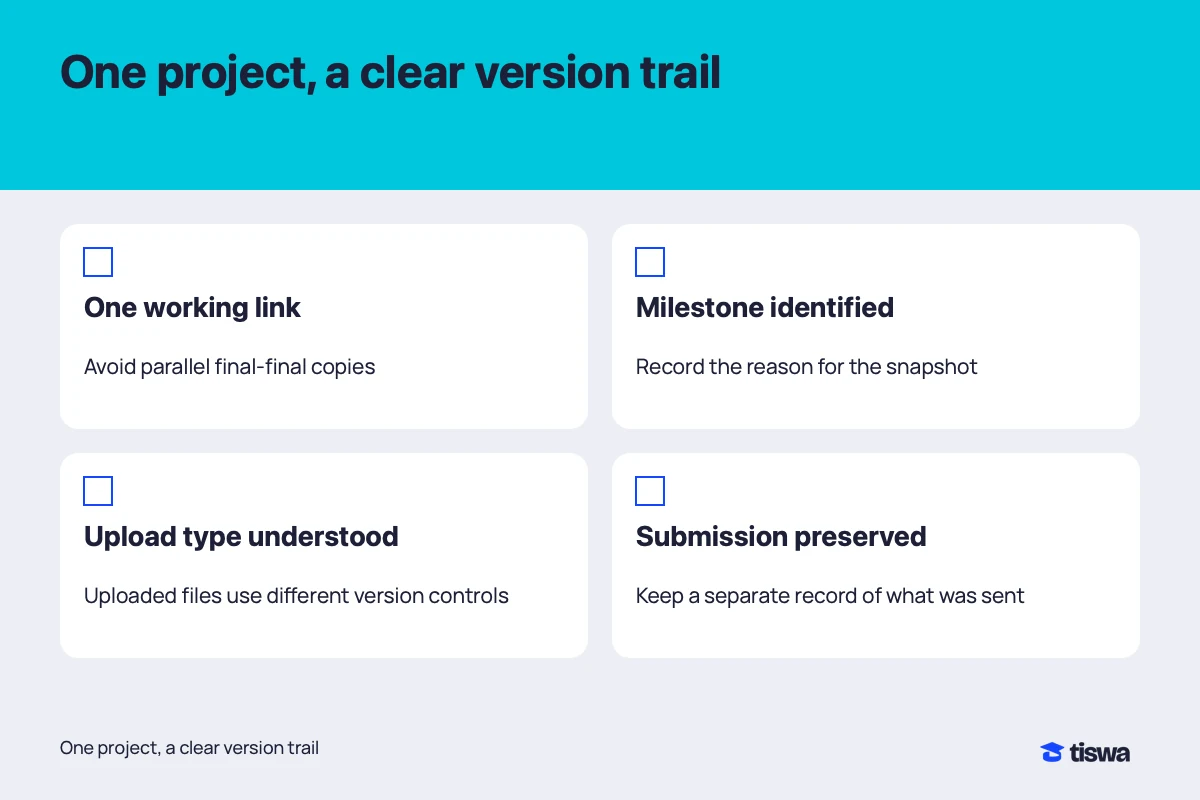
For uploaded files, choose a stable sequence such as project, document type, stage and version number. Avoid participant names or sensitive research details in filenames that will leave the group. Give appendices meaningful names too: appendix-a-survey matches a reference to Appendix A more clearly than scan-new. A short naming rule works best when everyone can apply it without consulting a long manual.
Do not rename linked assets inside analysis or design projects casually. Some applications depend on exact paths. Try a reorganisation on an experimental copy and reopen the project before applying it to the working folder. An elegant folder structure is no improvement if images or data links break just before submission. Document the change for the teammate who will open the project next.
Plan who retains the project
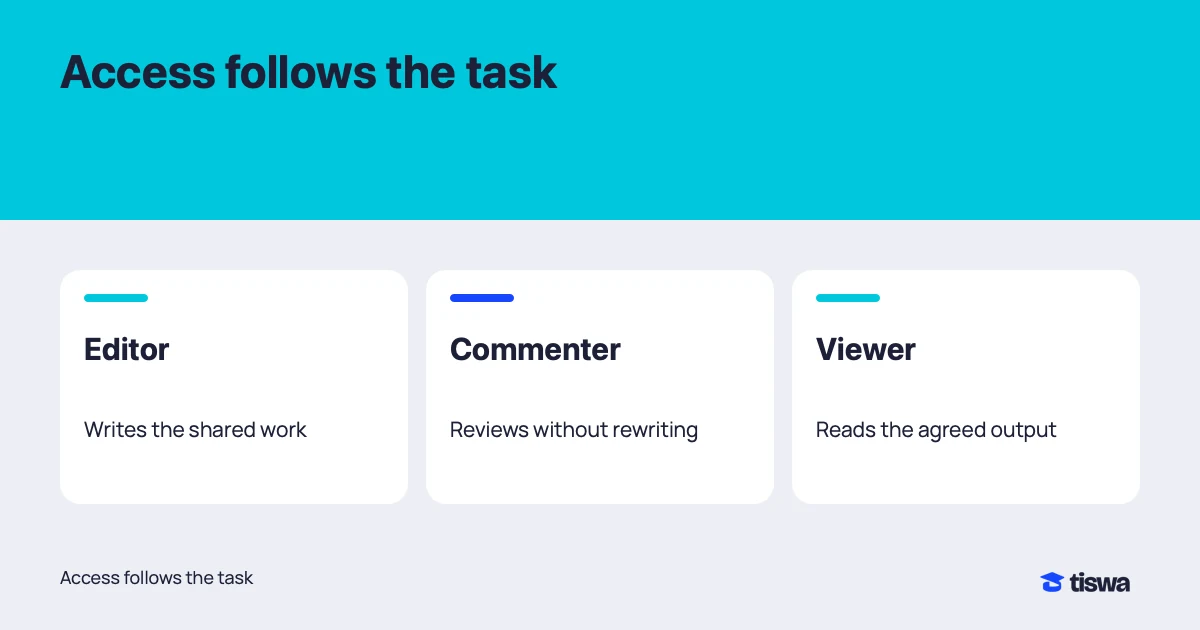
Ask early about university account continuity and project handover rules. Do not assume one member’s storage remains available to everyone after graduation. Decide who retains permitted copies, who reviews supervisor access and where the submitted package belongs. Sharing is not automatically an ownership transfer; permission roles have different capabilities.3 If the department owns or restricts the research material, its requirements determine the handover.
Use the capstone permissions guide to organise team access, backup before repair to preserve work independently of a device and student cloud storage to compare storage options. These solve adjacent problems; a version history still does not replace a complete backup or a clear permissions policy.
The University of Michigan explicitly asks departing members to plan continuity and transfer university work to the appropriate recipient.4 That illustrates why institutional policy matters; it is not a rule for Saudi universities. Ask your own university which account services continue and which project materials you may retain.
Before uploading the final assignment, open the exact package you intend to submit. Check filenames, appendix numbering and the appearance of Arabic text and tables in the exported PDF. After upload, keep the platform’s submission confirmation alongside that package. A correct document in Drive is evidence that the document exists, not evidence that the same document reached the assignment submission box.