By the tiswa editorial team, from the official sources listed at the end of this guide. How we write our guides
Your supervisor cannot open the report, so you switch the link to anyone-with-the-link. Later you notice that the shared folder also contains interview recordings and raw participant data. The problem is the boundary of the share, not the act of sending a link. Set those boundaries before the project fills with material and the team depends on links scattered across several conversations.
Google Drive sharing permissions: viewer, commenter or editor?
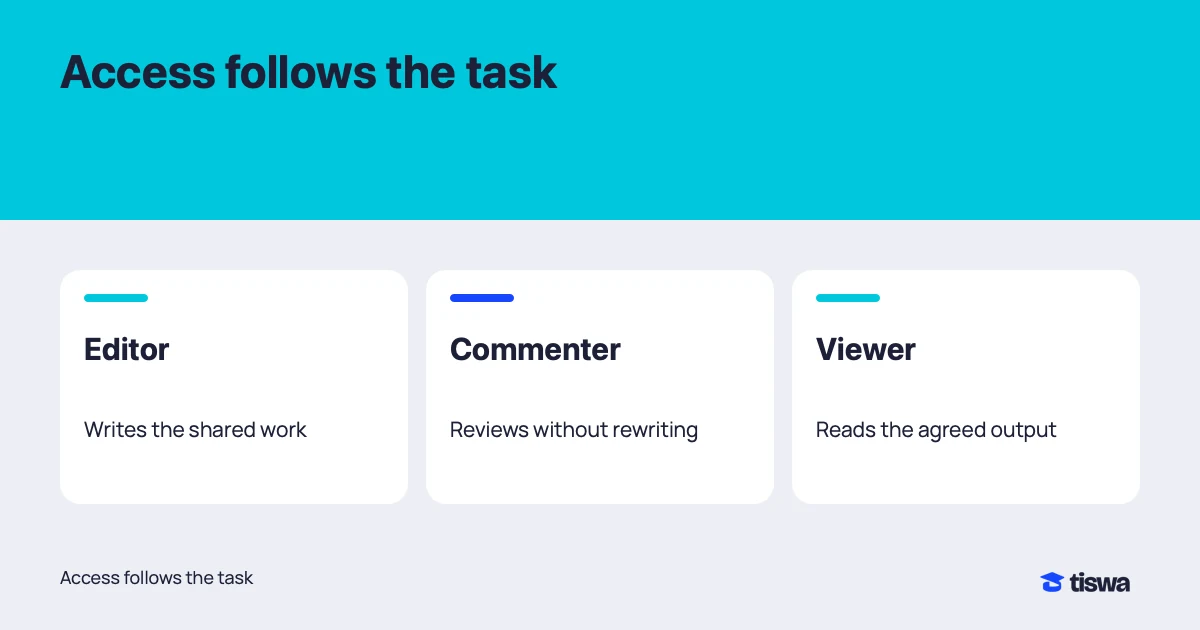
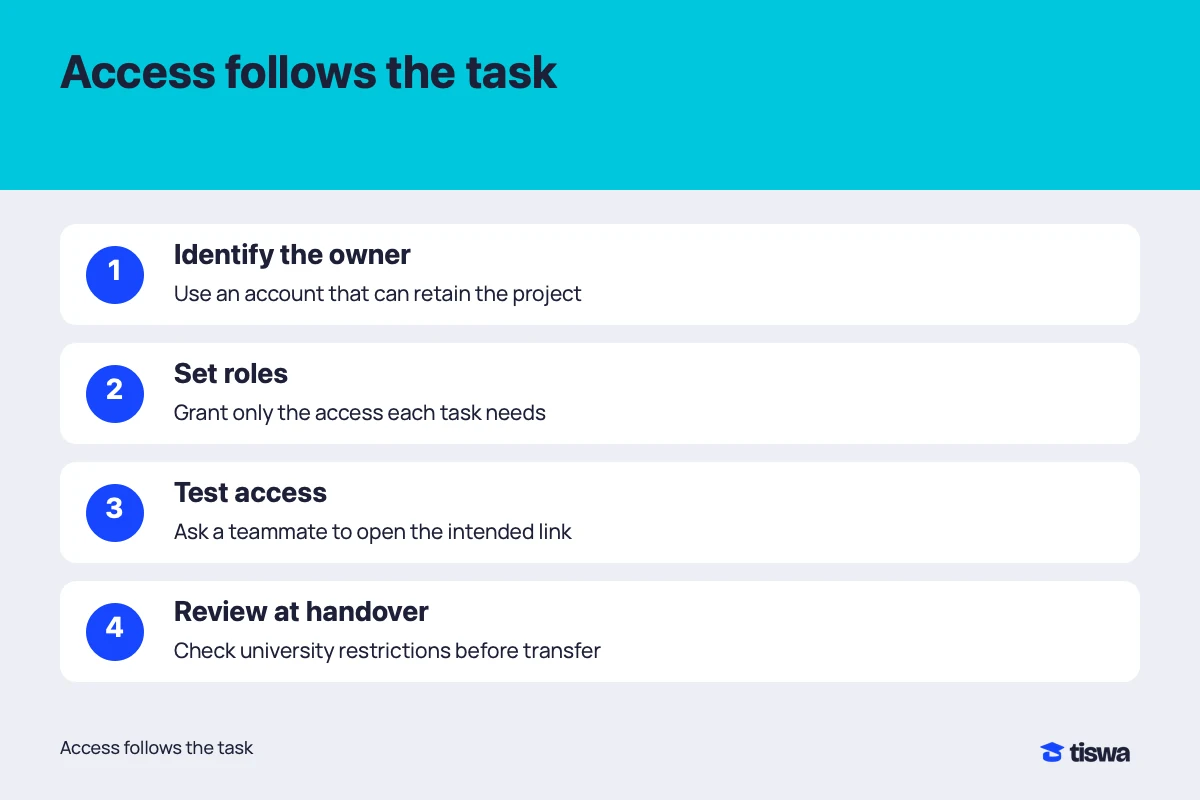
List team members and their tasks, then choose a role for each. Authors need to edit the working report. A language reviewer may need comments. Someone checking the completed package may only need viewing access. Google distinguishes these roles; granting editing to everyone by default creates unnecessary uncertainty about who can change the work.1 Agree on the purpose of access before choosing the setting.
| Person or material | Suggested access | Reason |
|---|---|---|
| Report author | Edit working document | Their task changes the content |
| Language reviewer | Comment on review copy | They propose changes for the author to assess |
| Supervisor | Role agreed for the review | Some reviews require comments, others direct edits |
| Restricted research data | Authorised people only | Team membership does not override data conditions |
This table is a suggested workflow, not a research policy. If the ethics approval or data owner specifies storage and access, follow those conditions. Do not move interviews or records into a personal account because its sharing controls are easier. Ask the supervisor about the approved location before collection begins, rather than discovering a storage restriction after sensitive material has already been distributed.
Why check the parent folder first?
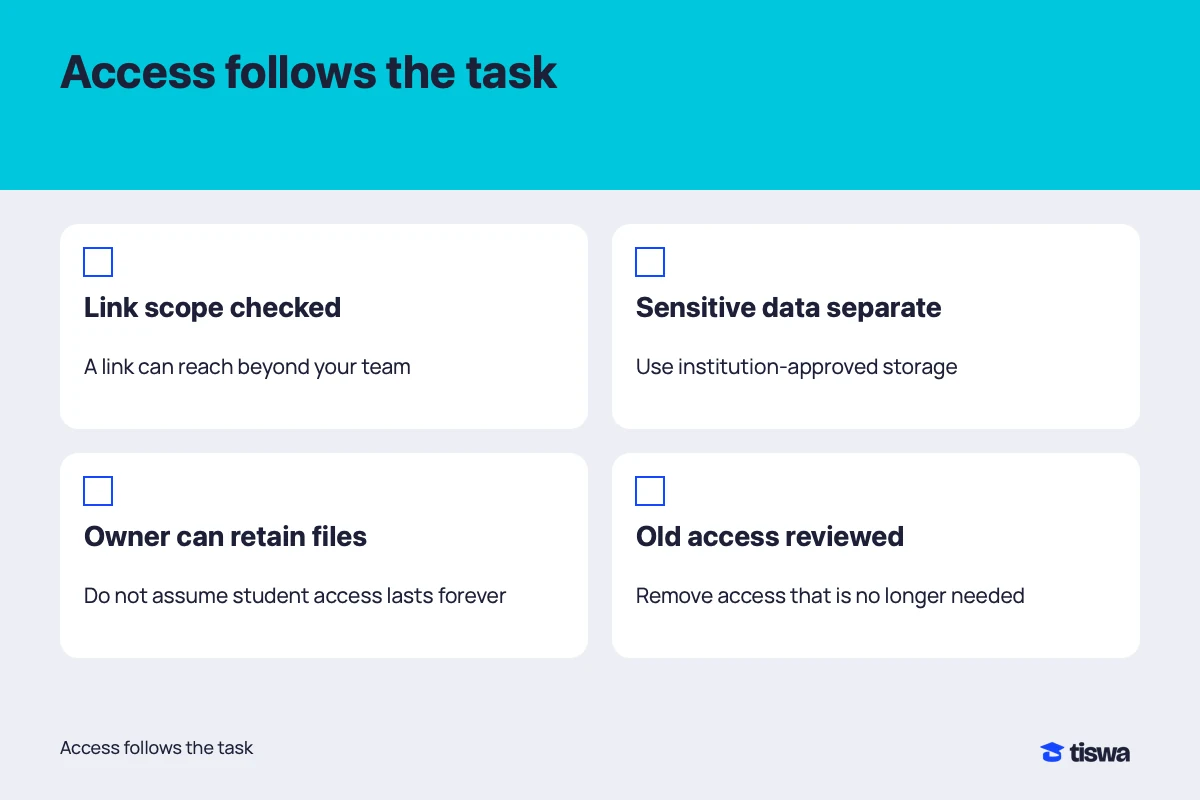
A file’s access can come from a folder above it. Google explains that some changes must be made at the parent folder, and suggests limited-access folders when a different group needs access.1 Changing one visible file setting therefore does not prove that every route to the file has been removed. Check where it lives, who controls that location and which people have access through it.
- Classify the material
Separate the shared report, presentation assets and data that needs restriction. A filename is not an access control.
- Invite the correct account
Check the email address before sharing. A teammate may have both personal and university accounts; agree which one belongs in the project.
- Choose the role
Select view, comment or edit according to the task, then inspect general access and parent folders.1
- Test with the recipient
Ask them to open the file with the intended account and perform their task. Opening successfully does not prove they can comment or edit.
A five-person project example
Imagine three students writing the report, one analysing data and one checking the presentation. You do not need five isolated personal folders. You need a shared working report, appropriate presentation assets and a raw-data area that follows the project’s approval. Aggregated results may be shareable with the team while identifying records remain restricted. This is an organisational example, not a determination of what your research permission allows.
When the analyst sends a table for slides, check that the workbook does not include unintended hidden columns or additional sheets. Inspect content before sharing: correct permissions do not remove sensitive information inside the file. If restricted material is shared accidentally, stop that access and follow your university’s reporting and response process. Deleting a link from the chat does not establish that the exposure has ended.
What should you check when a link fails?
If the supervisor says the link fails, ask which account they used and what message appears. They may be signed into a different account, institutional rules may restrict external sharing or the link may point at an old copy. Resolve the specific cause. Avoid opening the entire project publicly to work around one failed invitation. A screenshot of an error can help, provided it does not disclose unrelated account details.
When institutional policy prevents the requested sharing, use university support or the course’s approved delivery channel. Do not bypass the restriction by uploading controlled material to another personal service. A review copy stripped of sensitive content may be appropriate, but the project rules and supervisor determine that decision. Keep the approved working location clear so parallel copies do not become competing sources of truth.
How do you hand over files before an account ends?
Decide who owns the files and who should retain them under university policy. Ownership transfer has account-specific conditions; inviting an editor does not make that person the owner.2 Try the handover before accounts expire and ask the responsible person to open the material from their account. Keep only personal copies that the project permits. A successful download is not automatically permission to retain research records indefinitely.
When a member leaves, review their access according to the agreement and remaining need. Changing a role or removing a share controls service access, but it cannot retrieve a copy previously downloaded elsewhere.1 Protection begins before sharing. Do not use permissions to punish a teammate or block coursework the group needs; take a collaboration dispute to the supervisor instead of turning the project folder into the dispute.
After organising access, use capstone version control to prevent conflicting drafts. For a borrowed computer, read shared laptop project security. The student account security guide covers login and recovery arrangements that support the file-sharing plan.
The University of Michigan explicitly asks departing members to plan continuity and transfer university work to the appropriate recipient.3 That illustrates why institutional policy matters; it is not a rule for Saudi universities. Ask your own university which account services continue and which project materials you may retain.