By the tiswa editorial team, from the official sources listed at the end of this guide. How we write our guides
You walk into the room with forty-two slides, a committee of three, and twenty minutes. At minute eight you are still on the theoretical background. At minute sixteen the chair says: we would like to see the result. You said nothing wrong. You spent your time on the least important part. That is what happens when you design slides before you split the clock.
How do you order the slides of a graduation project presentation?
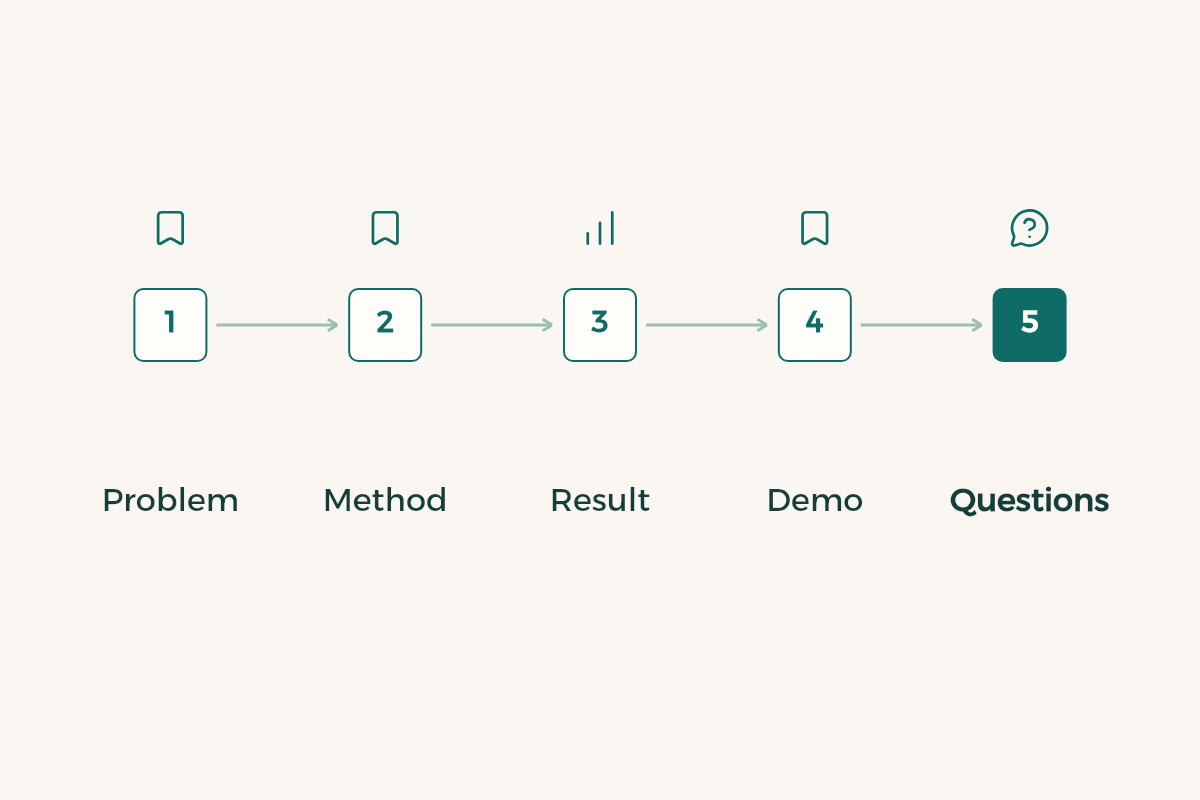
Order them the way the committee asks questions in its head: what is the problem, why does it matter, what did you do, did it work, what is left? That differs from the written report. A report opens with a long introduction; a talk opens with the problem in the first minute. If you still need the general rules for talks, read the presentation tips guide first, then come back to apply them to a committee.
| Section | What it carries | Slides |
|---|---|---|
| Title and team | Project name, members, supervisor | 1 |
| Problem | One real situation or one number that shows the problem | 1 to 2 |
| Aim and scope | What the project does and does not do | 1 |
| Design or method | How you built it and why this choice | 3 to 4 |
| Build | Screens from the real work, not generic drawings | 3 to 4 |
| Results | Numbers, tests or user feedback | 2 to 3 |
| Limits and next step | What did not work and what you would do with more time | 1 |
| Close | The one message you want to stay | 1 |
The counts in the table are an example for a talk of about twenty minutes, not a rule from any university. The idea is what matters: background gets less, and what you built gets more. Ask your supervisor about the real length and the order your department prefers.
How do you split the time in a graduation project presentation?
The arithmetic is simple: divide the minutes you have across the sections and keep one minute spare at the end. For a 20-minute slot a rough split looks like this: two minutes for the opening and problem, three for the design, six for the build, four for the results, one for limits, one for the close, and one minute of margin. At ten minutes you cut background and design first, and never the results.
| Slot | Problem and aim | Design and build | Results | Limits and close |
|---|---|---|---|---|
| 10 minutes | 1.5 | 4 | 3 | 1 |
| 15 minutes | 2 | 6 | 4 | 2 |
| 20 minutes | 3 | 9 | 4 | 2 |
The numbers are minutes, and one minute of margin sits on top. The worst habit is counting slides instead of time and assuming twenty slides equal twenty minutes. A slide with a complex chart eats three minutes, and the title slide takes ten seconds.
The slot is set by your college, not by you. It might be 15 minutes at the college of computer sciences at King Saud University in Riyadh and 20 at the engineering college of King Abdulaziz University in Jeddah; those two numbers are only an example. Ask the project coordinator for the length and for how many minutes of questions follow, then build your table on the number you hear. With a team of six, 20 minutes leaves each person under three and a half, and that shapes how many slides each speaker gets.
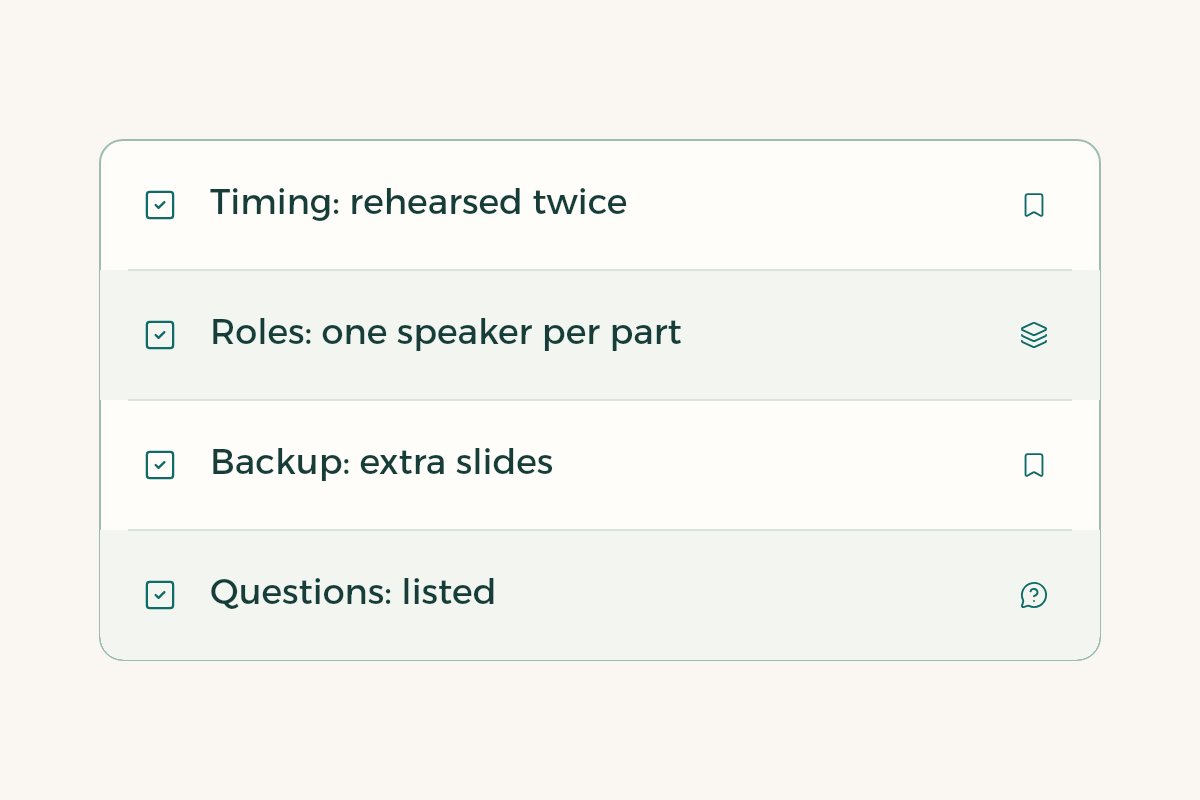
How do you rehearse the timing of a presentation?
- Read it aloud once
No timer yet. You just want to hear the heavy sentences. Cut each one you stumble on.
- Record the timing in PowerPoint
On the Slide Show tab choose Record Slide Show, check Slide and animation timings, and move through the slides. Then open Slide Sorter to see the time under each slide.1
- Try Speaker Coach
It gives feedback on your pace, filler words and whether you read the slide text, but it does not add timings to the slides.2
- On a Mac, use Keynote
From the Play menu choose Rehearse Slideshow and you get a timer and your notes.3
- Rehearse for a person
A classmate stops you at the first slide they do not follow. That is worth more than ten runs in front of a mirror.
- Write down the real times
After the third run, note the actual minutes per section and trim the long slides instead of talking faster.
Expect your first run to overshoot by five minutes. That is normal. What is not normal is fixing it by speeding up; the committee hears the stress. Delete a slide or two instead.
How should a team divide the presentation?
Let each member present what they built, not what they are good at presenting. Whoever made the database explains it; whoever designed the interface shows it. Committees often ask who built a part, and if that person cannot answer with confidence it looks like they did not build it. Decide who opens, who closes and who takes general questions. Keep handovers to about four in a twenty-minute talk, because each one costs seconds.
Agree on a signal too, such as a small card held up at two minutes left. If the deck sits in a shared folder, read capstone file permissions so the slides do not fail to open on the committee’s machine.
How do you prepare for the committee’s questions?
Sit down with your team and write ten questions you fear, then answer each in one or two sentences. You will probably find questions about why you chose this method, what the alternative was, what happens if the data changes, and where the results stop being valid. Make an appendix slide for each, behind the closing slide, and show it only when asked. The talk stays light, and you look ready.
If the committee asks something you do not know, say what you know and what you did not test. “We did not test that, and it is our next step” is stronger than a guess. A clear project idea helps here, and if yours is not settled, see graduation project ideas.
Which mistakes waste the time of a graduation project presentation?
The first is reading the slide aloud, which Speaker Coach also flags.2 The second is a theory section that takes a third of the time. The third is tiny screenshots that nobody can read from the back of the room; make the image fill the slide and add one arrow. The fourth is a demo video with no sound that stays stuck on the laptop, so test every file on the room’s machine before the slot. The fifth is opening the deck for the first time on the committee’s computer and watching the fonts change. Export a PDF as a backup.
The day before, visit the room if you can, stand where you will stand, and put the deck on the same screen. Then sleep early.