By the tiswa editorial team, from the official sources listed at the end of this guide. How we write our guides
A student walks into her academic advisor’s office and says: I want to register. The advisor asks: which courses, and why, and what is your load this term? The student goes quiet, because she has not thought about it yet. A meeting that begins with general questions spends half its time on thinking. A meeting where the student arrives with a written page ends in ten minutes with a decision.
Where is the Princess Nourah University academic calendar?
The university publishes a “University Calendar” page on its official website, listing the academic procedures for the year arranged by semester to make them easier to follow.1 Bachelor admission and registration has its own page on the same site, with the admission and registration services.2 Start from the university website, and check that the year and semester in the calendar are the ones you are studying now.
You may see pictures of dates in student groups. Do not rely on them. Open the page yourself and copy the date that applies to you into your phone, with a reminder a week before and another two days before.
What should you prepare before meeting your academic advisor?
- Print or save your degree plan
Mark the courses you have finished and those that remain. To read the plan with confidence, see the guide to reading your degree plan.
- Write the courses you want
In priority order, with a substitute for each.
- Count your real hours
How many hours a week do you have after work and commitments? Write the number and build on it.
- Mark the courses that worry you
A hard course, an unclear prerequisite or a likely clash. These are your questions for the advisor.
- Ask about the right load for you
Ask what the minimum and maximum hours are in your case. Do not rely on a number you heard from a classmate.
- Record what you agree
Write the decision in your notebook before you leave, and photograph the final list.
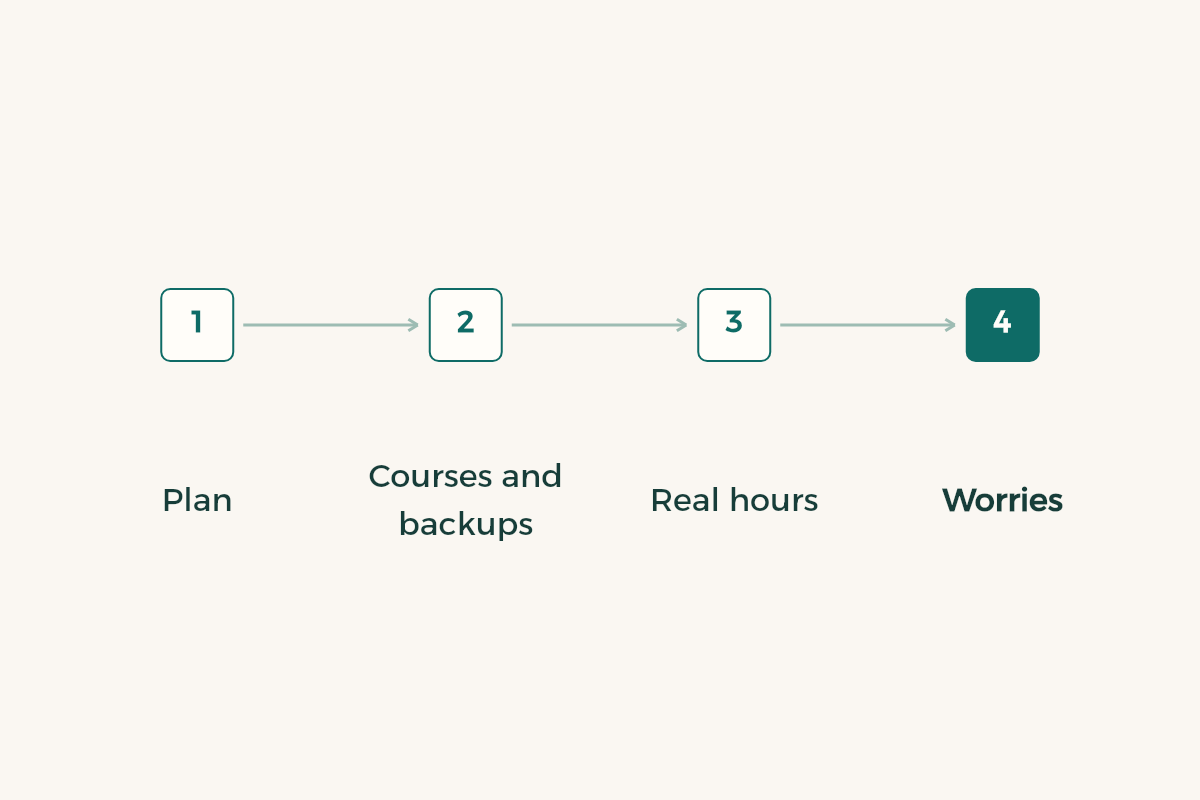
An illustration: a fifth-semester student worried about two consecutive core courses writes her question: should I start one and defer the other? Does deferring affect my graduation? This example is only to show the idea; your answer is with your advisor and your regulations.
Is there an add/drop form at Princess Nourah University?
Many students search for an add/drop form and find old files online. Do not trust an old or forwarded file, because university procedures change and the way requests are submitted gets updated. Ask your advisor or your college’s student affairs office which method applies this semester, and read the university calendar to find the add/drop period.
To understand the general difference between dropping, withdrawing and leaving a semester, read the add/drop guide. It explains the idea, while your university sets the rules and dates.
| What you need | Where to ask | When |
|---|---|---|
| The registration date | The university calendar page | About two weeks before term |
| Course choice and load | Your academic advisor | Before registering |
| A clash or a full section | Your advisor or the college’s student affairs | As soon as it appears |
| Add and drop | The calendar, then your advisor | A week before it closes |
| A decision’s effect on graduation | Your advisor and the university regulations | Before the decision, not after |
The table orders your questions, while the university’s true dates come from its page. If a name in your calendar differs, follow your calendar.
How do you open the conversation when your advisor’s time is short?
Advisors see many students during registration weeks, and each student’s time is limited. Begin with a sentence that sums up why you came, then open your page. An illustrative opener: “I want to register four courses this term, and I have a question about the third because its prerequisite is unclear to me.” That sentence gives the advisor a direction at once, instead of pulling it out of you with questions.
If no appointment is available before registration, ask for a written channel and send a short message with your list and your most important question. A clear message gets a clearer answer, and a vague one gets an invitation to another meeting. Keep the reply, because it is your reference if things differ later.
How do you review your schedule after registering?
After you register, open your schedule and compare it with what you agreed with your advisor. Check each course code, section and time, and lay them on one week to see clashes and crowded days. Take a screenshot, which is your evidence if a disagreement appears later.
If you find an error, contact your advisor the same day. Fix it before add/drop closes, because that is the correction window. For phone scheduling, read the study schedule on iPhone guide.
How does registration affect your cumulative GPA?
The GPA moves with the term’s results, not with registration itself, but the courses you pick and how many affect your chance of raising it. To estimate the effect of an expected grade, use the GPA calculation guide with guessed numbers, then ask your advisor about your university’s method. For ways to raise it, read the guide to raising your GPA.
Remember that universities adjust their systems within the Ministry of Education’s regulations and announce this in official channels.3 Do not base a decision about graduation on outdated information.