
By the tiswa editorial team, from the official sources listed at the end of this guide. How we write our guides
A King Saud University student account comes with a free Microsoft 365 package: email plus 100 GB of cloud storage.3 Plenty of students still write to professors from a Gmail address they made in high school. The steps below fix that and get your email read on the first try.
Have these ready: your university email and password, the course code and your section number, the professor's name and title as the department page shows them, your request in one sentence, and any attachment saved as a PDF.
How do I write the email in Outlook step by step?
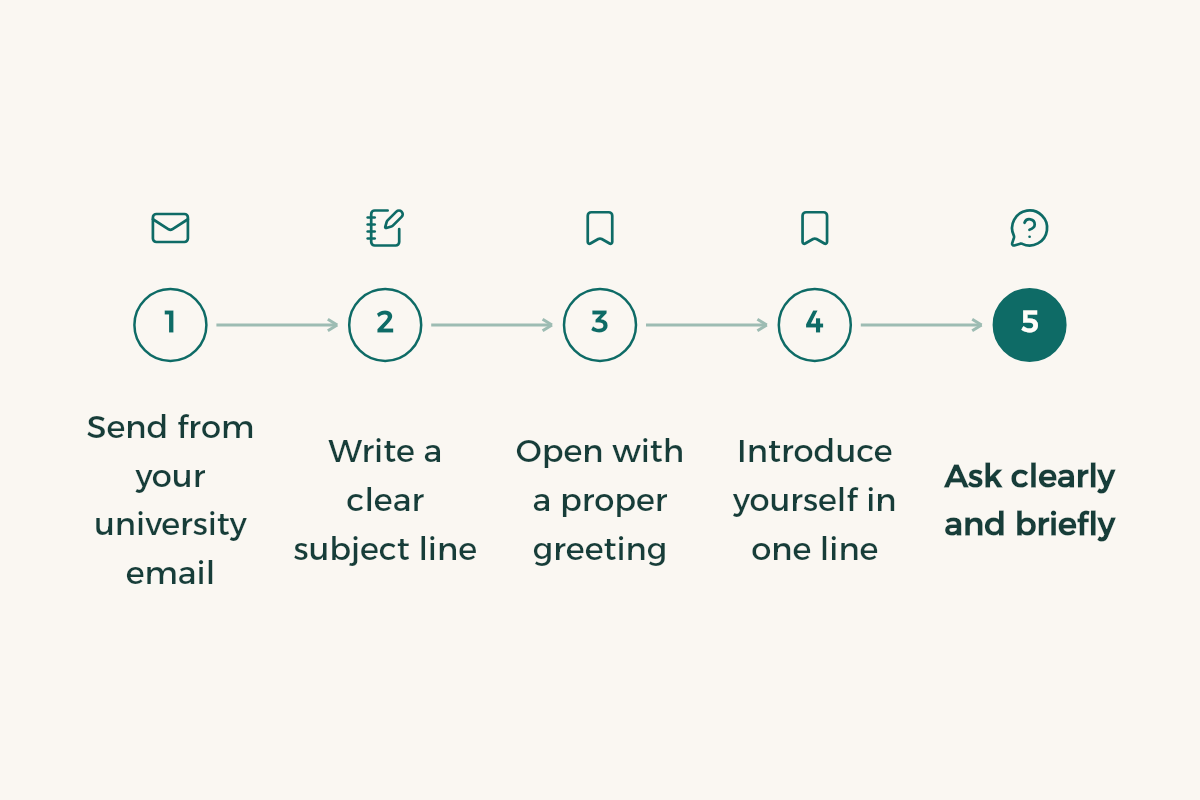
- Sign in to your university mail
At KSU, open the student mail page and sign in with your university account; there is a password reset link if you need it.4 Other universities work the same way through the student portal.
- Start a new message
In Outlook on the web: Mail > New mail.
- Copy the right address
Take it from the faculty page on the university site or from the course page on Blackboard, not from memory.
- Write the subject line
Course code, section, topic. Example: "BUS 101, section 4521: request to review my midterm grade".
- Open with a title and greeting
"Dear Dr. Al-Harbi," then one half-line saying who you are.
- State the request in two lines
What you need, why, and by when. One request per email.
- Add a signature
Full name, student ID, course. Save it once under Settings > Account > Signatures.
- Attach, reread, send
One clearly named PDF. Read the email once out loud, quietly, then send.
How do I set up my university email?
Your university account is set up for you when you enrol; you just sign in. At KSU the Deanship of e-Transactions and Communication provides it free inside Microsoft 365 and publishes guides for adding it to the Outlook app on a laptop, Android or iPhone.3 The university domain tells the professor the message comes from a student, so it does not land in spam or raise the question "who is this?". What else the account unlocks is in university email benefits.
What should the subject line say?
Enough for the professor to know the topic without opening it. Purdue OWL points out that people triage email by subject line, that a clear one gets read and answered sooner, and that a blank one is a good way to be ignored; "Hi" tells the reader nothing.1 It also says to name your section, because some instructors teach several sections of the same course with hundreds of students.2
- Weak: "Question"
- Weak: no subject at all
- Strong: "CHEM 101, section 3307: absent Sunday with a medical note"
- Strong: "Graduation project: meeting to discuss chapter two"
Three short templates to copy
Excused absence: "Dear Dr. Al-Harbi, I am [name], student ID 44xxxxxxx, section 3307. I missed Sunday's lecture for a medical reason; the note is attached. Could you tell me what I missed and how to make it up? Thank you."
Grade review: "Dear Dr. Al-Qahtani, I reviewed my midterm paper during office hours and I believe question 4 was marked against a different answer key. Could I show you on Tuesday?"
Meeting request: "Dear Dr. Al-Harbi, I need ten minutes to discuss my research idea. Your office hours clash with a compulsory lecture. Would Wednesday after 12 work?" For longer formal requests such as a letter or a recommendation, use formal email to a professor.
Can I use ChatGPT for email writing to a professor?
Use it to edit, not to write from scratch. Draft the email yourself, then ask it to shorten the text and fix spelling without adding pleasantries. An email that opens with "I hope this email finds you in the best of health" and runs seven lines before the request gives itself away. Remove any health or personal details before pasting text into an AI tool.
What if the email bounces or the professor doesn't reply?
Check it actually went, wait two working days, then follow up once. A bounce-back usually means a typo in the address or an attachment over the size limit. Copy the address again from the department page, and put large files in OneDrive and send the link instead.
If the follow-up gets no answer, go to office hours. Umm Al-Qura University's executive rules count office hours inside a faculty member's 35-hour working week and require them to be in their office during those hours.5 That time exists for you. How to use it well is in office hours.
Which email mistakes slow down a reply?
- The whole message typed into the subject line, with an empty body.
- Asking something the course specification or Blackboard announcements already answer.
- Copying the head of department on the first email.
- An attachment named "Document1", or a tilted phone photo of a medical note.
- A 2 a.m. email asking for an answer before an 8 a.m. exam.
Should I message my professor on Teams or by email?
Email, unless the professor says otherwise in the first lecture. A Teams message gets buried in chat notifications, has no subject, and is hard to find later when you need proof you reported an absence on time. Keep email for requests and excuses, and Teams for a quick question if the professor opens it to students.