By the tiswa editorial team, from the official sources listed at the end of this guide. How we write our guides
A hiring manager at an information security firm in Riyadh opened a student’s CV and read: “Tested hacking the university website.” She closed the file. Whether the test worked was not her first question. Her first question was whether the student had written permission. This is an example, but it captures what frightens employers about an eager trainee. What opens the door is the opposite answer: I worked in a private lab, and I wrote down what I did.
What do cybersecurity employers look for in a co-op application?
Employers look for three things: command of the basics, a disciplined way of working, and the ability to write. The National Cybersecurity Authority publishes frameworks and requirements for government bodies, and companies draw on them when shaping roles, so read its site to learn the language of the market.1 Then go back to your university’s regulations, which set the conditions of the training term.
The NICE Framework from the US National Institute of Standards and Technology maps cybersecurity roles and their skills in detail, and it helps you name your work in terms any employer understands.3 Pick one role that appeals, such as incident analysis or vulnerability assessment, and let your projects circle around it.
Which projects can you carry out safely?
The first and last rule: test only what you own or what was built for training. One example is the OWASP Juice Shop project, a deliberately insecure web application that runs on your own machine so you can learn on it without harming anyone.2 Other examples are virtual machines you build on your own computer and open training platforms for hobbyists.
| Project (example) | What it proves | Output needed |
|---|---|---|
| Run Juice Shop locally and find two flaws | Understanding of common web application flaws | A report: the flaw, the steps and the proposed fix |
| Build a small virtual network and watch its logs | Reading logs and spotting suspicious activity | A log screenshot with a three-line explanation |
| Write a password policy for an imaginary organisation | Thinking in risks, not tools | A policy page with a reason for each clause |
| Analyse a phishing message sent to you | Recognising phishing signs | A comparison with a genuine message, after hiding your data |
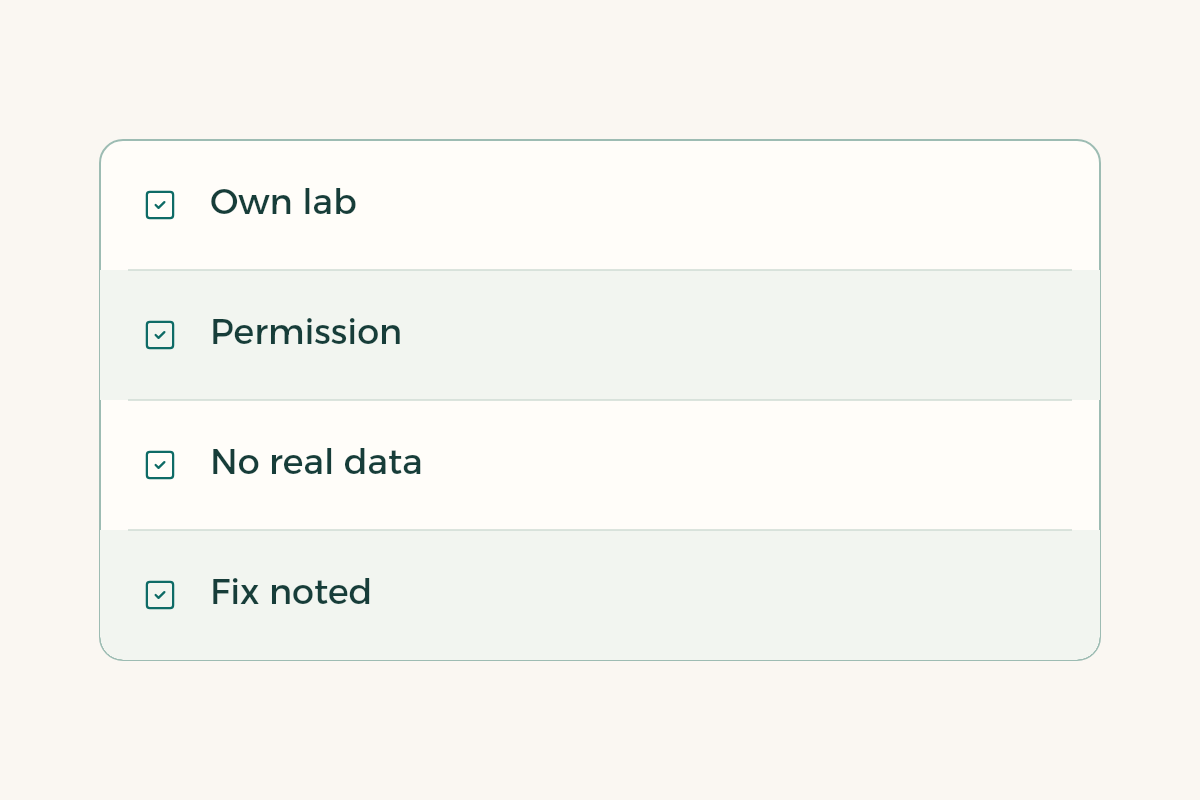
Notice that none of the four touches anyone’s system. If your project needs a real system, do not start before the owner’s written permission.
How do you write a two-page project report?
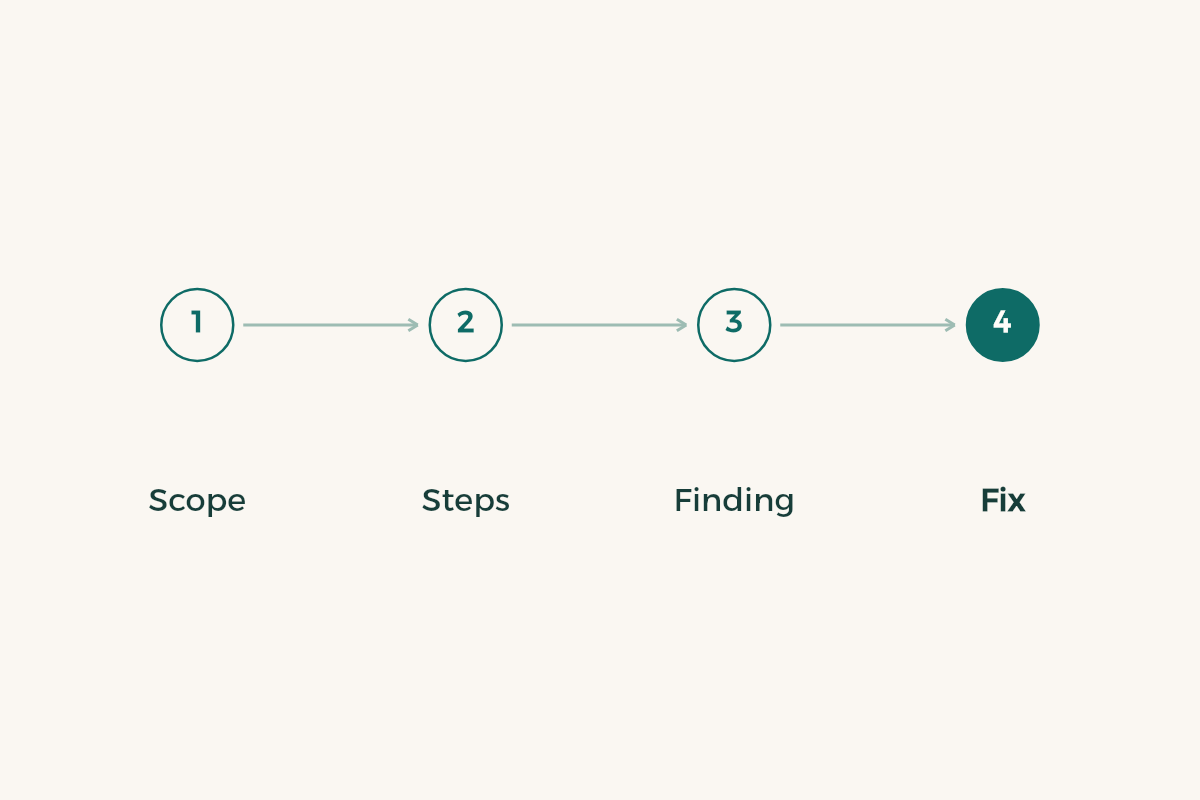
- Start with scope and permission
“A lab environment on my own laptop, Juice Shop, no connection to any outside system.” One sentence that says you are disciplined.
- Write the question
What did you want to learn? For example: can a user reach another user’s basket?
- Describe what you did in numbered steps
One line per step, so another reader can repeat it in the same lab.
- State what you found and its impact
What could have happened had the system been real? Two sentences are enough.
- Propose the fix
This part separates a defender from an attacker, and most employers look for it.
- Remove anything personal
No home network addresses or account names in the screenshots.
Publish the reports in a GitHub repository or in a single PDF. If Git is new to you, read GitHub for beginners first.
How do you place the project in your CV and application?
Write one line with the action, the effect and the link: “I analysed a training web application and found two flaws, and wrote a fix for each (report link).” Then make your best report the first link on the CV. To build the CV itself read the student CV guide, and to organise your public page read build a portfolio.
If you have not yet chosen a track inside the major, read the cybersecurity roadmap to pick between defence, response and vulnerability assessment, then come back and write your first project.
What mistakes sink a cybersecurity application?
The worst is testing a system you do not own, even with good intentions. Some owners do not tolerate it, and the recruiter sees only risk. The second is a long tool list with no report showing you used any of it. The third is publishing a flaw you found before informing the system’s owner. The fourth is writing in a boastful tone; employers like the voice of someone who fixes, not someone who attacks.
For the interview prepare three answers. What is the first thing you do if you find a flaw in a real system? (Report it to the owner through the official channel and do not publish.) How do you explain a flaw to a non-technical person? What did you learn from your last project? If you use AI for learning, read AI for cybersecurity students and never paste real data into it.
After acceptance, ask your supervisor what you may document outside the company. Much of what you work on is confidential, so write your university report within what your contract allows.