By the tiswa editorial team, from the official sources listed at the end of this guide. How we write our guides
A course lecturer asked her to design an appointment-booking screen for a health centre. She handed in a beautiful screen with elegant type, and five of six test users failed to finish a booking. That low mark taught her more than a perfect one would have: interaction design is judged by what people can do, not by how a screen looks. If you are weighing this major, this is what waits for you.
What does an interaction design student study?
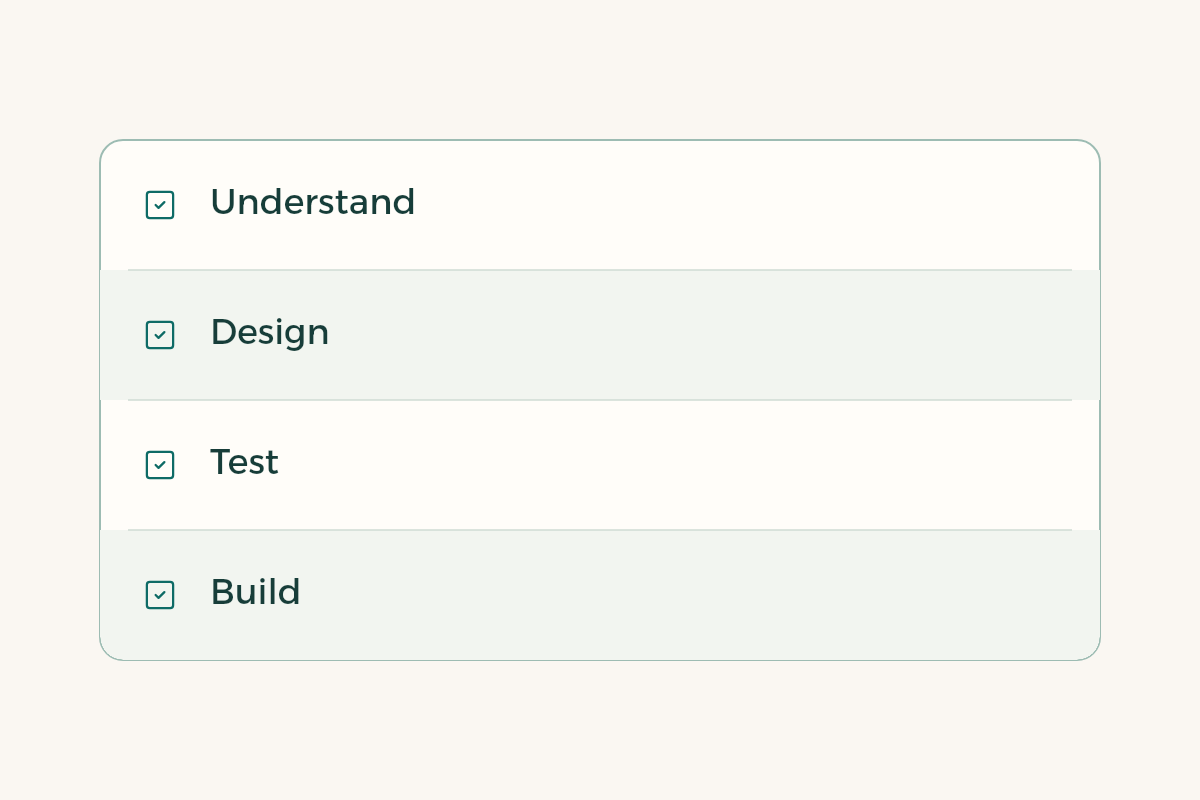
The major rests on three pillars. The first is understanding people: interviews, surveys and observation, and analysing what a user does rather than what they say. The second is designing the solution: navigation maps, screen structures, prototypes and a visual system. The third is testing: sessions with real users, error analysis, then redesign. Many programmes add a light fourth pillar of basic programming, enough to know what a developer can do and not enough to make you one.
| Pillar | Example courses | What you leave with |
|---|---|---|
| Understanding people | Research methods, user behaviour | A research plan and a findings summary |
| Designing the solution | Prototyping, interface design, information graphics | An interactive prototype |
| Testing | Usability evaluation, accessibility | A test report with recommendations |
| Technical base | Intro to programming, web design | A working page or coded mock-up |
The course names in the table are illustrative and differ between universities. What matters is that the plan holds at least one course for each of the four pillars.
Which principles do designers build their decisions on?
Designers have used ten general rules for judging interfaces for decades. Jakob Nielsen developed them with Rolf Molich in 1990 and refined them in 1994, and they include visibility of system status, user control and freedom, recognition rather than recall, and error prevention.1 These rules do not age as tools do, which is why they show up in most good programme plans.
Accessibility adds a dimension you cannot postpone. The W3C explains that designing for people with visual, hearing, physical and cognitive disabilities also helps people on small screens or slow connections.2 Apple’s Human Interface Guidelines give comparable advice for apps: text size, contrast and touch targets.3 If the plan has no course or unit on accessibility, that is a point to ask about.
Which projects should you leave with?
Most employers in this field ask for a portfolio before anything else. A strong portfolio does not hold twenty pretty screens. It holds four or five projects that each tell a story: the problem, the research, the decisions, the test and the result. So ask the department what last year’s cohort built, and ask to see three of those projects.
- A research project with users
Interview five people from one group and summarise what annoys them in one task. Output: a journey map.
- A mobile app prototype
From first sketch to a clickable prototype, with every decision justified by evidence from research.
- A usability test
Six sessions with written tasks, success rate and time on task measured, then a report with three recommendations.
- An accessibility review
Check an existing page against accessibility guidance and document what blocks specific users, with fixes.
- A full capstone
From idea to a high-fidelity prototype, a test report and a presentation to a panel.

This is a suggested list of what to ask to see, not a list of what any one programme offers. For help with building the portfolio itself, see the guide to building a portfolio and the UI/UX roadmap.
Is interaction design the same as graphic design?
No. Graphic designers care about the visual message and how it lands: a logo, a poster, an identity. Interaction designers care about what happens after the first touch: what the user taps, what they see, whether they finished what they came to do. They share colour, type and composition, so some graduates move between the two. For a comparison of the paths, see the guide to the graphic design major.
If you like programming more than drawing, look also at the information technology major, since some of its programmes include user experience courses. Each path has its place, and the choice comes down to what you want to spend your days doing.
What should you ask the department before you enrol?
Ask four specific questions instead of “what are the programme’s strengths?”. How many courses end in a prototype? Do students test their designs with real users? Is there a course on accessibility? And where did graduates of earlier cohorts go to work? The department’s answer, or its dodging of the answer, tells you what you need.
It also helps to visit an open day or a graduation project showcase if the department holds one in Riyadh, Jeddah or Dammam. Look at what is shown, talk to two students from the cohort, and compare their projects with those from another programme. One hour at a showcase is worth ten marketing pages. And do not judge from cover images alone; ask to open the prototype and see how it works.
Which tools should you learn, and should you pay for them?
Design and prototyping tools change every few years, so do not build your decision around one. Learn one prototyping tool in depth, then carry your skills to others when needed. Some companies offer free or reduced plans for students, so read the terms on each tool’s own site, and try the guide to Canva for students for an easy tool before you commit to anything heavier.
What mistakes are common in this major?
Students repeat two mistakes. The first is drawing before researching: opening the design tool on day one, sketching ten screens, and finding out in week six that the user never needed them. The second is testing only on friends, who give compliments rather than findings. Test with five people who do not know you, give them one task, then stay quiet and watch.
A third mistake only shows up later: not recording your decisions. In three months you will not remember why a button sits where it does, and you will not be able to explain it to a panel. Write one sentence and one reason for each decision, and your notes turn into the story of your portfolio.