By the tiswa editorial team, from the official sources listed at the end of this guide. How we write our guides
Every semester a wave of students searches for "Canva Pro free", and a lot of what turns up is invite links to unknown teams or borrowed school accounts. The official route for a university student is one: Canva Campus, a plan the university buys, not the student.2 If your university has not bought it, you have Canva Free, or Pro on your own account.1
Is Canva Pro free for university students?
Yes, but only through your university. Canva describes Canva Campus as an institution-wide plan: students receive free premium accounts once the institution reaches a threshold of paid staff and faculty licences, set by the size of its full-time student body.2 A student cannot get it alone; the institution has to enable it.2
Canva's page for students says the same from the other side: Canva Education is currently unavailable for college and university students, who can use Canva Free or upgrade to Pro.1
Why can't university students use Canva Education?
Because it is built for K-12 schools. Canva Education gives premium features free to eligible teachers and their students, and the help page lists college and university students among those who cannot access it.3 The eligibility guidelines add to that list:4
- Higher education institutions with their lecturers and staff, whose route is Canva Campus.
- Continuing, further and adult education institutions.
- Private, volunteer and online tutors.
- Parents of school students.
- Certified teachers not currently teaching.
An eligible school teacher verifies with an education email or a document that Canva reviews within 48 hours, and re-verifies every 3 years.4 Secondary school students are invited by their teacher. The two programmes are compared in more detail in Canva for Education.
How do I know if my university has Canva Campus?
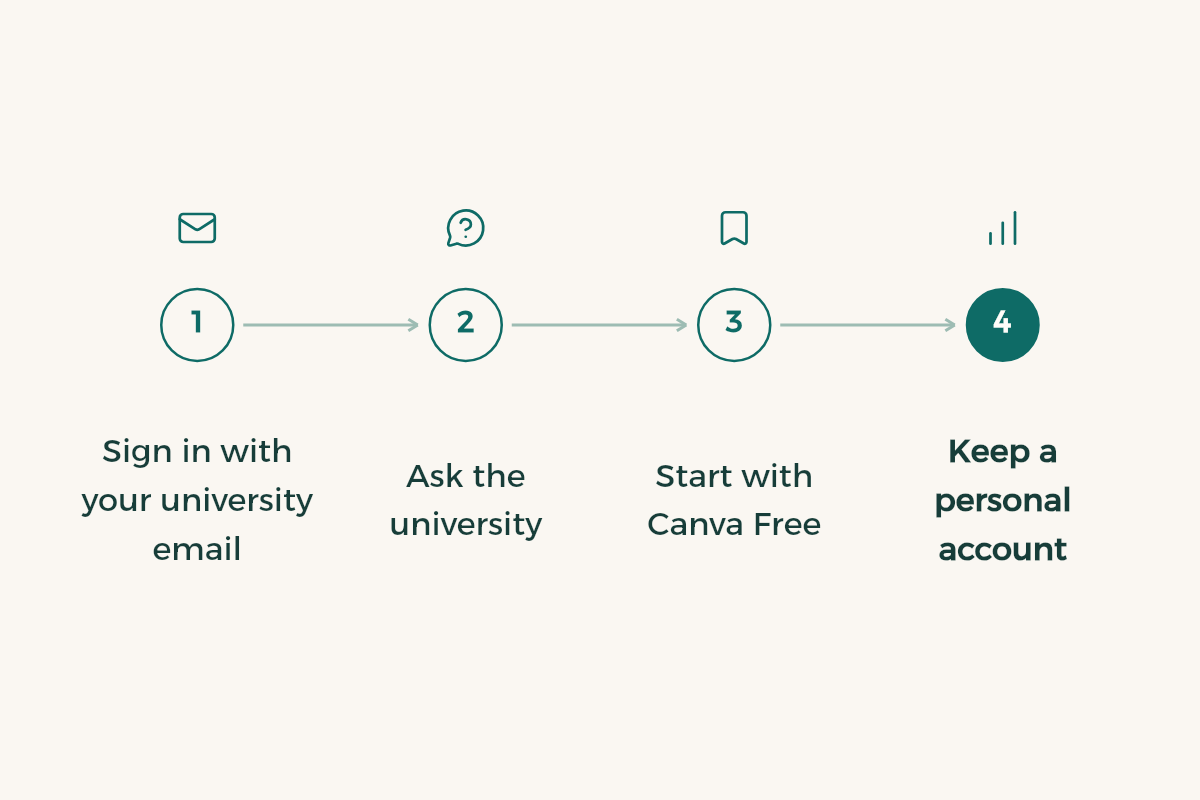
- Sign in with your university email
Open canva.com and log in with your university address. If the university is set up, its team and premium features appear.
- Check the IT deanship website
Universities list the systems available to students on their e-services pages.
- Ask IT support or the library
Name the plan precisely: Canva Campus, not "Canva Pro".
- Push for it through the student club
Canva's higher education page says student demand is often what gets Campus started.7
A Canva course on your campus does not mean a licence. Umm Al-Qura University's College of Applied Sciences ran a training course on Canva for scientific posters, presentations, video and sharing designs,8 which is training on the tool, not a subscription to it.
What does Canva Free give a student?
Enough for most coursework. The free plan includes presentations and whiteboards, with 5 GB of cloud storage against 100 GB on Pro.6 Real-time collaboration and comments work on it too,1 so a group project needs no subscription.
| Canva Free | Canva Pro | Canva Campus | |
|---|---|---|---|
| Who pays | Nobody | You | The university |
| Storage | 5 GB6 | 100 GB6 | A premium student account2 |
| Presentations and whiteboards | Included6 | Included6 | Included |
| LMS integration | No | No | Blackboard, Canvas and others2 |
| After graduation | Stays | Stays while you pay | May go with your school email5 |
How do I run a group project in Canva Free without chaos?
- Build the skeleton first
One person creates the file and sets every slide title, the colours and the font before anyone else starts, so the deck looks like one hand made it.
- Share with edit access
Use the Share button to add your group's emails, rather than posting the link to the whole course chat.
- Assign slides
Put the owner's name in each slide's notes so nobody edits someone else's part.
- Discuss in comments
On the element itself, not in side chats that vanish in two days.
- Review together, then download a PDF
Once, before submitting, then upload it to Blackboard; see the Blackboard guide.
Is Canva Pro worth paying for?
For most students, no. Presentations, research posters and CVs come out well on the free plan, and the difference an ordinary student notices is the premium library and the storage. A graphic design or media student publishing every week, or someone running a student club account, may well get value from it. Before you pay, check your university is not on Canva Campus: you do not want to pay for a year of Pro and then find your university email unlocked the same features. And look at student discounts on design tools first.
What happens to my Canva designs when I graduate?
You may lose them with your university email, so copy them first. Canva warns that graduating can cost you your school email and, with it, your free Canva Campus or Canva Education account, and advises moving your work to a personal account.5
- Create a personal account
With an email not tied to the university, or start Canva's graduation flow in Settings.5
- Share each design with your personal email
With edit permission.5
- Open it from the personal account
Then File > Make a copy; the copy appears in Projects.5
- Download a backup
Your CV and portfolio as PDF and PNG on your own device.
Are the "free Canva Pro" links safe?
We would not rely on them. The link is usually an invite to a team owned by a stranger, and you work inside it on their terms. If they remove members or stop paying, the premium features in your designs vanish, possibly the night before a deadline. Some links also send you to a login page that looks like Canva and is not. The safe route is short: Canva Free now, Canva Campus if your university buys it.
What mistakes do students make with Canva?
- Applying for Canva Education with a university email and getting rejected, because universities are outside it.
- Joining unknown teams through "free Pro" links and leaving project files there.
- Keeping the CV on a university account that ends at graduation.
- Too many fonts in one design, and low-resolution images that print blurry.
- Not citing images taken from outside Canva's library; see the APA citation guide.
How do I get the most out of Canva for study?
Start with presentations. Read how to make a presentation before you open a template so the design never buries the point, and for your final defence, graduation project presentation slides. CVs have their own guide in Canva resume for students. Design majors should compare options in design software for students, and the rest of the free kit is in free software for students.
I have a [number]-minute presentation on [topic] for [course]. Suggest an outline of [number] slides: each with a title that states a full idea, two bullet points at most, and one image or chart suggestion. No paragraphs.