By the tiswa editorial team, from the official sources listed at the end of this guide. How we write our guides
LinkedIn post ideas do not need a gift for writing. They need a clear reason, an opening line and a real example. A student who posts about a class project, a placement they have started or a certificate they finished builds a professional picture that anyone reading the profile can see. Here are practical ideas, templates you fill with your own details, and steps for posting with hashtags and mentions without overdoing it.
Why post while you are still a student
- A post shows that you care about your field, and that is what a visitor looks for before deciding to reply.
- You practise clear professional writing, a skill you will need in emails and training reports.
- Posts open conversations with classmates, lecturers and alumni from your university who work at companies you like.
Ten ready ideas
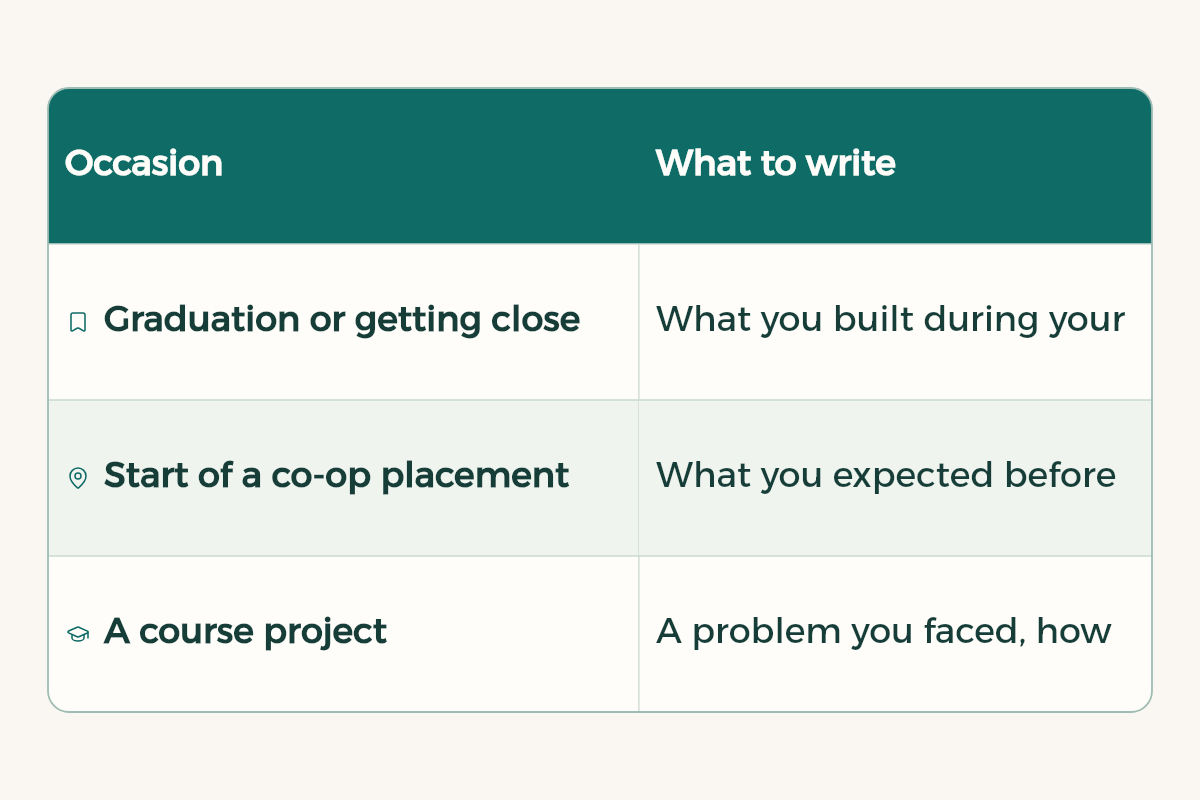
| Occasion | What to write |
|---|---|
| Graduation or getting close to it | What you built during your degree, and what you learned from the hardest part |
| Start of a co-op placement | What you expected before you began, and what you want to learn in the first weeks |
| A course project | A problem you faced, how you solved it, and a picture of the result if you can share it |
| A certificate you finished | The skill you gained and how you plan to apply it in your next project |
| A workshop or event you attended | The most useful idea you took away and why it matters in your field |
| Volunteer work | What you did with the organisation and what teamwork taught you |
| A book or article in your field | A summary in three points and your view in one sentence |
| A new tool you learned | What the tool is, why you learned it, and the first thing you made with it |
| A question for your professional community | One clear question you want opinions on |
| A lesson from a mistake | What went wrong, and what you changed afterwards in how you work |
Templates you write in your own words
These templates are a starting point. Replace the brackets with real details, then rewrite the sentences until they sound like you.
I started my co-op placement this week in [organisation] in the [department] team. I expected [expectation], and I am now discovering that [discovery]. I am looking forward to learning [skill] and working on [task].
#[field hashtag]
I finished the [project name] project for [course name] with my team. The biggest challenge was [challenge], and we solved it by [method]. The most important lesson for me was [lesson].
If you had to start again, what would you change?
I completed the [course name] course on [skill]. What I liked most was [favourite part], and I will apply it soon in [project or placement]. If you have experience with [skill], I would love to hear from you.
Five steps to publish
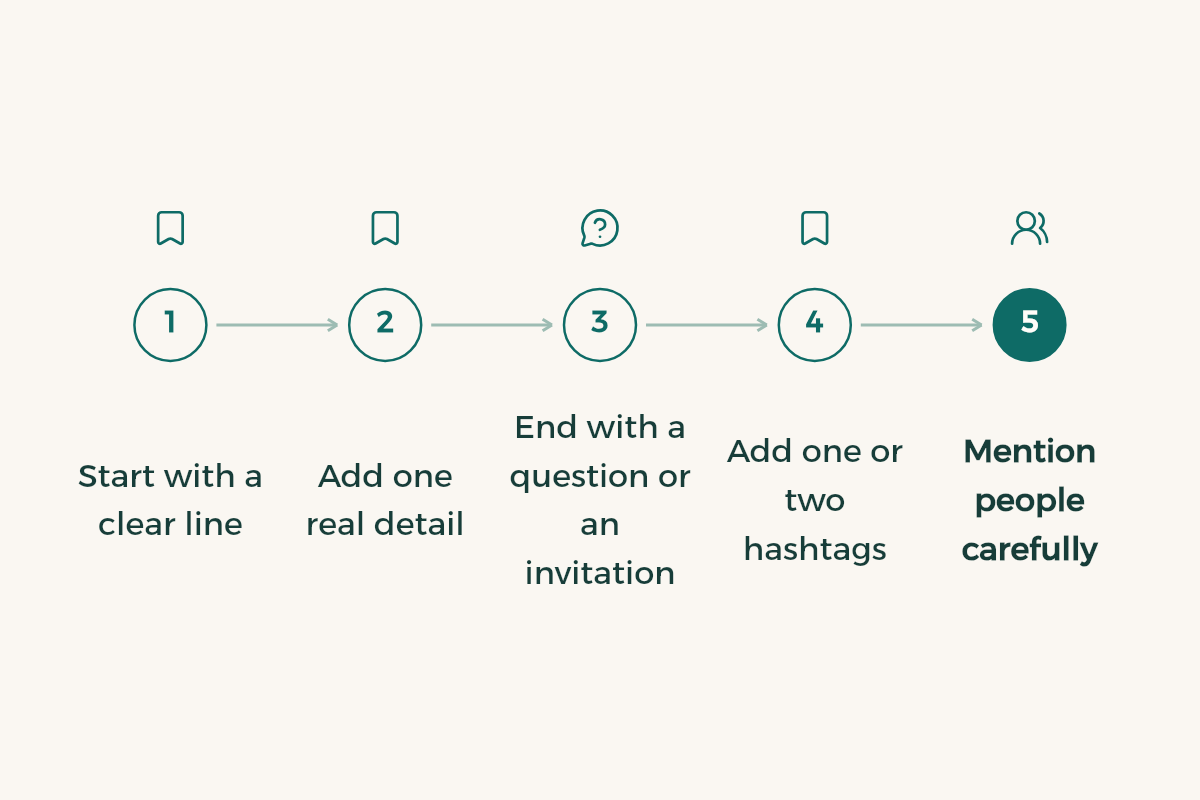
- Start with a clear line
Let the first line say what happened or what you are thinking. Many readers see only the opening before they decide to keep reading.
- Add one real detail
A number, a tool name or one moment from the work. Honest detail is more convincing than general phrases such as "great experience".
- End with a question or an invitation
A clear question that is easy to answer starts a conversation better than a general thank you.
- Add one or two hashtags
Use hashtags for your field only. Too many look forced.
- Mention people carefully
Mention a person or organisation only when the post really relates to them, and ask your team before you name them in a group project.
You can also add hashtags and mentions to the description of a document. If you want to share a project file or a presentation, LinkedIn lets you upload documents, and the steps are in the LinkedIn Help Center.
Tone: professional without stiffness
- Write the way you would speak to a lecturer you respect: short sentences and plain honesty.
- Avoid complaints about your university, employer or classmates, because a post stays public and everyone can read it.
- Keep private matters out of your posts, especially anything you would not want a recruiter to read.
- Begin with what you learned, not only with the result. Learning invites others into the discussion.
Common mistakes
- Publishing one post and then disappearing for two months. Consistency matters more than length.
- Copying other people posts without adding your own view or experience.
- Posts that talk only about you, with nothing a reader looking for an example could use.
- A post full of hashtags and instructions, so the reader loses interest before reaching the idea.
Before you start posting, read the LinkedIn for students guide, and the presentation tips will help you organise the idea behind a post. The people who read your posts are the ones who may ask about placements, so prepare with the co-op training guide.
How to choose the right idea now
Start with the last two weeks of your studies or your placement. Write down three things that happened, then pick the one with the most detail and honesty. An idea you can describe in detail writes itself. A general idea takes much longer and rarely reaches a reader.
A complete example
This week I started my placement in the content team of a marketing company in Jeddah. I expected to only write, but I found that every post starts with a question about the audience before any words are chosen. I am looking forward to learning how to analyse performance and to applying it to the first campaign I work on. #digital_marketing
Notice that the post makes no big promises and gives no figures. It describes an experience and a question the writer learned from, which is what makes it honest and invites others to reply.
Pick a steady time to publish
Choose one or two days a week when you publish, and write the draft the day before. Preparing in advance stops you from posting in a rush just to be visible, and it makes what you write clearer and shorter.