By the tiswa editorial team, from the official sources listed at the end of this guide. How we write our guides
You have three PDF lectures in microeconomics and a summary due in two days. You open Gemini, paste in a chapter title, and it produces tidy paragraphs in seconds. Then you notice that one figure appears nowhere in your lectures, and the definition of elasticity comes from a different textbook. That is what happens when you ask a tool to remember instead of read.
What is the free Gemini offer for university students in Saudi Arabia?
The Ministry of Communications and Information Technology and Google announced a national initiative giving students at Saudi universities a free year of Google AI Plus. It includes the Gemini app, image and video generation tools, NotebookLM for organising and summarising academic sources, and 400 GB of storage. The stated conditions are that you attend a Saudi university, are 18 or older and verify your university status when you register.1
Google runs a dedicated student page for the sign-up.2 The offer has a closing date and plan details can change, so do not rely on a post or a video. Open the official page before deciding. An earlier Google programme for students in Saudi Arabia and Egypt also included Guided Learning, a mode that asks you questions instead of handing over the answer.3 Whether your current plan has it depends on what the page lists when you sign up.
| What you want | Suitable tool | Note |
|---|---|---|
| Understand and summarise course files | NotebookLM with your files | Works from the sources you upload4 |
| Explain a hard idea simply | Gemini app | Compare the explanation with your lecture notes |
| Practice questions before an exam | Gemini or a course Gem | Ask for questions from named chapters |
| Writing the assignment itself | Do not rely on it | Your university’s policy decides |
How do you sign up for Gemini as a student?
- Open the official page
Go to Google’s student page from the link the Ministry or Google publishes. Avoid links that reach you in unknown messages.12
- Use the Google account you will study with
Pick an account you open every day. Moving files between accounts later wastes time.
- Verify your university status
Registration asks you to prove you are a university student. Have your university email or whatever the page asks for ready, and never send a photo of your ID to a site you do not recognise.
- Read the plan terms before activating
Check the length of the subscription, what happens when it ends, and that you are not adding a payment card you do not want charged.
How do you study with Gemini without it inventing facts?
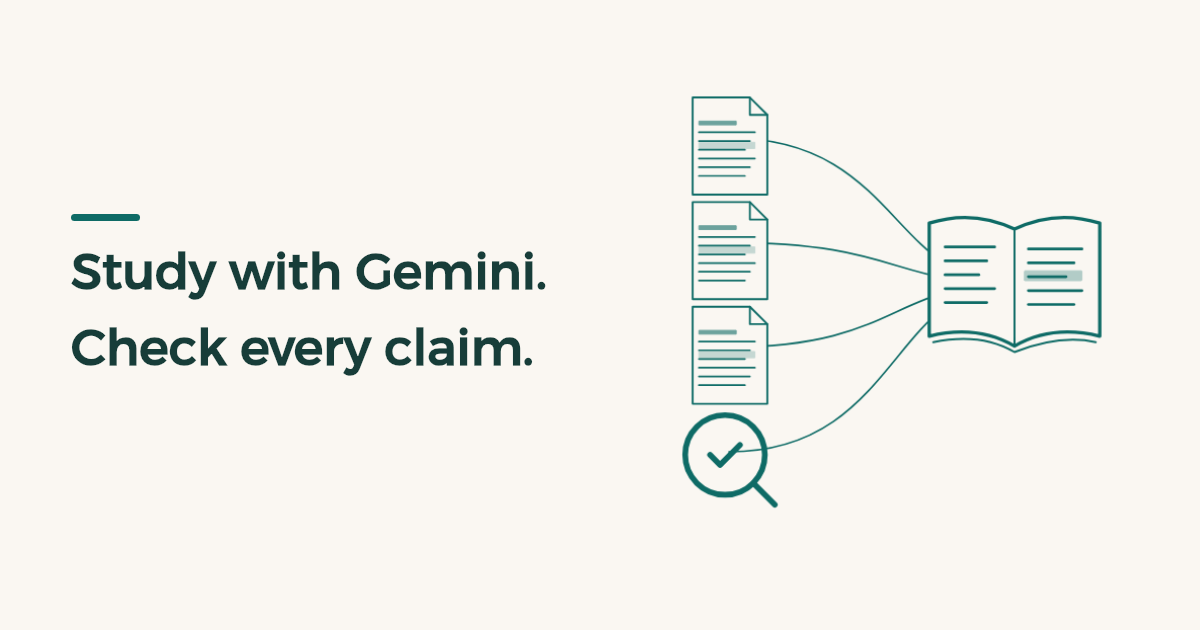
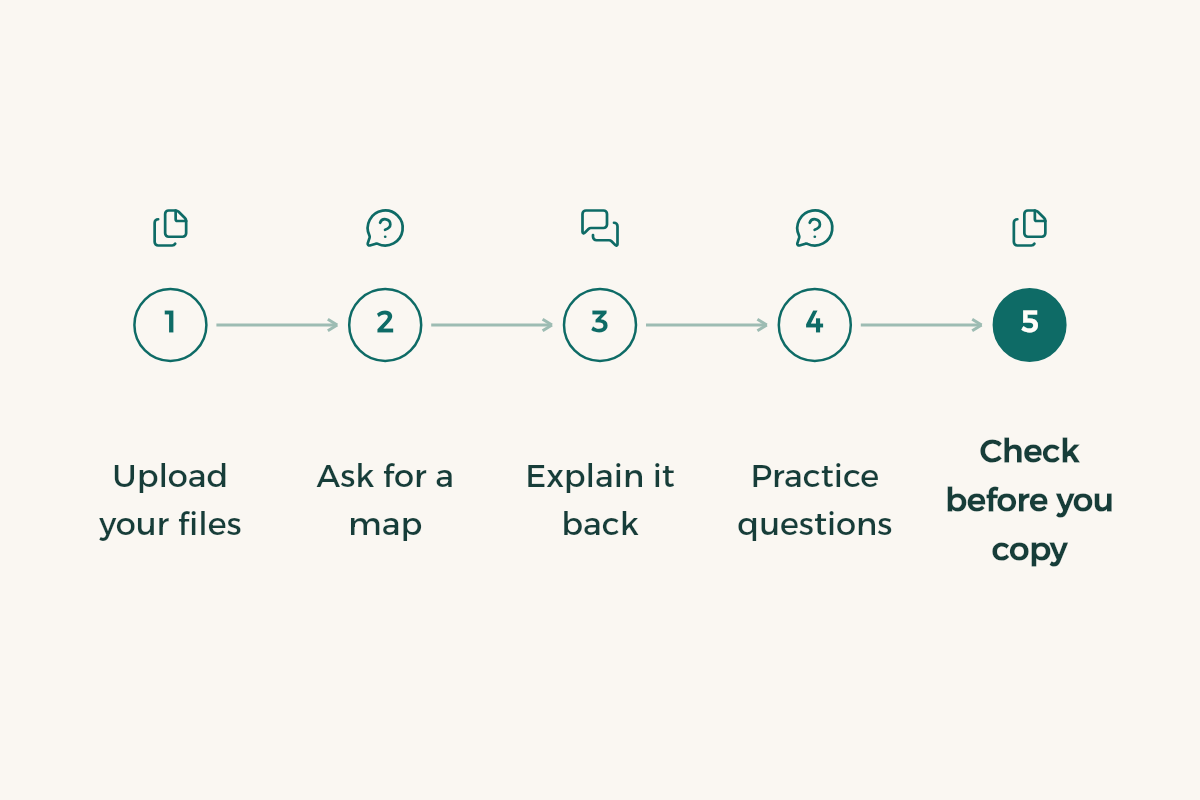
One rule protects you: give the tool the source, then ask about the source. A summary built from your lecture can be checked page by page. A summary built from the model’s memory has no known origin. Try this route on a real course:
- Upload the right files
Put only the three weeks you need into NotebookLM, not the whole semester folder. A narrow source means less drift.4
- Ask for a map before a summary
Ask which main concepts the files cover and where each one appears. Compare the answer to the lecture’s table of contents.
- Explain it back
Pick one concept, restate it in your own words, and ask the tool to correct you rather than repeat the explanation.
- Ask for practice questions
Request ten questions from chapter two and answer them before asking for the answers.
- Check before you copy
No number, quote or researcher’s name enters your summary until you have seen it in the source itself.
I am a [major] student studying [course name]. Use only the attached files.\nSummarise chapter [number] in five points, and next to each point name the file and page it came from.\nIf the files do not contain an answer, say “not in the sources” and do not fill the gap yourself.\nAfter the summary, ask me three questions to test my understanding and wait for my answers before correcting them.
How do you check Gemini answers before you submit?
Checking is part of the method, not a last step you postpone. The mistakes students hit are familiar: precise-looking numbers with no origin, convincing references that do not exist, and rules from one country applied to another. Test those spots first.
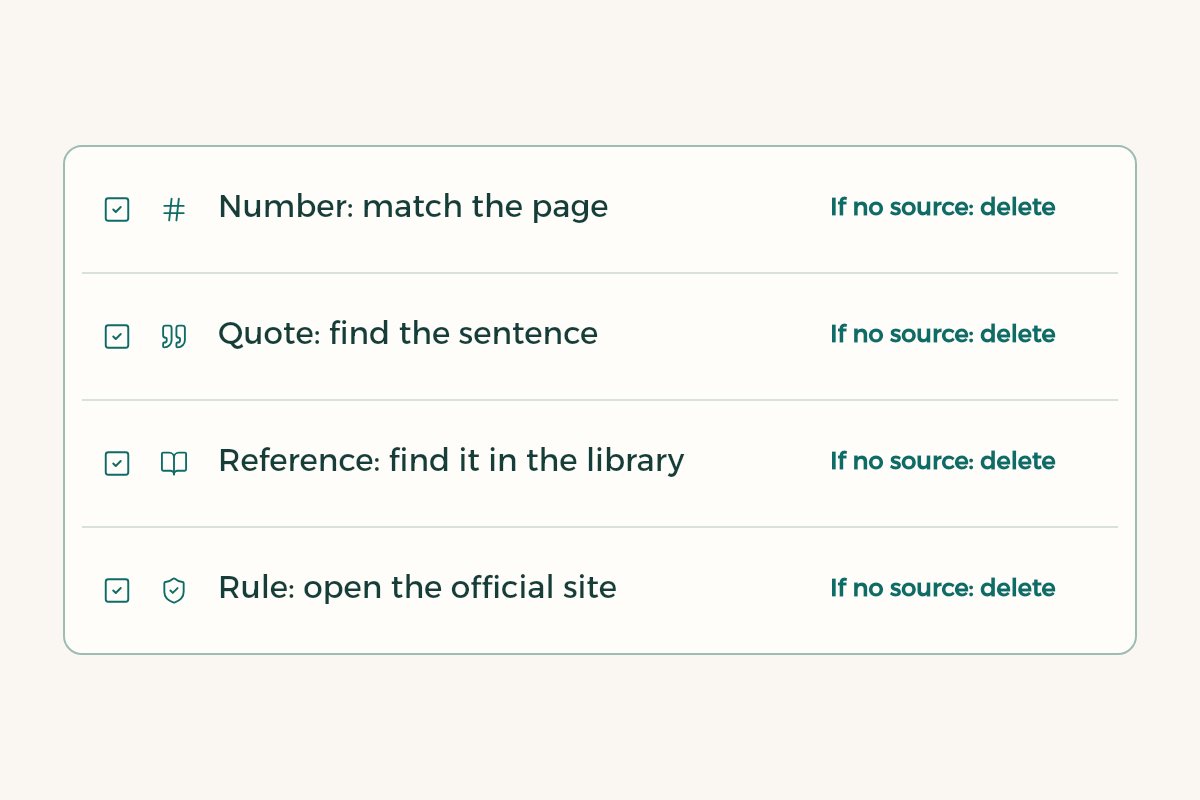
| Type of claim | How to check it | If you cannot find the source |
|---|---|---|
| Number or percentage | Open the cited page and match the figure and unit | Delete it and write only what you can confirm |
| Quotation | Search for the sentence in the original | Do not quote; paraphrase from a source you have seen |
| Academic reference | Search the title in your library or Google Scholar | Treat it as non-existent |
| Regulation or policy | Open the official body’s website | Say you could not verify it, or drop it |
Three of the four rows end in deletion, and that is deliberate. A shorter text that is correct beats a longer one with a single sentence that puts you in front of an academic committee. If the assignment is research, read the Google Scholar guide too, so you can find sources yourself.
What are the limits of using Gemini for university assignments?
Your university and then your instructor set the policy, not Google. Some instructors allow summarising and practice and forbid submitting any generated paragraph. Some want a note about AI use at the end of the work. Ask in a specific form: may I use an AI tool to summarise course files and generate practice questions, without submitting text from it? A written reply protects you better than your memory of what was said in lecture.
Privacy matters as well. Do not upload personal data, classmates’ grades or unpublished research without permission. To see where your data goes, read AI privacy for students, and if detection software worries you, read AI detection at university.
Is Gemini better than ChatGPT for studying?
It depends on your work, and the honest answer is to test. Gemini is strong when your files live in Drive, Gmail and Docs, and NotebookLM suits studying from fixed sources. Another assistant may suit writing or programming better. The detailed comparison is in ChatGPT, Claude and Gemini, and if your team works in Google tools, see Gemini in Google Workspace. Run two tools on the same assignment for a week before you pay for either.