By the tiswa editorial team, from the official sources listed at the end of this guide. How we write our guides
This Google Scholar guide is for the moment your instructor says "academic sources, not websites". Google Scholar is a free search engine for scholarly literature, but most students type their topic and take the first result. Here are the tricks Scholar's own help pages explain, so you find the right source in minutes.
What's in Google Scholar
According to its coverage page, Google Scholar includes journal and conference papers, theses and dissertations, academic books, pre-prints, abstracts and technical reports from all broad areas of research, drawn from academic publishers, professional societies and university repositories. It also includes court opinions and patents, which is handy for law and engineering students.
To check whether a particular journal is covered, Scholar suggests searching for a few of its article titles in quotes.
Search tricks that save time
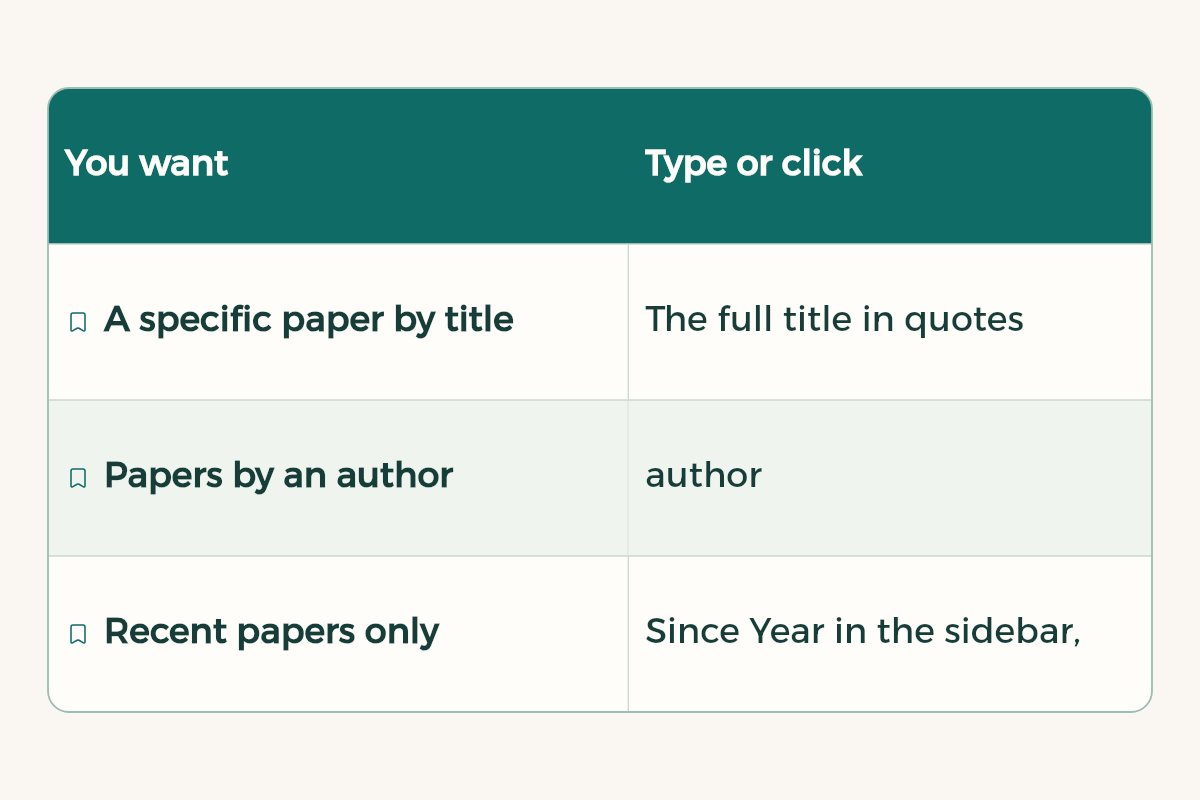
| You want | Type or click |
|---|---|
| A specific paper by title | The full title in quotes "..." |
| Papers by an author | author:"name", for example author:"d knuth" |
| Recent papers only | Since Year in the sidebar, still sorted by relevance |
| The newest first | Sort by date in the sidebar |
| Search by author, title, journal and date | Advanced search in the side drawer |
| Similar papers | Related articles under a result |
| Newer papers that built on this one | Cited by under a result |
Results are sorted by relevance, not date. Scholar recommends limiting the search to recent years while keeping relevance sorting, because results tend to be better. On a phone, where the sidebar is hidden, these options sit in the Year menu under the search button.
Reaching the full text
Abstracts are free for most articles; the full text may need a subscription. Scholar suggests these routes:
- A [PDF] or [HTML] link to the right of the result: a version you can read, whether open access, through your library's subscription, or a pre-print.
- Your university library's link next to the result, if your university subscribes.
- All versions under the result: other copies of the same paper, one of which may be free.
- Related articles and Cited by, for close alternatives when you cannot reach the paper itself.
On your university network, access links include your library's subscriptions automatically. Off-campus access records your subscriptions when you visit Scholar on campus and gives you the same links at home. That record expires after 30 days and is deleted, so visit from the campus network now and then. If you do not see library links at all, ask your university library about the best way in.
Do not forget the Saudi Digital Library, which gives students at Saudi universities access to major publishers' databases. How to use it alongside the full research process is in how to write a research paper.
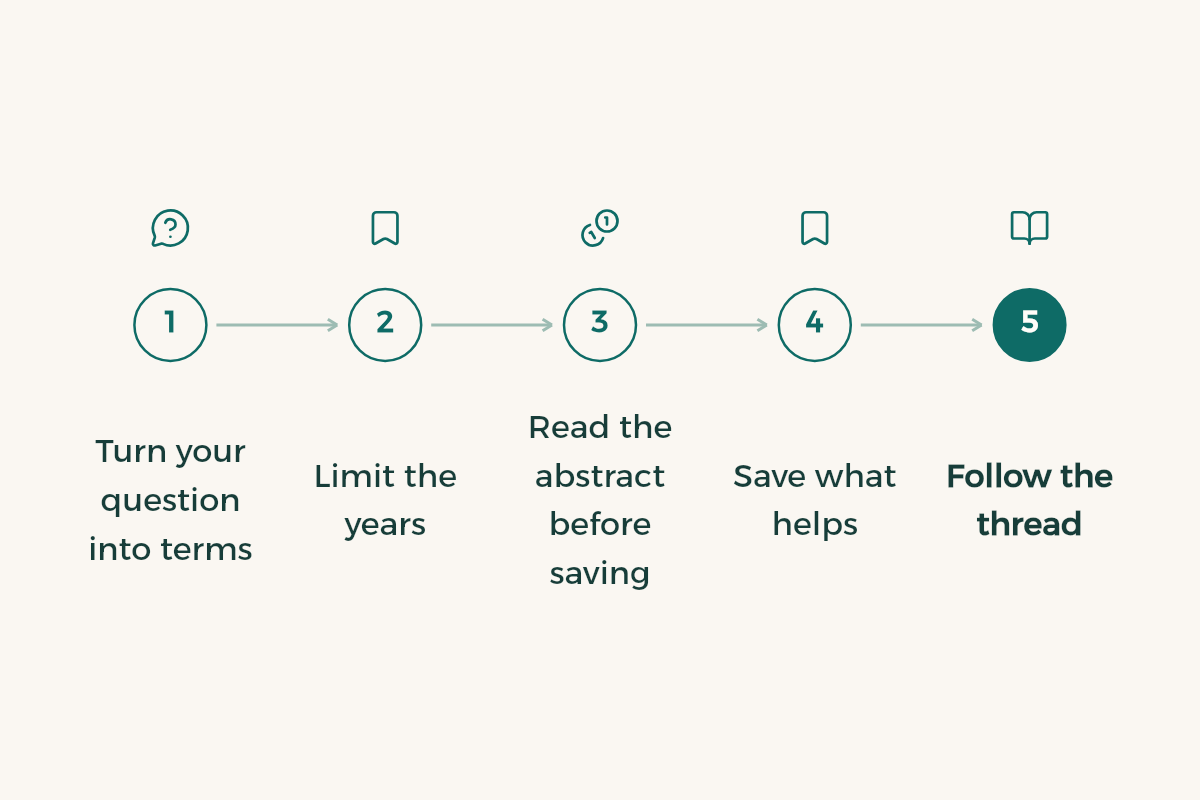
A search routine for your next assignment
- Turn your question into terms
Write 3 to 5 terms in English and Arabic, and try each set on its own.
- Limit the years
Pick Since Year for roughly the last five years, unless your instructor wants classic sources.
- Read the abstract before saving
Ask: does this answer my question? If not, move on.
- Save what helps
Click Save under the result to add it to your library, or save it to Zotero with its details.
- Follow the thread
From the best paper you find, open Cited by and its reference list. Most of your good sources will come from here.
My university paper is about: [your topic]. Suggest 10 academic search terms in English with their Arabic equivalents, and two Google Scholar search strings using quotation marks. Do not suggest sources or paper titles; I only want the terms.
The prompt asks for terms only because AI tools can invent paper titles that do not exist. Find every source yourself in Google Scholar and confirm it is real before you cite it.
Follow your professors' research
Many researchers have a public Google Scholar profile. Search your professor's name; if a profile appears, open it, click Follow and choose New articles by this author to get an email when they publish. If there is no profile, search with author: and click the envelope. If several people share the name, add a co-author's name or a topic keyword. It is a good way to choose a graduation project supervisor, or to learn what a professor cares about before you pitch a topic.
Copying citations and your library
The Cite button under each result gives you a ready citation, and you can export to BibTeX, EndNote, RefMan or RefWorks. Always check it against APA citation format, because the data can be incomplete.
- Save adds the paper to My library, which only you can see.
- Label sorts papers in your library, for example one label per course.
- The envelope icon in the sidebar creates an email alert for any search so new papers on your topic reach you. You do not need a Google account for it.
- To get alerts when a specific paper is cited, open its Cited by page and click the envelope.
Note: Scholar shows at most 1,000 results per search. If you have too many, the fix is sharper terms, not more scrolling.