By the tiswa editorial team, from the official sources listed at the end of this guide. How we write our guides
An AI study planner solves a problem every university student knows: you start the week with good intentions, lectures and assignments pile up, and two days before the exam you realise you have not started. The tool will not study for you, but in ten minutes it can turn your timetable, courses and exam dates into a clear weekly plan, and rearrange it whenever things change.
This guide builds the plan on evidence, gives you ready prompts for a weekly timetable and an exam plan, explains how to set automatic reminders, and shows how to adjust when you fall behind instead of giving up.
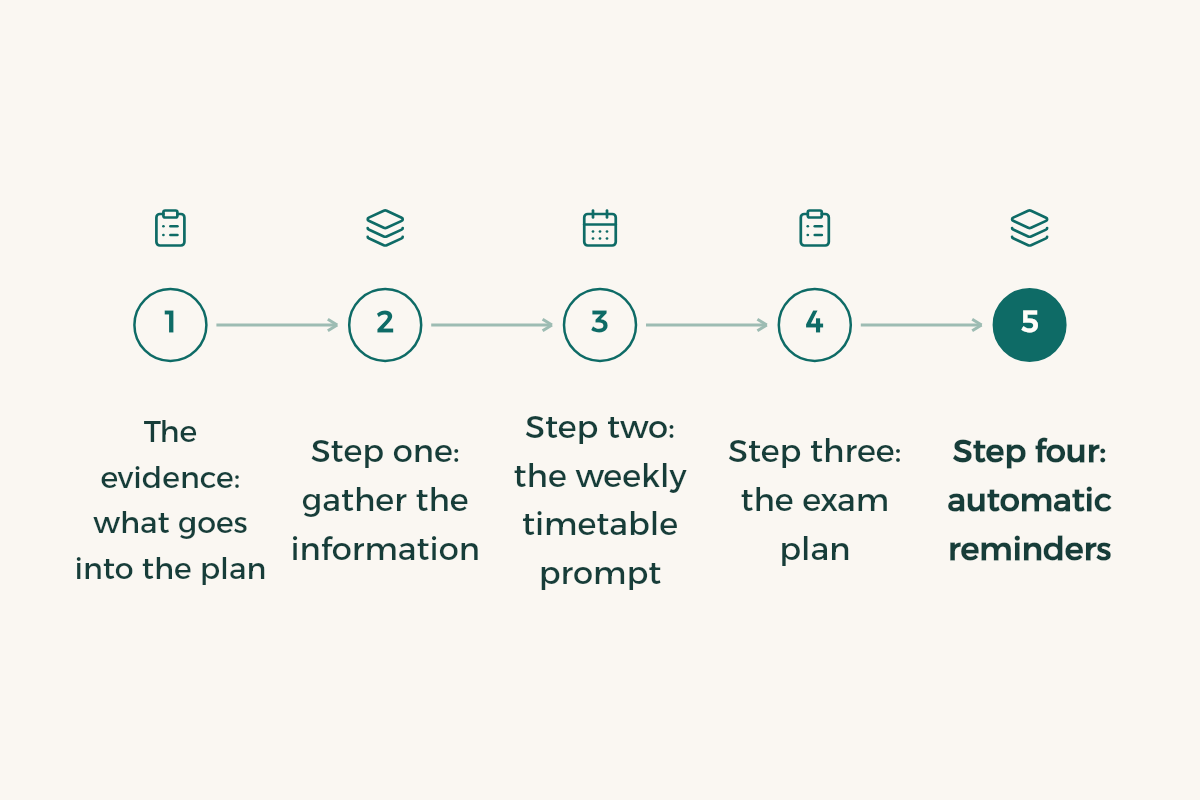
The evidence: what goes into the plan
In a well-known review by John Dunlosky and colleagues, researchers rated ten common study techniques. Only two earned "high utility": practice testing and distributed practice. Rereading and highlighting were rated low utility, as the Association for Psychological Science summary explains.
So a good plan is not "read chapter three on Sunday". It is short sessions spread across different days, each one ending with questions that test you. That is what we will ask the tool for. Details in how to study effectively.
Step one: gather the information
The tool can only plan with what you give it. Before the prompt, write this list:
- Your courses, their credit hours, and which are hardest for you.
- Your weekly lecture timetable.
- Exam, assignment and project dates.
- Fixed commitments: work, commuting, sport, family.
- When you focus best: morning, afternoon or night.
- How many hours of study you can realistically manage each day, not the ideal number.
Step two: the weekly timetable prompt
I want a realistic weekly study plan.
My details:
- Courses: [Physics 101 (hard), Calculus 101, Academic Writing, Programming 1]
- Lectures: [paste or describe your timetable]
- Fixed commitments: [part-time job Tuesday and Thursday, 4 to 8 pm]
- Best focus time: [morning]
- Study time available: [two hours a day, four hours on Saturday]
- Coming up: [physics exam in 3 weeks, programming assignment every Sunday]

Rules:
1. Sessions of 25 to 50 minutes with breaks.
2. Spread each course over several days instead of one long day.
3. Every session ends with 10 minutes of self-testing.
4. Leave one light day to catch up.
5. Give the hardest course my best focus time.
Show the plan as a table: day, time, course, specific task.
Short sessions with breaks are the idea behind the Pomodoro technique, explained in the Pomodoro technique.

Step three: the exam plan
Before exams you need a different plan: start early and go over the material more than once. The practical method is three passes: understanding, then questions, then mistakes.
I have final exams:
- [Physics 101: in 21 days, 6 chapters]
- [Calculus 101: in 24 days, 5 chapters]
- [Programming 1: in 27 days, project and questions]
I can study [3 hours] a day.
Build a plan with three passes for each course: understanding, then practice questions, then reviewing mistakes.
Do not put one course on more than two days in a row.
Leave the last two days before each exam for light review and enough sleep.
Show the plan day by day in a table.
The full approach for exam weeks is in final exams revision.
Step four: automatic reminders
According to OpenAI's help centre, ChatGPT can run one-time or recurring scheduled tasks. You ask in a chat for something like "remind me every day at 8 am with today's study tasks", manage tasks under Scheduled, and choose notifications under Settings, then Notifications: push, email or both. Note that a task created inside a Project cannot access the files uploaded to that project.
Every day from Sunday to Thursday at [7:30 am], send me today's study tasks from the plan below in three bullet points only, plus one question to test myself on yesterday's material.
[Paste the weekly plan]
Step five: test yourself every session
This is where ChatGPT's study mode comes in, available on all plans. After each session, ask it to quiz you on what you studied, one question at a time, and correct you. That is the self-testing the research review found so useful. Ready prompts are in ChatGPT study prompts.
When you fall behind: adjust, do not abandon
Every plan slips: illness, a surprise assignment, a busy week. The common mistake is to drop the whole plan because you are two days behind. Instead, ask the tool to rearrange what is left.
Here is my original plan:
[Paste the plan]
I am [two days] behind and missed: [list the missed sessions].
Rearrange the rest of the week without adding more than [30 minutes] to any day.
If there is not enough time, tell me what to prioritise and what I can postpone.
Mistakes that break a plan
- A perfect plan with hours you cannot manage.
- A whole day on one course instead of spreading it out.
- Reading-only sessions with no questions.
- No time for rest or sleep, which ends in burnout halfway through the semester.
- Never reviewing the plan each week, so it stays on paper.
| When | What to do with the tool |
|---|---|
| Start of semester | A weekly plan from the first prompt |
| Every Thursday | Review the week and adjust the next one |
| Three weeks before exams | The three-pass plan |
| After every session | Ten minutes of self-testing |
If your goal is a higher GPA this semester, read how to raise your GPA. For a sharper plan, see prompt writing basics.
- Notion: Notion offers Notion Education plan for students to university students in Saudi Arabia for free.
- Google AI: Google AI offers Google AI Plus free for a year to university students in Saudi Arabia.
- Xmind: Xmind offers 10% off Xmind subscriptions to university students in Saudi Arabia from SAR 19.