By the tiswa editorial team, from the official sources listed at the end of this guide. How we write our guides
You opened the blocking app and set it for two hours. At minute forty you tapped “skip this once” and went back to the video. That is not weak willpower. It is a sign that the wall you built costs nothing to knock down. The pattern repeats for many students: they try one app after another and nobody asks how the thing actually works.
What types of distraction blocker apps are there?
Tools fall into three types by how they work. The first stops chosen apps from opening during a set time. The second sets a daily limit per app and closes it when the limit runs out. The third adds friction to opening an app, such as a wait or a prompt asking why. The type decides whether it suits you, not the brand name.
| Type | What it does | Where it is weak |
|---|---|---|
| Timed block | Stops chosen apps opening during the session | Cancelled in one tap if stopping is easy |
| Daily limit | Closes the app after a set time | You delete it from settings or bypass it if allowed |
| Added friction | Makes opening slower or harder | Does little for people with a strong urge |
| Notification hiding | Stops buzzing and incoming messages | Does not stop you opening the app yourself |
| Physical separation | Phone in another room | Needs arrangement if you expect an important call |

Are the built-in phone tools enough before you download an app?
For most students yes, and it is a good start. Google’s Android help explains that Focus mode in Digital Wellbeing pauses the apps you choose, so they do not open or send notifications, that you can switch it on manually or on a schedule, and that “Take a break” brings them back for a set time.1 App timers set a daily limit on a specific app; when you reach it the app closes and its icon dims, and the limit resets at midnight.1 On iPhone, Apple’s guide describes the Screen Time tools, including App Limits and Downtime, and the exact steps change between versions, so check them on your device.2
These tools are free and tested, and they do not send your data to another company. To set up a custom Focus on iPhone, read iPhone focus mode for studying, which covers what this guide leaves out.
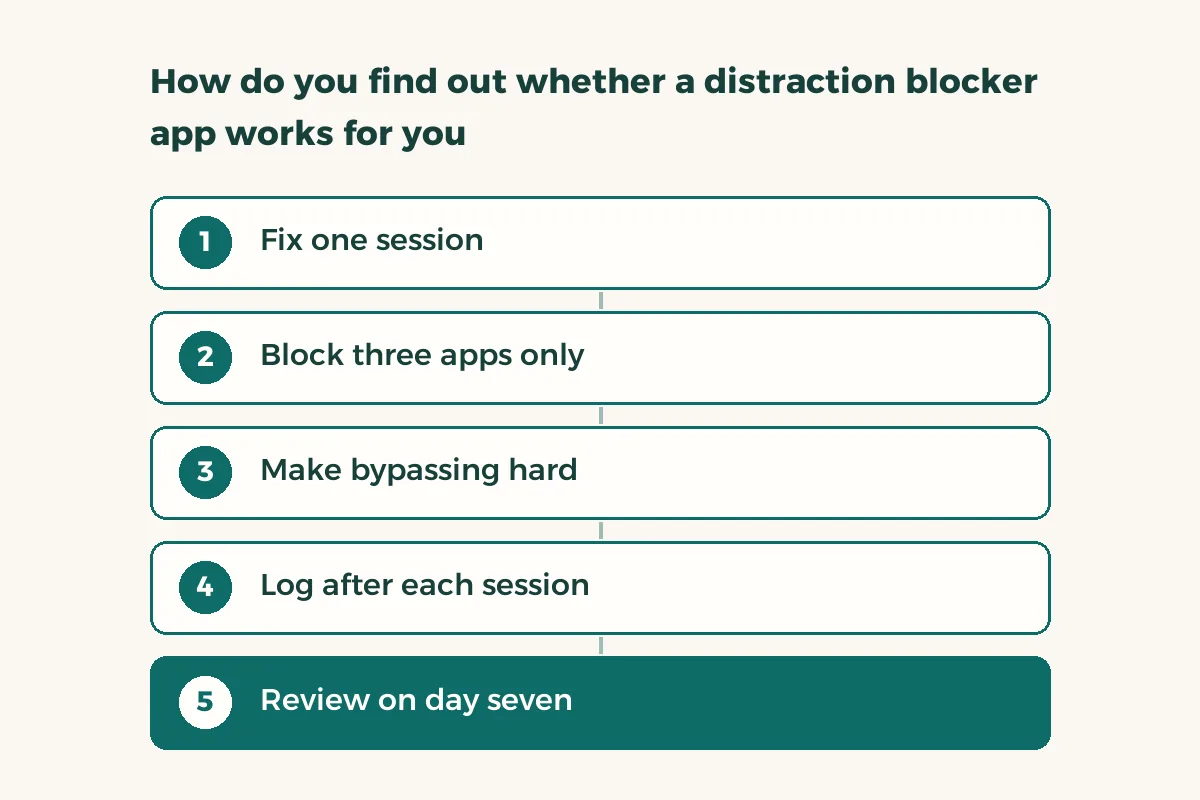
How do you find out whether a distraction blocker app works for you?
Do not go by impression. Keep a short log for seven days and, if you can, compare a week without blocking to a week with it. The log takes a minute a day.
- Fix one session
One hour at the same time every day, so the comparison is fair.
- Block three apps only
The ones that actually eat your time. Blocking ten apps means you will cancel everything at the first annoyance.
- Make bypassing hard
Have a classmate or family member set the passcode, or set a delay on cancelling if the tool allows it.
- Log after each session
Three numbers: did you finish, how many times did you try to bypass, and how many pages or problems you completed.
- Review on day seven
Compare the days. If bypass attempts rise over time, change the method and do not blame yourself.
Why do you bypass the block when you know it hurts you?
Because the urge arrives at a moment of boredom or difficulty, not at the moment of planning. When you reach the third problem and get stuck, the phone looks like shelter. So blocking the app is not enough; prepare a plan for the stuck moment: move to an easier problem, write what you do not understand in one line, or stand up for two minutes. How to focus while studying covers the session from the inside, and the Pomodoro technique gives a rhythm that shortens the bored stretch.
And if you notice that you bypass the block for one subject and not others, read that as information: the subject needs an easier way in, or some help. Do not bury it under a stricter lock.
Does a distraction blocker work during lectures?
The barrier in lectures is different, because your phone may be your camera and note tool. If you need it, set your focus mode to allow the camera and notes app only and pause the rest. Staying focused in a long lecture has more ways to stay present. If you do not need the phone, leaving it in your bag beats any setting.
What mistakes do people make with these apps?
The first is blocking everything at once, so it feels like punishment and you cancel it. The second is setting the passcode yourself and remembering it, which blocks nothing. The third is forgetting that the laptop is a distraction too: you block the phone and open the video in the browser. The fourth is relying on the app and getting angry when it fails. The fifth is never reviewing the result; do not keep a tool for two weeks if it changes nothing.