By the tiswa editorial team, from the official sources listed at the end of this guide. How we write our guides
Summarize a PDF with AI is one of the most common things students do, and one of the easiest to get wrong. A quick summary can drop a key definition or merge two chapters, and you only find out in the exam. This guide compares the tools using their official pages, gives you a five-step method for a summary you can trust, and adds prompts for different kinds of files.
Which tool to pick
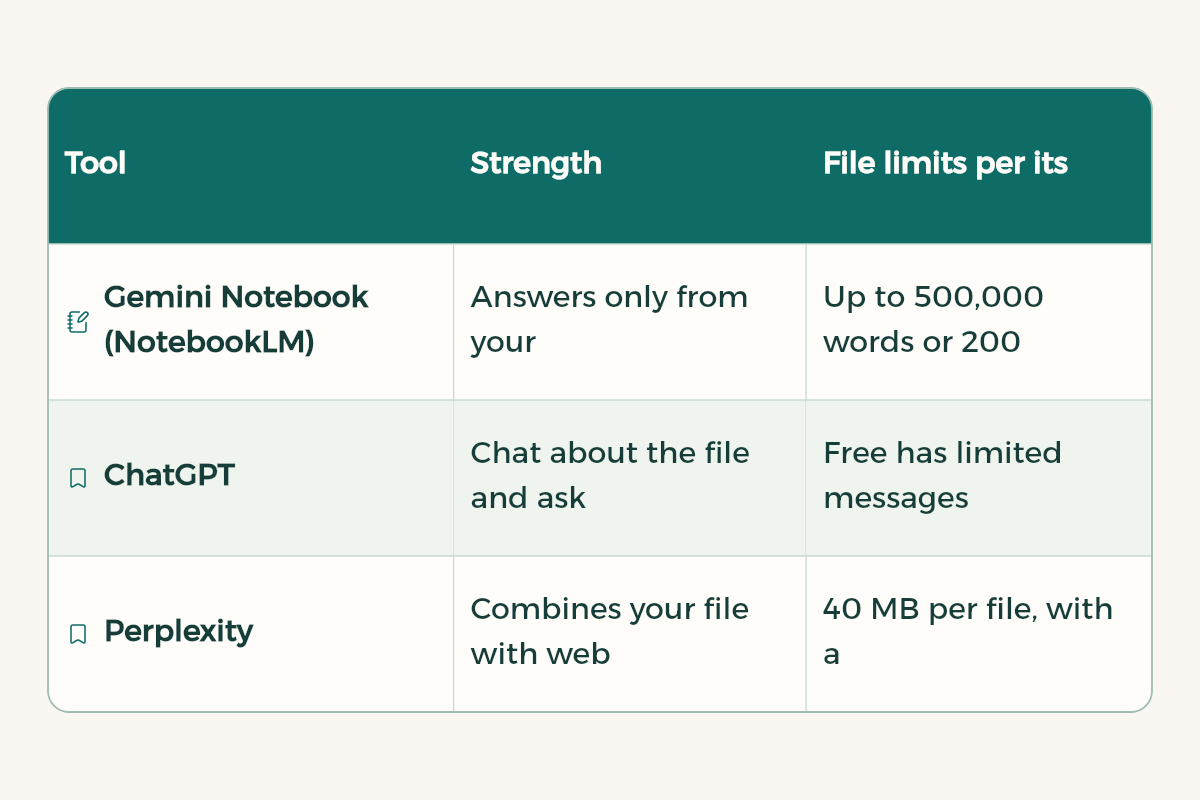
| Tool | Strength | File limits per its official page |
|---|---|---|
| Gemini Notebook (NotebookLM) | Answers only from your files with in-line citations, plus quizzes, flashcards and audio overviews | Up to 500,000 words or 200 MB per source, and 50 sources per notebook on the free plan |
| ChatGPT | Chat about the file and ask for tables and questions | Free has limited messages with uploads. Go and Plus raise the limits |
| Perplexity | Combines your file with web search | 40 MB per file, with a weekly upload allowance by plan |
| Gemini in Google Docs | Summarises Drive files while you write | Needs an eligible Workspace or Google AI plan |
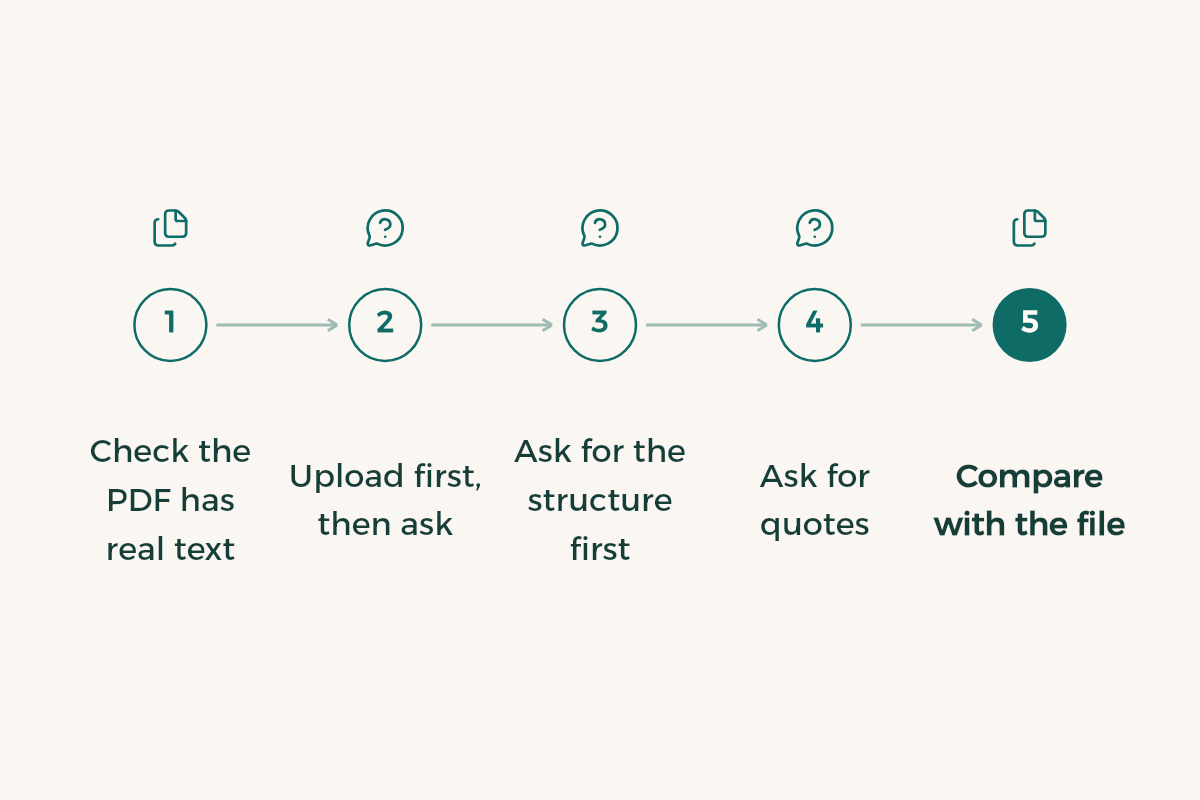
An accurate summary in five steps
- Check the PDF has real text
If it is a scanned image, the tool may not read all of it. Try selecting a word. If you cannot, it is an image. See scanning documents on iPhone to turn it into text.
- Upload first, then ask
Anthropic's prompting guide recommends putting long documents at the top of the message and your question at the end, and reports a clear quality gain from that order.
- Ask for the structure first
Request the list of sections and headings so you know the tool read the whole file.
- Ask for quotes
Have the tool pull the original sentences behind each point. That exposes anything it made up.
- Compare with the file
Open the pages it cites and check definitions and numbers yourself.
Prompts by file type
[Upload the lecture file]

Using only the file above:
1. List the section headings exactly as they appear.
2. For each section: three key points and the definitions.
3. At the end: five likely exam questions.
If there is a part you could not read, tell me which.
[Upload the paper]

Summarise this paper in a table with these columns: research question, method, sample, main findings, limitations the authors mention.
After the table, pull three original quotes that support the main finding, with page numbers.
[Upload the chapter]

I need a revision summary of this chapter:
- One paragraph on the overall idea.
- A list of concepts in the order they appear.
- Any key equations or lists exactly as written.
- Three ideas students often confuse, and how to tell them apart.
From summary to studying
A summary alone is not enough. Once you have checked it, turn it into revision tools: flashcards, a self-quiz and a day-by-day plan. Gemini Notebook builds flashcards and quizzes straight from your files, and in ChatGPT you can use study mode with our study prompts.
Mistakes that make summaries fail you
- Uploading a very long file and asking for a two-line summary. Split the request by chapter.
- Trusting the summary without opening the original on the key points.
- Mixing files from several courses in one chat.
- Pasting the summary into graded work. Write in your own words, follow course policy, and see AI detection at university.
- Uploading files with personal or confidential data. Read AI privacy tips for students.
What about Arabic files?
Gemini Notebook supports Modern Standard Arabic among more than 80 languages, and the major assistants handle Arabic well. Scanned Arabic files need more care, since reading letters from an image can go wrong. State the summary language in your prompt, and ask for English terms in brackets if your exams are in English.
Pick the summary type for your goal
No single summary fits everything. Decide your goal first, then ask for the shape that serves it:
| Your goal | Summary type | Ask for this in the prompt |
|---|---|---|
| Quick grasp before a lecture | Overview | One paragraph and five key terms |
| Exam revision | Detailed summary | Points per section with definitions and likely questions |
| Writing a paper | Critical summary | A table of method, findings and limits with quotes and page numbers |
| A presentation | Slide summary | A title per slide with three points under it |
| Group study | Split summary | Divide the file between group members with questions for each part |
Before you start any summary, spend five minutes reading the contents page and introduction yourself. Those minutes give you the big picture, so you can spot at once if the summary skipped a section or put a minor idea ahead of a main one, and your questions to the tool get much sharper.
A worked example: one lecture, thirty minutes
- Minutes 0 to 5
Skim the headings and the first slide yourself.
- Minutes 5 to 10
Upload the file and ask for the section list, then the lecture prompt above.
- Minutes 10 to 20
Check every definition and number against the slides. Fix anything wrong in your own notes.
- Minutes 20 to 30
Answer the five likely questions without looking, then check the answers in the file.
Thirty minutes like this beat two hours of rereading, because you finish with checked notes and a self-test. If you have several lectures a week, spread these sessions with the AI study planner.