By the tiswa editorial team, from the official sources listed at the end of this guide. How we write our guides
A third-year accounting student wrote “proficient in accounting software” on their CV. An interviewer for a virtual co-op placement asked which software, and the only answer was Excel. This example is illustrative, but it shows a common gap: the word “software” on a CV means nothing unless you name the tool and the task you did with it.
Which accounting software does a student actually need?
Think in three layers. The first is Excel spreadsheets, present in every course and every placement. The second is the idea of an accounting system, without attachment to any product name. The third is one specific system, learned when a course or placement asks for it. If you have not decided between degree programmes, go back to the guide to accounting programs in Saudi Arabia.
Which Excel skills come first for an accounting student?
Microsoft’s support site groups Excel functions by category, including financial functions, lookup and reference, and math, which are the categories that every accounting worksheet passes through.1 We start with four skills.
- Conditional sums
Learn SUMIFS to total one account in one month. It suits statements of account that are broken down by account and month.
- Lookup
Learn XLOOKUP or VLOOKUP to match an account code to its name from the chart of accounts. Read the guide to Excel lookups.
- Pivot tables
Summarise hundreds of rows into a trial balance in a minute. The guide to pivot tables shows the steps.
- Checks
Add a cell that totals debits and credits and flags a mismatch. Most student errors are totals that do not agree.
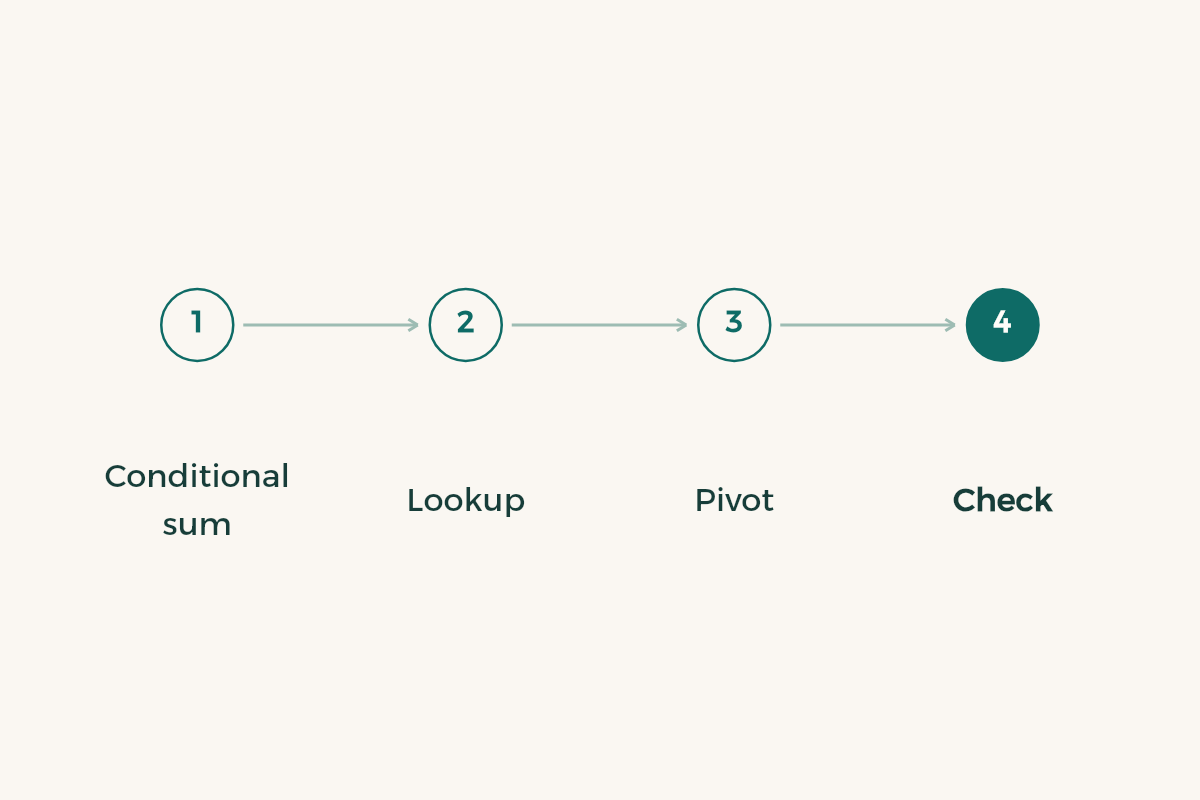
All four serve one job: building a journal and a trial balance that agree. If you have not practised that, every accounting system will look like a black box.
How do you build a small journal that proves you understand?
This is an illustrative exercise with made-up figures. Pick an imaginary business: a stationery shop that buys and sells. Write 20 entries spread over a made-up week: stock bought for cash and on credit, sales, rent expense, a customer payment received.
Create one sheet for the journal with date, description, account, debit and credit, and one for the chart of accounts with each account’s code, name and type. Link them with a lookup and build a pivot table that shows each account’s total. If debits equal credits you have finished; if not, hunt for the odd entry, which teaches you more than the correct answer does.
Which mistakes spoil a student’s accounting sheet?
The first is mixing numbers with text: a figure stored as text is skipped by functions, so a total comes out too low. Check the cell alignment; numbers usually sit on the right. The second is copying a formula without anchoring cells with dollar signs, so references drift and the figures are wrong without any warning. The third is merging cells in a table you plan to summarise, which breaks the pivot table.
The fourth is mixing Arabic-Indic and Western digits. If your device types Arabic-Indic digits in some cells, unify them before analysis. One last habit: name files with the course and the submission date, because a lecturer in Riyadh, Jeddah or Dammam opens dozens of files in one day.
How do you handle the idea of an accounting system without buying anything?
Ask your department which systems it trains on and whether the lab offers teaching copies. If it does not, learn the general idea that every system shares: a chart of accounts, entries made from a source document, and reports drawn from the entries. You will find it in any product under different names, and anyone who knows it moves from one system to another easily.
For the skills placement employers look for, read co-op training skills for accounting. For the professional credentials SOCPA announces, including student membership, visit its official site before you plan for them.2
What are the best accounting apps for students on a phone?
You do not need a special app while you study. A calculator and the Excel mobile app are enough to check a sheet on the way to campus. If you try an expense app, treat it as a tool for your personal budget and see budgeting apps; do not confuse it with what you learn for the profession.
Which two weeks do you start with before you list a skill on your CV?
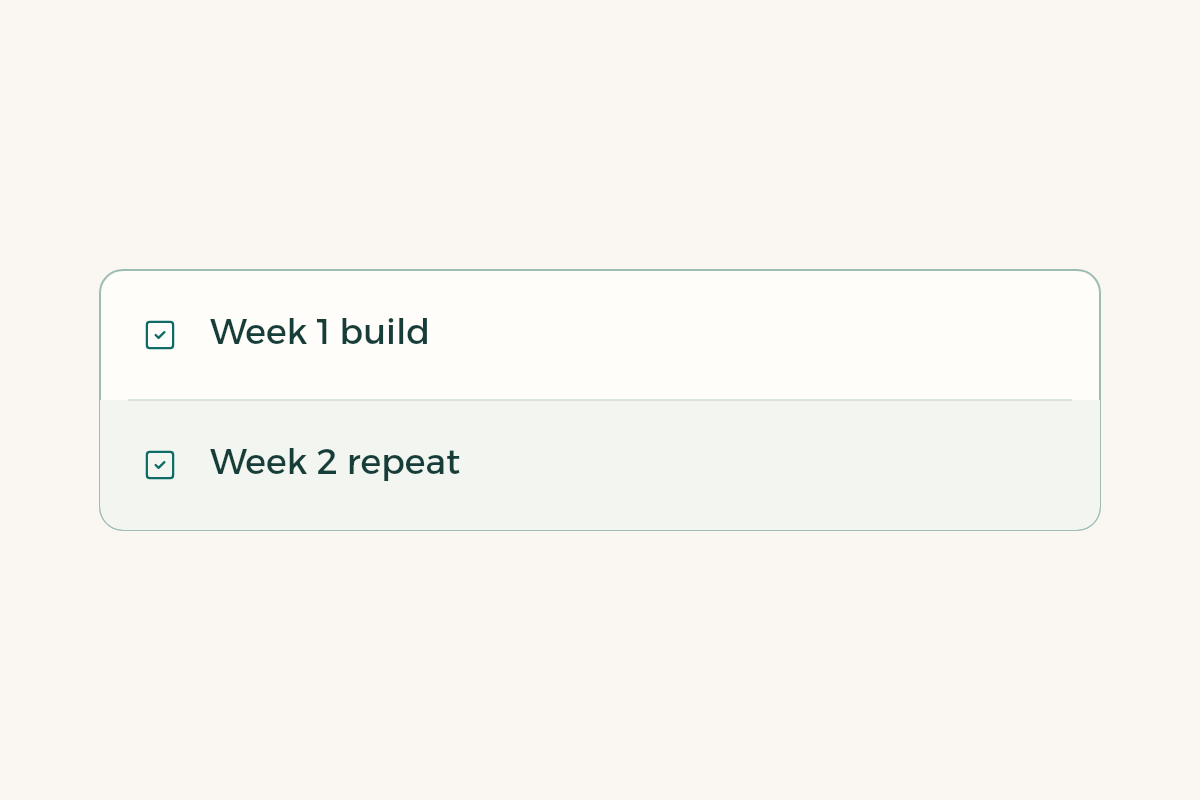
Week one: finish the made-up journal with 20 entries and a trial balance that agrees. Week two: repeat it for a different business without opening the first, and time yourself. If the time halves, the skill is in your hands. Then write on your CV: “journal and trial balance in Excel using SUMIFS, XLOOKUP and a pivot table”, a line the interviewer can ask you about.
Do not write a level such as “advanced” without evidence. Keep the file so you can show it if asked. The guide to a student CV shows how to present a line like this.