By the tiswa editorial team, from the official sources listed at the end of this guide. How we write our guides
Most university essentials checklists online are long, and half of what they list you will not need in week one. This one is ordered by priority: what you need before your first lecture, what to buy once you know your course requirements, and what dorm students should pack. Anything with a student price has a link next to it.
Before day one: the digital basics
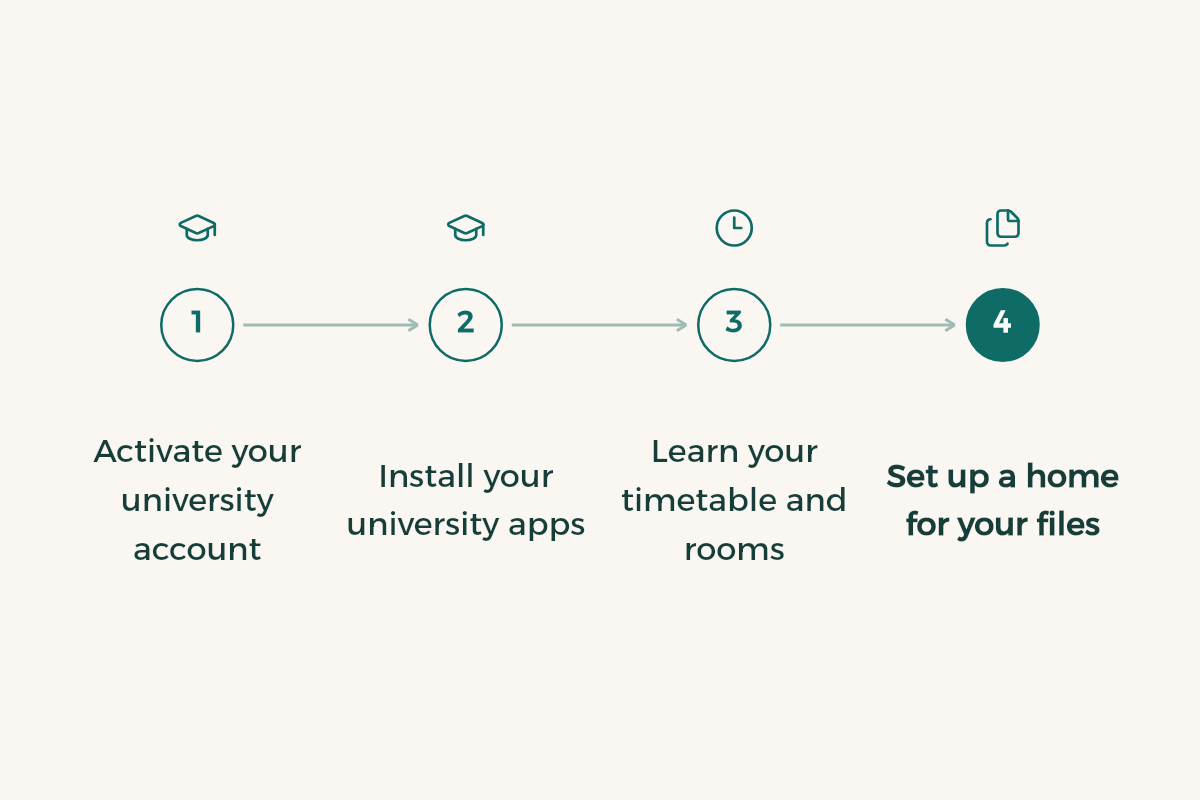
- Activate your university account
Student ID and password, university email, and the learning system. Your university email alone unlocks plenty of free software; see university email benefits.
- Install your university apps
The university app or student portal, and the learning system such as Blackboard. How to use it is in the Blackboard guide.
- Learn your timetable and rooms
Print it or save it to your phone calendar with the room and building.
- Set up a home for your files
One folder per course in a cloud drive, so files do not get lost between phone and laptop.
Your device: laptop or iPad
This is the biggest cost on the list, so do not rush it. Programming, engineering and design usually need a more powerful laptop, while many theory-heavy majors manage with an iPad and keyboard. Compare in the best laptop for students and iPad for studying. Before buying, compare the student price and saving:
| Product | Student price | Regular price | You save |
|---|---|---|---|
| Apple iPad Air | From SAR 3,299 | 6% | |
| Apple MacBook Air | From SAR 5,499 | 8% | |
| Apple iPad Pro | From SAR 5,099 | 9% | |
| Apple MacBook Pro | From SAR 8,999 | 5% | |
| Apple iMac | From SAR 6,799 | 3% | |
| Apple iPad mini | From SAR 2,599 | 7% | |
| Apple iPad | From SAR 1,999 | 5% | |
| Apple Mac mini | From SAR 3,799 | 12% | |
| Samsung Galaxy Watch9 40mm | SAR 1,439 | 10% | |
| Samsung Galaxy Z Fold8 256GB | SAR 6,659.10 | 10% |
Prices and deals in this article come straight from the tiswa catalogue, so they stay current.
Software: most of it is free for you
Never pay for software before checking for a student version. Notes, design, office and AI tools have free or discounted student plans, and the full list is in free software for students:
- Notion: Notion offers Notion Education plan for students to university students in Saudi Arabia for free.
- Canva: Canva offers Canva Pro free through Canva for Campus to university students in Saudi Arabia.
- Google AI: Google AI offers Google AI Plus free for a year to university students in Saudi Arabia.
- WPS Office: WPS Office offers WPS Office for free to university students in Saudi Arabia.
- GitHub: GitHub offers GitHub Student Developer Pack to university students in Saudi Arabia for free.
- Autodesk: Autodesk has a deal for university students in Saudi Arabia: Autodesk software free for students (Free).
Your university bag
| Item | Needed from day one? | Note |
|---|---|---|
| A comfortable backpack | Yes | With a padded laptop sleeve |
| Charger and a spare cable | Yes | Lecture halls do not always have sockets nearby |
| One notebook and pens | Yes | Even if you type, some lecturers ban devices |
| Headphones | Yes | For the library and recorded lectures |
| Water bottle | Yes | University days are long |
| Scientific calculator | Depends on major | Check which model is allowed in exams before buying |
| Course textbooks | No, wait | Ask in the first lecture; many are in the library or online |
| Major-specific kit | No, wait | Lab coats, drawing tools and stethoscopes come from your department's list |

Extras by major
The official list comes from your department, but these extras come up often. Wait for the department to confirm before buying anything expensive:
| Major | Often required | Tip |
|---|---|---|
| Medicine and health | Lab coat, examination tools set by the department | Ask older students which brands the department expects before buying |
| Engineering | An exam-approved scientific calculator, technical drawing tools | Engineering software like Autodesk is free for students |
| Computer science | A laptop with enough memory for development tools | The GitHub Student Developer Pack unlocks paid tools for free |
| Design and architecture | An iPad with a pencil or a laptop with a good screen, hand drawing tools | Compare Adobe and Figma student pricing before subscribing |
| Business and accounting | A laptop that runs spreadsheets smoothly | Learn spreadsheets early; many courses use them |
Dorm essentials
If you are moving into university housing, first read what it provides and what it bans, because many residences do not allow some electrical appliances. The usual list:
- Bedding, pillow, blanket and towels.
- A certified extension lead with a safety switch.
- Toiletries and a small bag for them.
- Hangers and a small desk organiser.
- A washable mug, plate and cutlery.
- A small first aid kit and your own medication.
Clothes and shoes
You do not need a new wardrobe, but comfortable shoes for walking between buildings make a real difference on long campus days. Student fashion codes are on student discount codes:





What can wait
- Printed textbooks before you know the lecturer uses them.
- A personal printer. Most universities have print services, and you can scan documents with your phone as in scan documents with iPhone.
- Major-specific tools before your department sends the official list.
- Paid subscriptions before you check for a student price.
Three questions before any purchase
- Did the department or lecturer actually ask for it, or did you see it on a list online?
- Is there a copy in the university library or a free version with my university email?
- Does it have a student price? Check tiswa before paying, because devices, software, subscriptions and plenty of clothing have student prices.
If the answer to the first question is no, wait two weeks. By then your lectures will show you what you really need, not someone else's list.
An AI prompt for your own list
I am a new [major] student at a Saudi university, and I will live [with family or in university housing].
Write me an essentials list split into: before day one, during the first month, and can wait.
For each item, say why my major in particular needs it, and whether there is usually a student version or free alternative.
Do not quote prices.
Plan your purchases around your budget
Buy the essentials first and spread the rest over the first two months. A plan for splitting your income is in student budget, and the seasonal list is in back to university. In your first year? Read the preparatory year guide.
Buy in three stages
The biggest mistake is buying everything before day one. You only learn what many items are worth once you see your courses and how your professors teach. Split it like this:
| Stage | What to buy | Why then |
|---|---|---|
| Before day one | Your main device, a charger, a bag, a notebook and pens | You need them from the first lecture |
| Weeks one and two | Books and tools professors ask for by name | Some courses need no printed book, so ask first |
| After a month | Extras such as headphones, a laptop stand or subscriptions | You know your habits and what you really need |
Mistakes that cost more
- Buying a device at full price: many stores offer student pricing as a percentage off, so check before you pay.
- Buying a used book in an old edition: confirm the edition your professor wants, since chapters and exercises can differ.
- Paying for software that is free for students: check first whether your university or the vendor gives you a free copy with your university email, as with Office and some design and coding tools.
- Losing the receipt: save a photo of it in Files the day you buy.
Before you shop, set a limit in your student budget, compare devices in the best laptop for students, and see free software for students.