By the tiswa editorial team, from the official sources listed at the end of this guide. How we write our guides
A third-year student sent a CV designed in two columns with small skill graphics, then wondered why the system did not show her name in its name field. The example is illustrative, but it repeats something common: a layout that pleases the eye can confuse a machine reader. What follows is not a guarantee of acceptance. It is a checklist that lowers the chance your details get lost inside a system before a person reads them.
What is an ATS resume?
ATS stands for applicant tracking system, software that organisations use to receive and sort applications. When you upload a CV, the system tries to pull your name, experience and qualifications out of the file into structured fields. That step is called parsing. Whether it works depends on the file’s layout and on the system itself, since each has different abilities. So no single template guarantees success everywhere, but certain obstacles recur.
The support pages of Greenhouse, a well-known hiring system, list causes of a failed parse: letters spaced apart so words are not recognised, graphics, photos and word art, image-only files instead of a document, complex tables, contact details placed in a header, footer or text box, multiple columns, unclear sections, and abbreviated job titles.1 That is one system, so do not assume every system behaves the same way.
| Element | Why it can break | Instead |
|---|---|---|
| Two or more columns | The reading order can get mixed up | One column |
| A skills table | Cells may not be read in order | A plain bulleted list |
| Your name in the page header | Header fields can be ignored | Name and phone in the first line of the page |
| An image or icon | It carries no text | Plain words |
| A scanned file | It is a picture, not a document | A PDF or Word file exported from your writing program |
The table summarises the support page cited above and the logic of machine reading. To be sure about one employer’s system, ask them or read their application page.
How do you test your resume before applying?
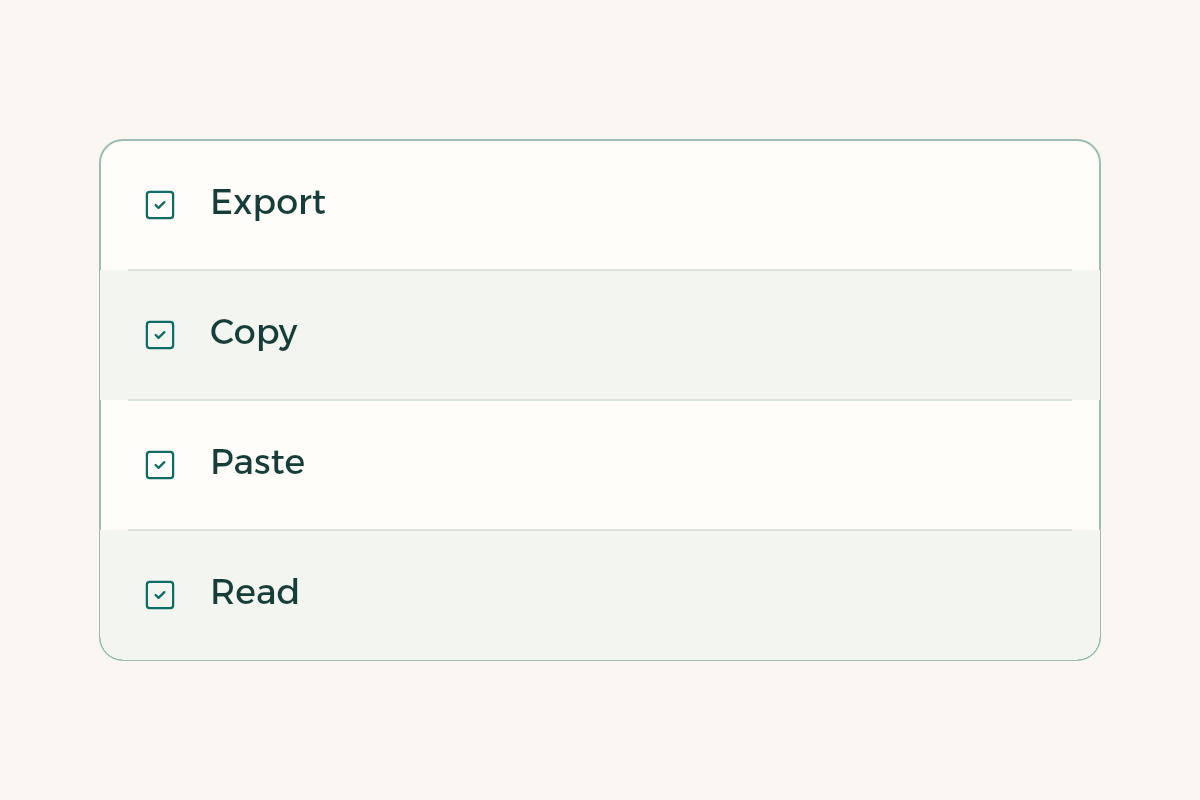
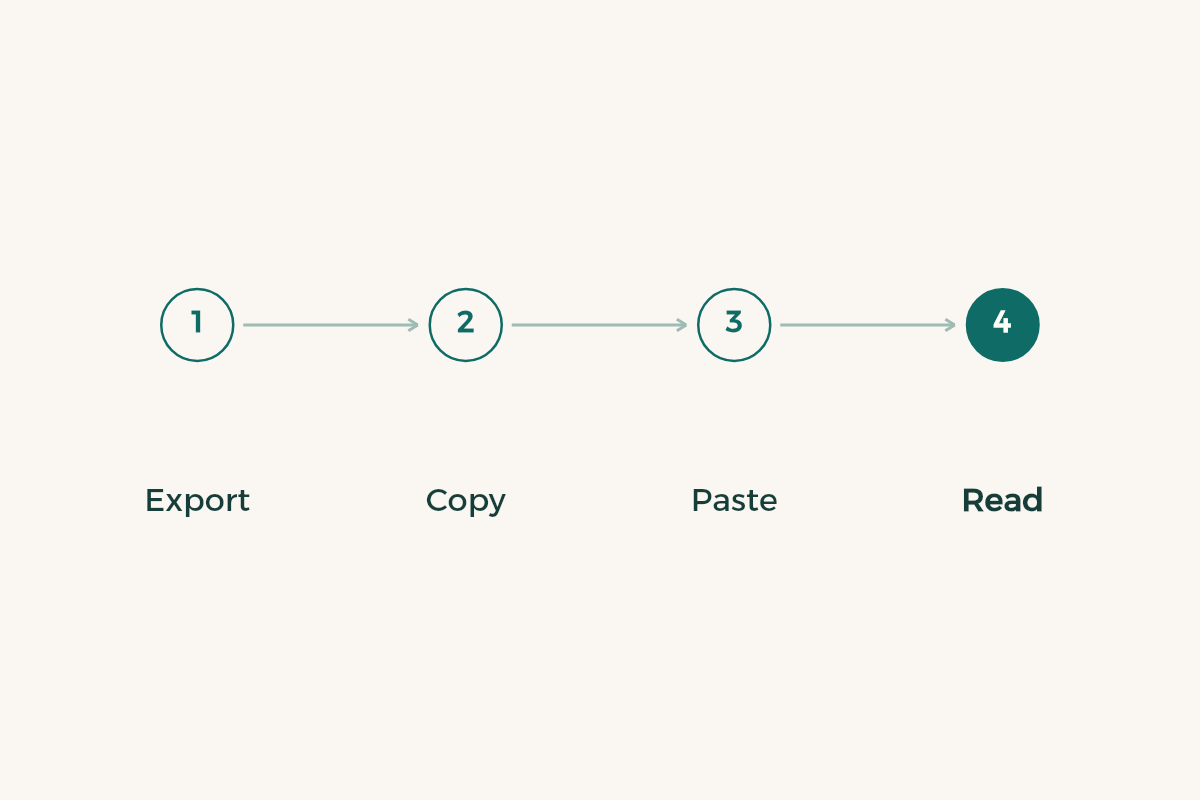
- Export from your writing program
Do not photograph or scan it. Use “export to PDF” or save as Word.
- Open the file and copy all of its text
Select the whole page and copy it.
- Paste it into a plain text file
A notes app works. Do not paste into a program that keeps formatting.
- Read the order
Does your name come first? Do the sections keep their order? Did sentences from two columns get mixed?
- Fix what got mixed
Remove the second column or the table and export again.
- Check the size
Greenhouse sets a size limit for files it can parse, so an image-heavy file may not be read; keep yours light.1
Which resume format for students works best: PDF or Word?
Greenhouse accepts Word, PDF, RTF and plain text, so any of those is fine there.2 The employer you apply to may name one format on its application page, so follow what it says. If it does not, the safest choice is a PDF exported from your writing program that holds real text. If your CV was designed in a design tool, export it as text and not as a picture, then run the copy test.
Does an ATS read an Arabic resume?
We have no public official information on whether all systems read Arabic, and it differs between them. Test it yourself: copy the text of your Arabic CV into a plain text file and see whether letters stay joined and in the right order. If the text scrambles, try an English version. To weigh the two languages, read the guide to Arabic or English CVs. If the employer is Saudi and uses a national platform, Jadarat is an example of a platform where you build a profile in fields that need no formatting.3
How do you write a resume for students with no experience for an ATS?
Start from the advert, honestly. With no experience, your projects, coursework and volunteering carry the page. Read the advert for the job or internship, note the words it uses for skills, and use the same word if it describes what you actually did. Do not paste a long list of terms you do not know; you will fall at the first interview question. Someone who lists a skill they never practised risks their reputation, not only their application.
If you are building your CV now, the guide to CVs for students arranges the sections, and the guide to a Canva resume shows how to design in Canva without wrecking machine reading. If you use AI for wording, read the guide to AI for your CV.
Which mistakes keep repeating?
The first is believing there is an “ATS score” at which a CV passes. No single number applies to every employer, and tools that give you a percentage produce commercial estimates. The second is a two-column design for looks, then applying through a system that mixes the order. The third is forgetting that a person reads after the machine, and a CV stuffed with keywords does not persuade them. The fourth is sending the same file to every employer without reading the advert.
One more habit helps: keep a master file and a tailored copy. The master holds everything you have done, in plain text, with no layout at all. For each application you copy the relevant lines into a clean one-column file, rename it with your name and the role, and run the copy test again. That takes ten minutes and saves you from the quiet mistake of sending last month’s file with the wrong employer’s name in the opening line.