By the tiswa editorial team, from the official sources listed at the end of this guide. How we write our guides
Ten minutes is enough to add three certificates to your LinkedIn profile if each one is open in front of you. Have ready the original certificate or its link, the issuer's name as printed, the issue date and the credential ID. The mistake we see most is not in the steps. It is typing the organisation by hand, so the certificate shows with no logo and no link.
How do I add a certification to my LinkedIn profile?
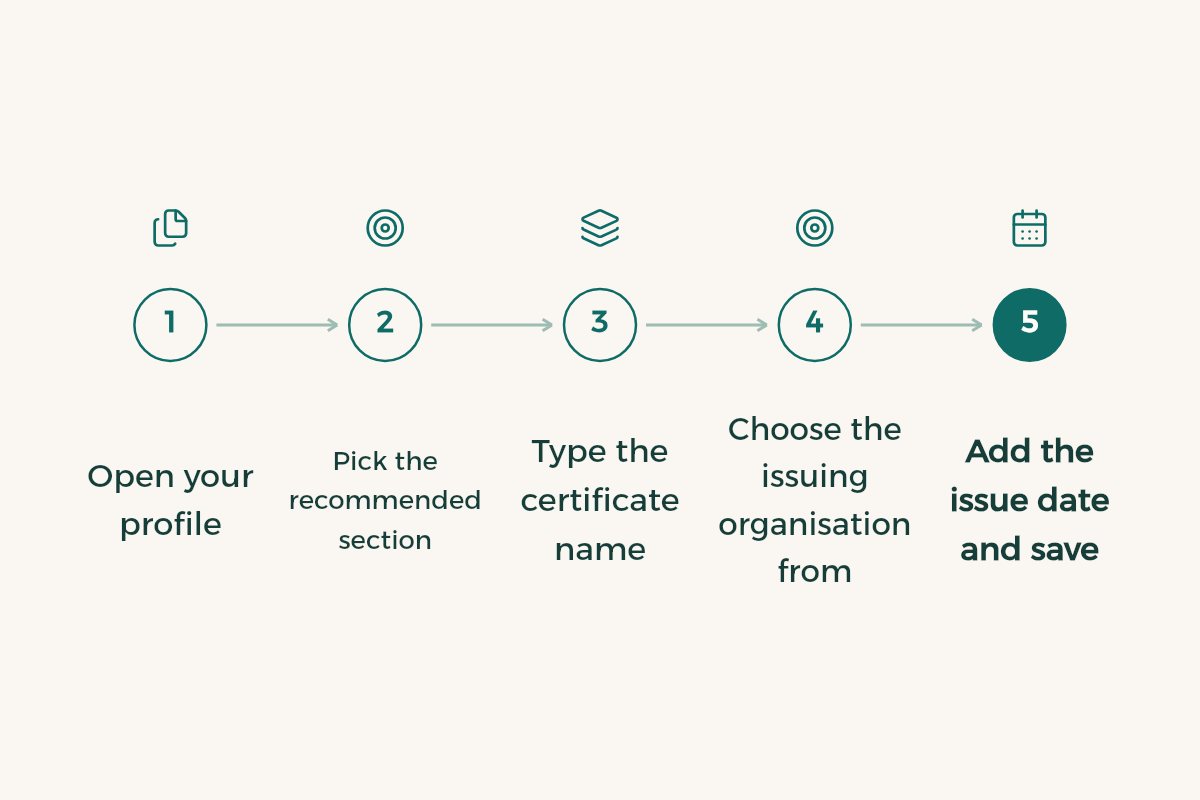
- Open your profile
On the app tap your photo, then View profile; on the web choose Me > View profile.
- Add the section
On the app: Add section > Recommended > Add licenses and certifications.1 On the web, the Add profile section button on your profile leads to the same form.
- Type the certificate name
Copy it from the certificate exactly, without shortening it.
- Pick the issuing organisation from the menu
Start typing and select it when it appears; the organisation you select is the one whose logo shows beside the certificate.1
- Add dates and the credential ID
Issue date, expiry date if it has one, and the credential ID and URL if they exist.
- Save and check the public view
Open your profile as a visitor sees it and confirm the logo and name are there.
To change an entry later, open Licenses & certifications and tap the pencil icon next to it.1 Some partner providers email you after you finish a course to start the process for you, so open that email before you delete it.
How do I add a LinkedIn Learning certificate to my profile?
From Learning History, not by typing it into the certifications section.2 On the web, go to My Library > Learning History, click the More (...) menu next to the course, choose Add to profile and confirm. On the app: My Courses > Learning History > See all, then Add to profile.
The same pop-up shows the skill linked to the course, and you can unselect it if you do not want it. If your profile already lists more than 100 skills, no new skills are added.2 You can also download the certificate as a PDF for formal applications; more in the LinkedIn Learning guide.
Why doesn't my certificate show on LinkedIn?
Usually because the course is not complete in the platform's eyes. No certificate of completion is issued until you watch every video in the course or learning path, and none is issued for collections or individual videos.2
| Problem | What to do |
|---|---|
| Course shows as incomplete | Look for a video without the green checkmark and watch it to the end. |
| Finished, but no Add to profile option | Refresh the page, or clear your cache and cookies and try again.2 |
| Certificate shows no logo | Edit it and pick the organisation from the menu. |
| Skill was not added | Count your skills; the limit is 100. |
| Video collection, no certificate | Collections never get one. Take a full course or path. |
Should I share the certificate in a post?
The Add to profile pop-up offers to share the certificate with your network, and sharing is optional.2 Share the ones that matter for your major, such as a professional certification that took you two months, with two lines on what you learned. Posting every short course turns your feed into a notice board that recruiters scroll past. If a certificate was issued in Arabic, by a Saudi platform such as Doroob or Satr, keep its official name rather than inventing an English one.
Are LinkedIn Learning certificates accredited?
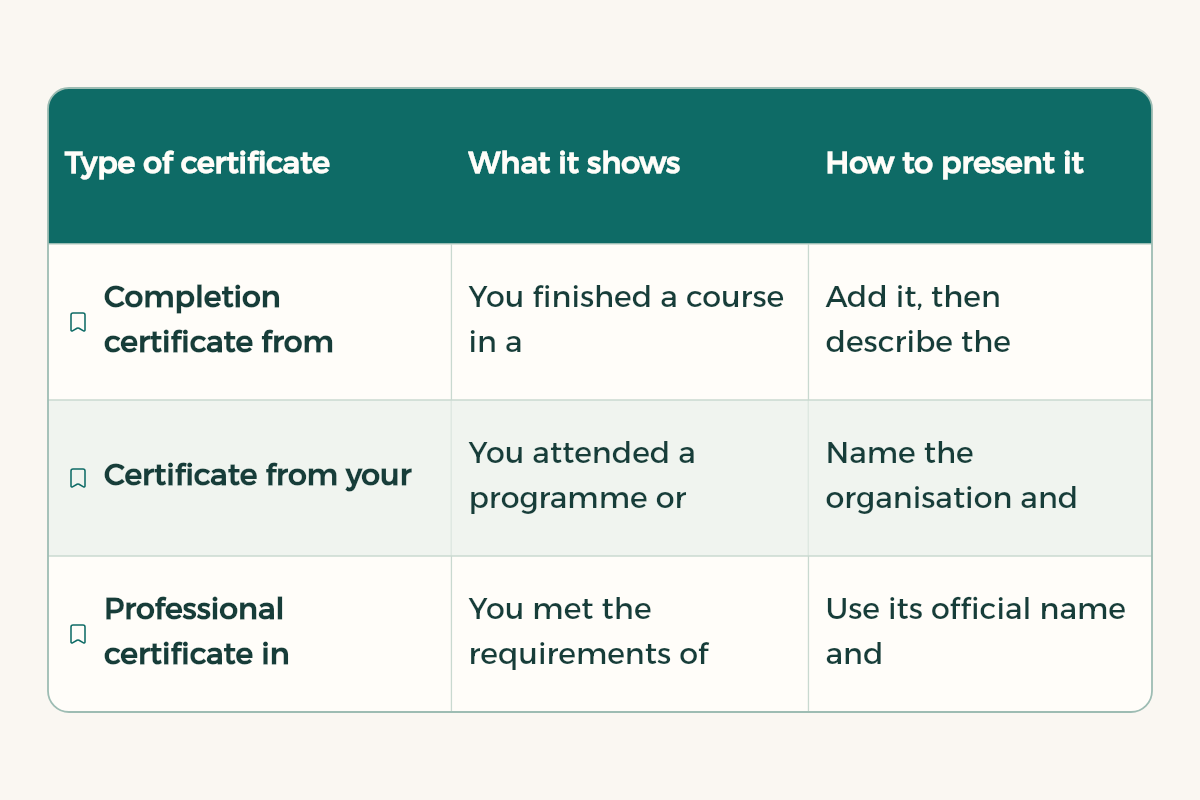
They are certificates of completion that show you finished a course, not academic or professional accreditation. In Saudi Arabia the word has a sharper meaning. The Human Resources Development Fund (Hadaf) keeps a list of internationally recognised professional certifications and supports 268 of them.4 It reimburses Saudi nationals, employed or job seekers, for a certificate on that list obtained after its approval date, up to two certificates per person, paid to their bank account; membership fees are not covered.3
So when an ad says "accredited certificate", ask: accredited by whom? For free courses that end in a certificate, compare the options in free courses with certificates.
Which certificates should I add?
- Ones that support the internship or job you are applying for now.
- A certificate you can explain with a project, because the interview will ask.
- Professional certifications under their full official name, with the credential ID.
- That one-hour course you remember nothing from can stay off.
What mistakes do students make when adding certificates?
- Typing the issuer by hand, so there is no logo.
- A shortened name that does not match the certificate.
- Adding an unfinished course, so the verification link does not work.
- Calling a certificate "accredited" without checking with the issuer.
- Leaving an expired certification up without updating it.
Then review the rest of your profile with the LinkedIn profile review, and if you keep it in two languages, follow LinkedIn in Arabic and English. Copy the same certificates into your student CV in the same order.