By the tiswa editorial team, from the official sources listed at the end of this guide. How we write our guides
Learn HTML and CSS and you will see your work on screen within the first hour. HTML is a markup language that builds a page's content: headings, paragraphs, images and links. CSS is a style sheet language that decides how that content looks: colours, fonts, spacing and layout. Neither is a programming language in the full sense, which is exactly why they make an easy start. Once you have them down, JavaScript adds interactivity.
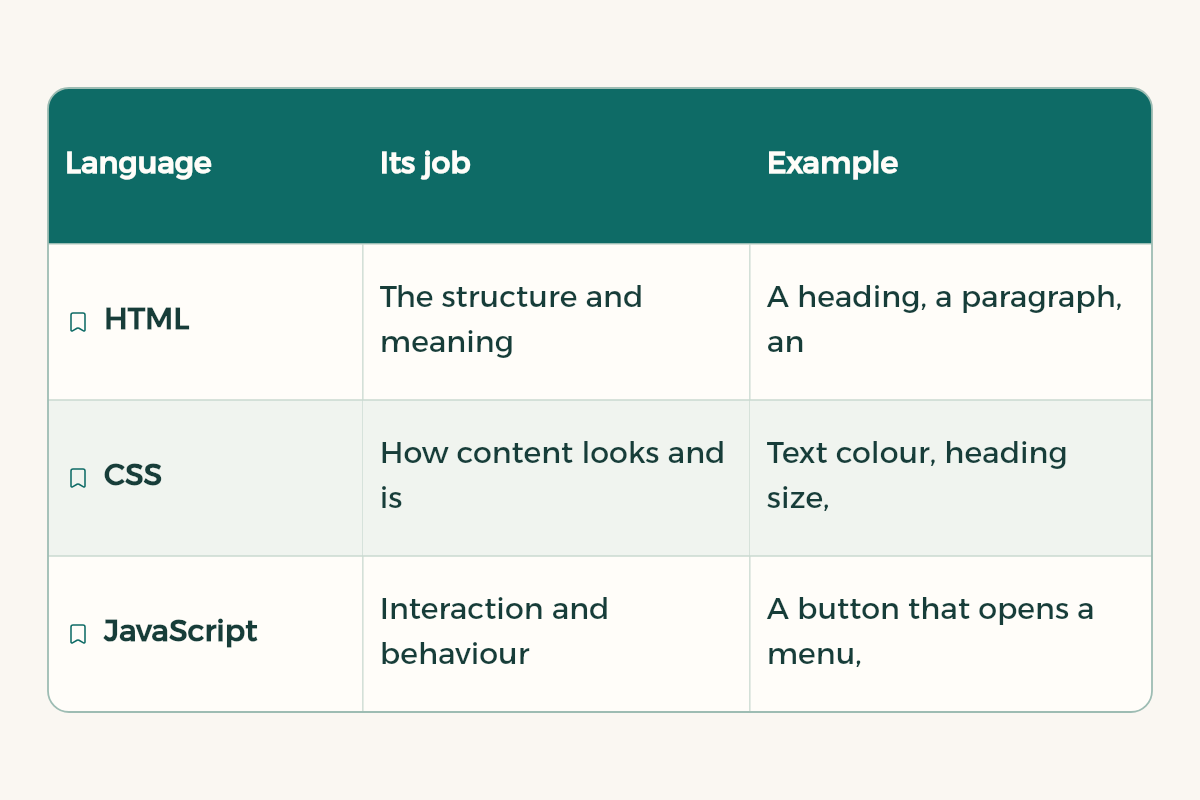
The trio behind every website
| Language | Its job | Example |
|---|---|---|
| HTML | The structure and meaning of content | A heading, a paragraph, an image, a list, a link |
| CSS | How content looks and is laid out | Text colour, heading size, items side by side |
| JavaScript | Interaction and behaviour | A button that opens a menu, a form that checks input |
Where to learn for free
- MDN's Learn web development: a structured set of tutorials from Mozilla that teaches the essentials of front-end development, with challenges and further resources. It starts with a "Your first website" module, then HTML, CSS basics, layout and JavaScript.
- Satr: in Arabic and completely free, and its FAQ lists HTML, CSS and JavaScript among its web development courses.
- For the bigger picture of programming before you choose, read how to learn programming from zero.
What you need
MDN says you should be comfortable with your operating system, the file system and browsing the web, and have a code editor and several browsers installed. So an ordinary laptop is enough, plus a free code editor and two browsers, such as Chrome and Firefox, to check your site looks right in both.
Your first page, step by step
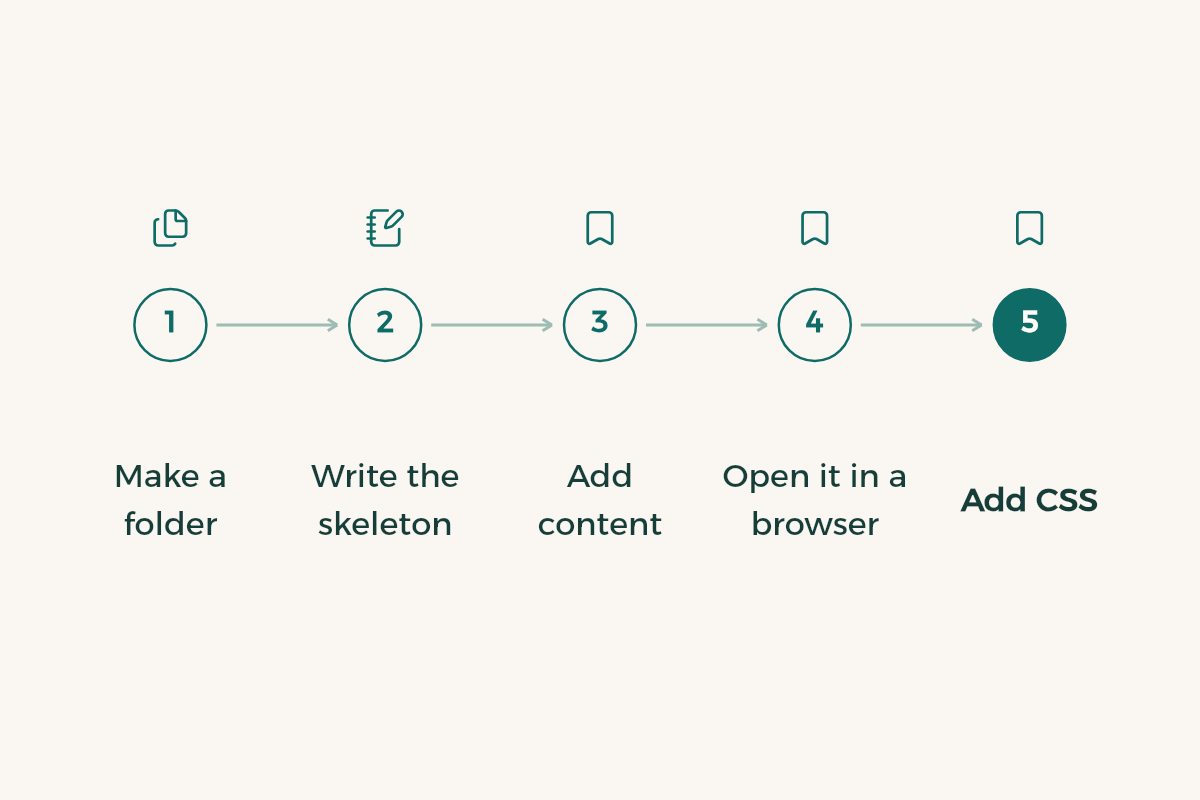
- Make a folder
Create a folder called my-site with a file called index.html inside. That is the name of the home page on most websites.
- Write the skeleton
Open the file in your editor and write the basic HTML structure: an html tag containing head and body. Put the page title in head and your content in body.
- Add content
Write an h1 heading with your name, a p paragraph introducing yourself, a ul list of your skills, and an a link to your LinkedIn.
- Open it in a browser
Drag the file into your browser and look at the result. Every time you edit and save, refresh.
- Add CSS
Create style.css in the same folder and link it from head with a link tag. Try a rule that turns paragraphs red. If the text turns red, your CSS is working.
- Style it
Change the font, colours and spacing, and centre the content at a comfortable reading width.
An Arabic site? Make it right to left
If your page is in Arabic, add lang="ar" and dir="rtl" to the html tag. The first tells browsers and screen readers the language is Arabic, and the second sets the direction to right to left. If your site is bilingual, give each language its own page with its own attributes. In CSS, use properties like margin-inline-start instead of margin-left, so your layout flips correctly between Arabic and English.
Habits that keep your code tidy from day one
- Use tags for their meaning: one h1 for the main title, h2 for sections, p for paragraphs and button for buttons. It helps screen readers and search engines.
- Give every image alt text that describes it, because someone who cannot see the image hears the description.
- Keep all styling in your CSS file, not inside HTML tags.
- Name classes after what they do, such as card or site-header, not after colours.
- Test your page at phone width in your browser's developer tools, because most people will open it on their phone.
Publish your site for free
GitHub Pages is a static site hosting service: it takes HTML, CSS and JavaScript files from a GitHub repository and publishes them as a website at an address like yourname.github.io. It is available for public repositories on the free plan. Upload your my-site folder to a repository and turn on Pages in the repository settings. If you are new to GitHub, start with GitHub for beginners.
Three projects to build your skills
- A page about you: your name, major, skills and links. It becomes the core of your portfolio.
- A page for a student club or an event at your university: title, description, date and a sign-up button.
- A copy of a page you like: pick a simple page and rebuild it from scratch without looking at its code. It is the best layout exercise there is.
When you want feedback on your code, use this template with any AI assistant:
I am learning HTML and CSS. Here is my page's code: [paste HTML and CSS]. Review it like a teacher: tell me three things I did well and three things to improve in structure, styling and accessibility, with one sentence on why for each. Do not rewrite the whole page, I want to fix it myself.
After HTML and CSS
The natural next step is to learn JavaScript so you can add interactivity. If you enjoy the look and experience side more than code, see learn UI and UX design. Design tools like Figma and Canva have student offers, covered in free software for university students.