By the tiswa editorial team, from the official sources listed at the end of this guide. How we write our guides
A digital media student in Jeddah sent a link to a folder of fourteen files with unclear names, and wrote in her message that she was “passionate about content creation”. The recruiter opened two files and closed the folder. This example is illustrative, but the reason is familiar: anyone who receives dozens of applications has no time to dig through your work for what deserves watching. You choose, and you hand them what deserves it.
What is co-op training and what do digital media employers look for?
Co-op training is a term spent at a workplace within your study plan, and the Ministry of Human Resources and Social Development issued a decision and procedural guide on student training.1 What concerns your own university, such as hours, registration date and who supervises you, your department decides. Ask a semester ahead, since larger organisations take applications early.
Digital media employers look for concrete skills: writing for platforms, shooting and editing, planning content, and reading how posts performed. Nobody expects you to master all of it, but show what you did master clearly.
How do you link digital media courses to skills in your application?
| Course | Skill | Piece you show |
|---|---|---|
| Media writing | Short platform copy | A post and a short news item on one topic, in two registers |
| Shooting and editing | Producing a clip | A one-minute clip with two lines on cutting and audio choices |
| Content management | Planning a posting calendar | A two-week calendar for a real or imagined account, with a reason for each post |
| Digital design | A simple identity | One page of colours, fonts and three applications |
| Audience analysis | Reading performance | A one-page summary for an account you know: what worked, what you would change |
This table shows how to link. If you did not take one of these courses, do not show its piece; choose what you actually studied.
How do you package your portfolio on one page?
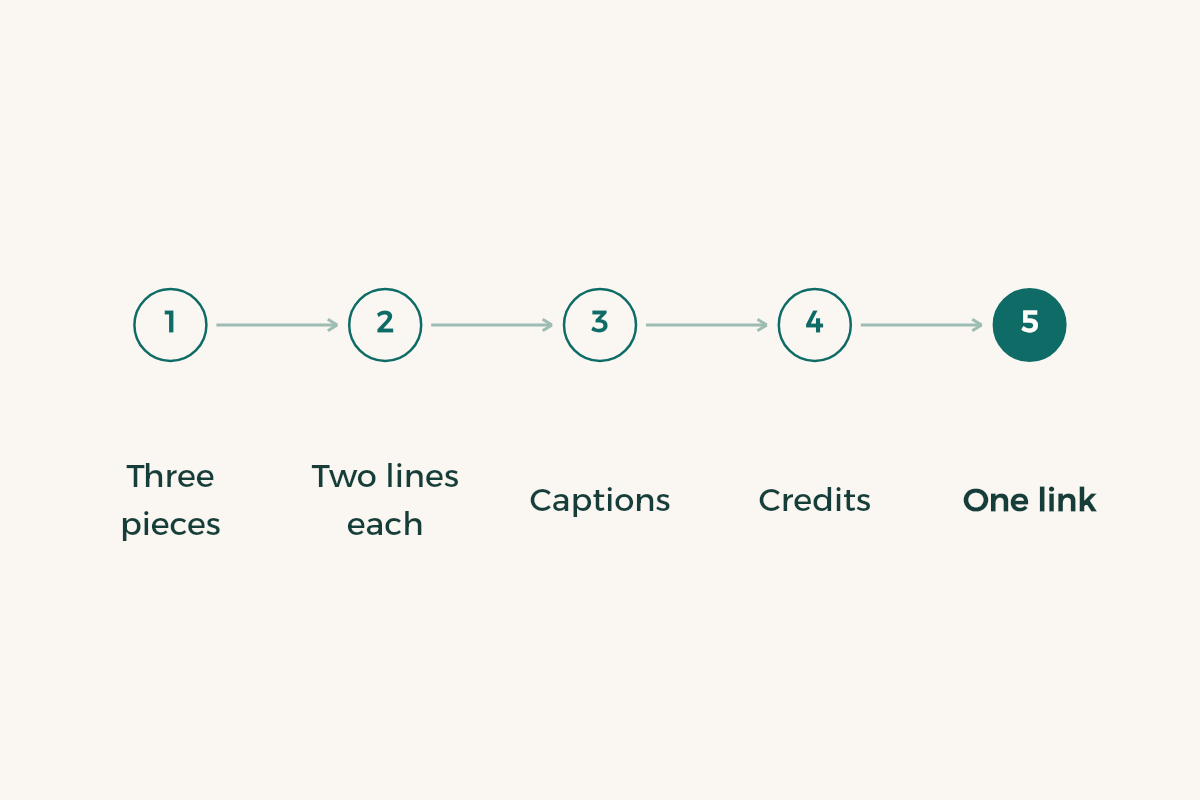
- Pick three pieces of different kinds
A text, a clip, and a design or a calendar. Variety shows your range quickly.
- Write two lines under each
The first states the goal: who it was for and why. The second states the hardest decision: why you cut that scene or changed that headline.
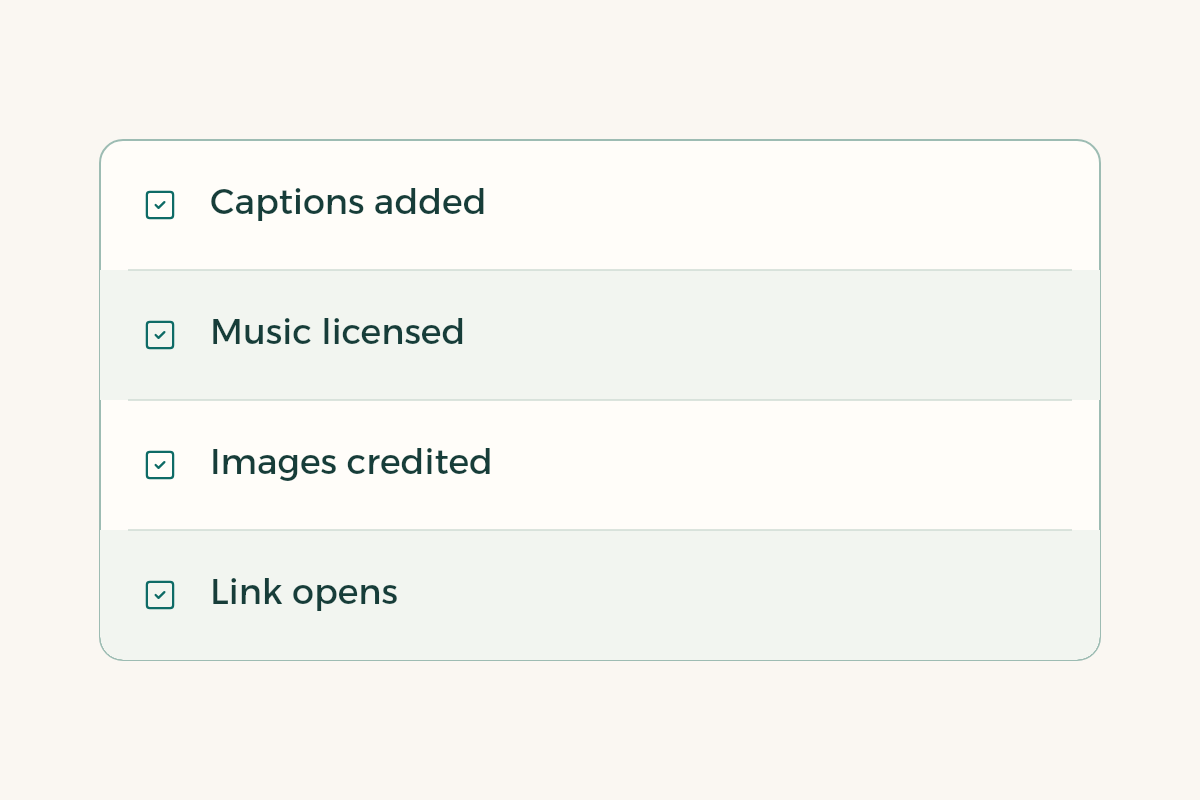
- Add written captions to video
The international accessibility guidelines call for text alternatives and captions for visual and audio content.2 It also shows you care about detail.
- Credit every image and sound
What you made, what you licensed, what you asked permission for. The Saudi Authority for Intellectual Property is the body responsible for copyright in the Kingdom.3
- Keep it to one link
A single page that opens without a login. Test it on a friend’s phone before you send it.
If your portfolio is thin, make a small piece rather than wait. Pick a university event or a club, and produce a short clip and two posts for it, with the owner’s permission. That gives you real work with an audience and a context.
How do you write a piece into your CV?
State what you made, its purpose and where it ran, and add a number if you have one. For the wording, think “produced a one-minute clip for a campus event, wrote its captions, and it ran on the club account”. Replace that with what you did. See the guide to student CVs for layout and the guide to building a portfolio for showing the work.
What weakens a digital media co-op application?
A long, unordered folder weakens it first. Then a cover note that says you are creative with no example. Then clips that use music or images you have no right to, which signals indifference to detail, and in this field it is a detail you cannot skip. A fourth mistake is links that do not open: a recruiter who clicks twice and sees nothing moves to the next application.
A less discussed mistake is sending every organisation the same message. Read the organisation’s accounts first and look at the kind of content it posts, how long its clips run and how it sounds. Then write two sentences on what you liked and what you would add. Someone who seems to know the place they are aiming for earns trust before the recruiter sees any work.
How do you use the training term well once you are accepted?
Record what you produce each week in one file, with the link and a screenshot of the result. You will need it for the co-op training report and for your next portfolio. Ask your supervisor to let you show at least one piece, and ask before publishing anything that belongs to the organisation. For rights, contract and pay see the guide to co-op training. If you are thinking ahead to your final year, read the guide to a digital media graduation project.
What will they ask in a digital media interview?
Interviews in this field repeat a few questions. First: why did you choose this piece from your work? The answer is the goal line you wrote beneath it. Second: what would you change if you made it again? An honest answer raises your standing, such as shortening the opening or starting with the strongest line. Third: how long did it take and with which tools? Know the answer in hours and software. Fourth: who watched it and what happened? If your piece had no audience, say so, and say how you would put it in front of a real one.
Write the answers on a small card and rehearse for ten minutes with a classmate playing the recruiter. You will be surprised how much your answer changes when you say it aloud. Someone with a specific answer to each question looks like they really worked on what they show, even if there is not much of it. And if they ask about a tool you have not used, say so, add that you are learning it, and say how long you need to be competent. In Riyadh, Jeddah and Dammam the format varies between a short call and a live walk through your work, so ask about it beforehand.