
PSU · university email
How to activate your Prince Sultan University email
Prince Sultan University student emails end in @psu.edu.sa. The steps below come from the university's official pages, with the login and password reset links, and what the email opens for you after.
@psu.edu.sa
Your Prince Sultan University email ends in @psu.edu.sa, and the address is studentID@psu.edu.sa. The university runs it on Gmail (Google Workspace).
From the university
Activate and log in
As the university explains it on its official pages.
- Update your password at myaccount.psu.edu.sa with the details the activation guide gives, then choose change password.
- Sign in to Gmail with your student ID followed by @psu.edu.sa and the new password.
Official links
After you activate it
What your PSU email opens
On tiswa you verify once that you study at Prince Sultan University, and student prices open on devices, software, subscriptions, fashion and care, delivered across Saudi Arabia. Free.
Picked for PSU students
 FigmaFree

 GitHubFree

 71% offAdobeSAR 86.17

 57% offAliExpressFrom SAR 12

 31% offHuaweiFrom SAR 399

 30% offTORRASFrom SAR 38TORRAS official store
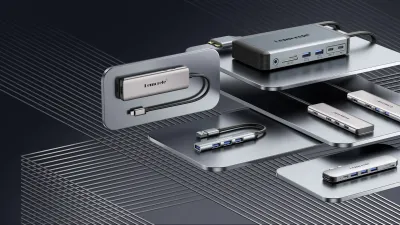
 20% offLemoreleFrom SAR 31Lemorele official store

 10% offCASETiFYFrom SAR 239.40
Questions
What is the Prince Sultan University email?
Prince Sultan University student emails end in @psu.edu.sa: studentID@psu.edu.sa. The university issues it to its students.
How do I log in to my Prince Sultan University email?
With the official login link below, on Gmail (Google Workspace), using your university account. Log in to your email
What can I do with my PSU email?
Your courses and university services, and many student programs ask for it. On tiswa it confirms you are a Prince Sultan University student, and student prices open.
Does tiswa activate my university email?
No. Prince Sultan University issues and activates it on its own pages. tiswa only uses it to confirm you are a student.
Sources: psu.edu.sa/new-students-email-activation-instructions · psu.edu.sa/pdf/student-email-activation-en.pdf
tiswa is not affiliated with Prince Sultan University. The steps come from the university's official pages; if they change, the university's page is the reference.

Your student price is waiting.
Join the free waitlist. We notify you at launch; then verify as a student and access the deals under their terms.